01
Track every dollar, effortlessly
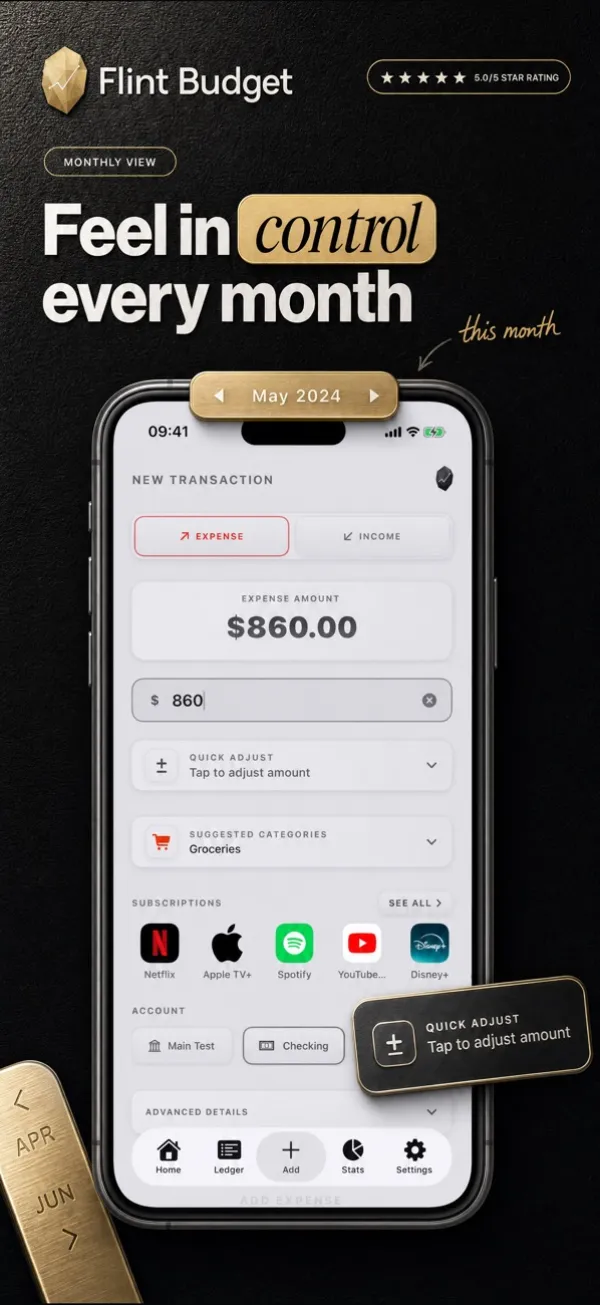
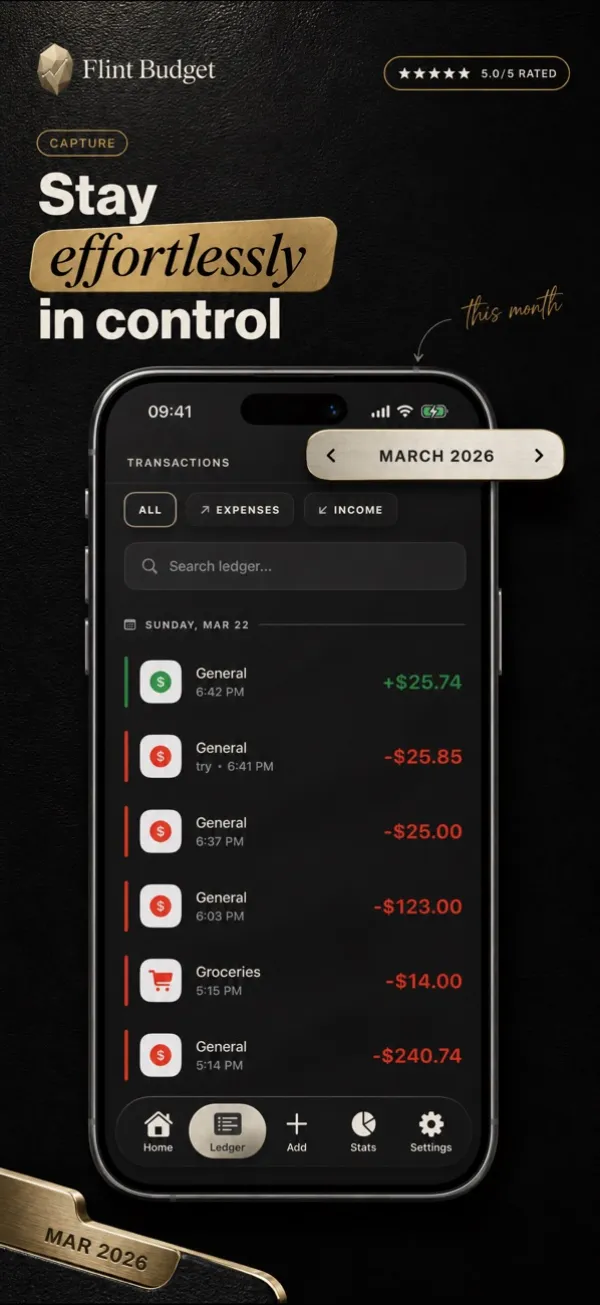
Add expenses and income in seconds. Pick a category, enter an amount, done. Quick entry means you'll actually use Flint every day, not just the first week.

Finance
Expense tracker & bills
Turn money into progress.
Flint is the expense tracker that makes managing your money feel good. A real subscription catalog, a per-account budget gauge, and a tactile design with textures, depth, and metallic surfaces. Every dollar, accounted for.


Features
01
Add expenses and income in seconds. Pick a category, enter an amount, done. Quick entry means you'll actually use Flint every day, not just the first week.
02
Track cash, credit cards, debit cards, and savings accounts separately. Each account has its own balance, transaction history, and optional monthly budget.
03
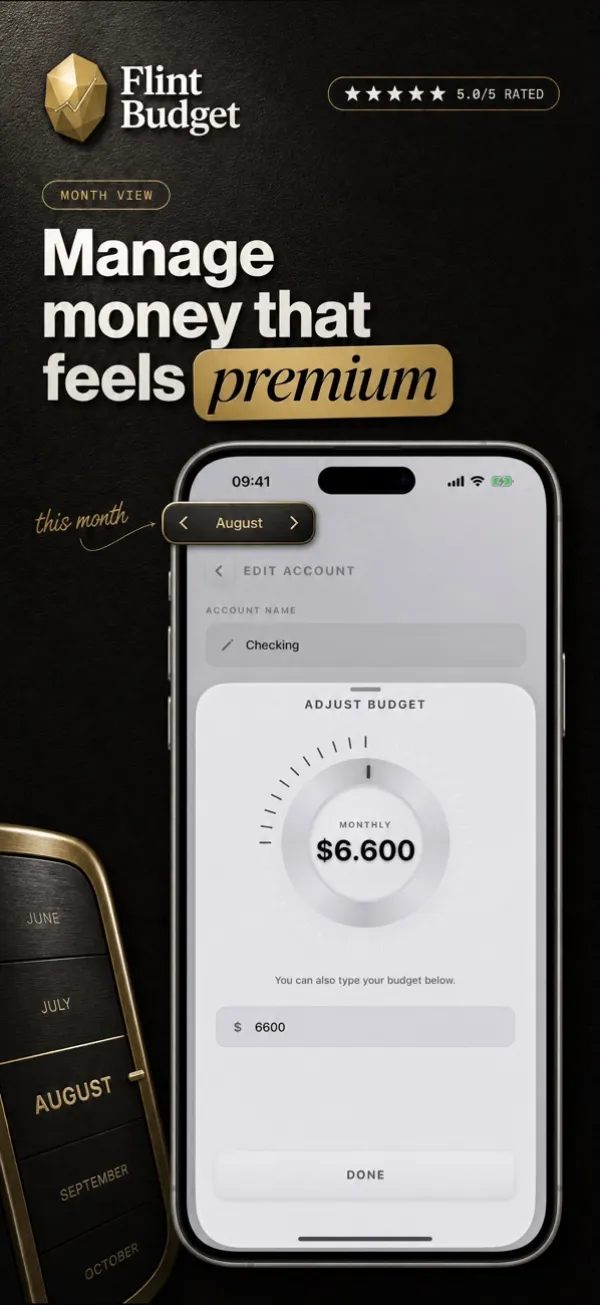
Set monthly spending limits for each account independently. The gauge ring shows budget usage in real time, so you always know where you stand before your next purchase.
04
Flint catalogs weekly, monthly, and yearly subscriptions with due-date calculations and monthly equivalent breakdowns. Streaming, gym, cloud storage, software: see where your recurring money goes, on one screen.
05
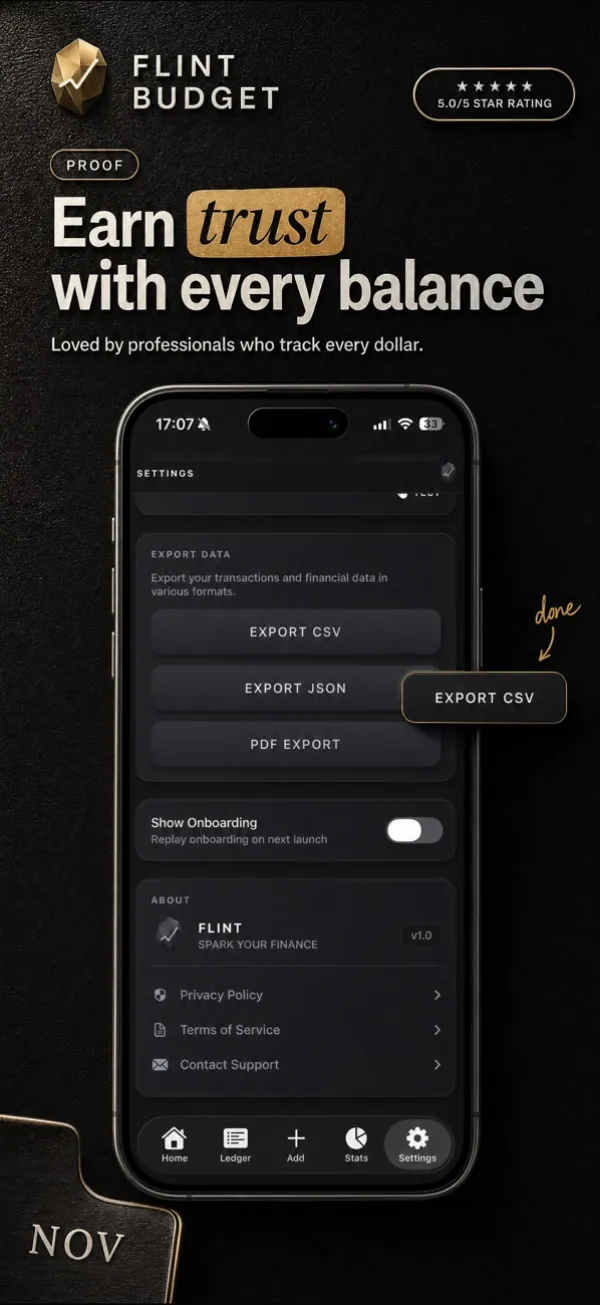
Generate PDF financial reports, export to CSV for spreadsheets, or create full JSON backups of all your data. Great for freelancers, tax season, or sharing with a financial advisor.
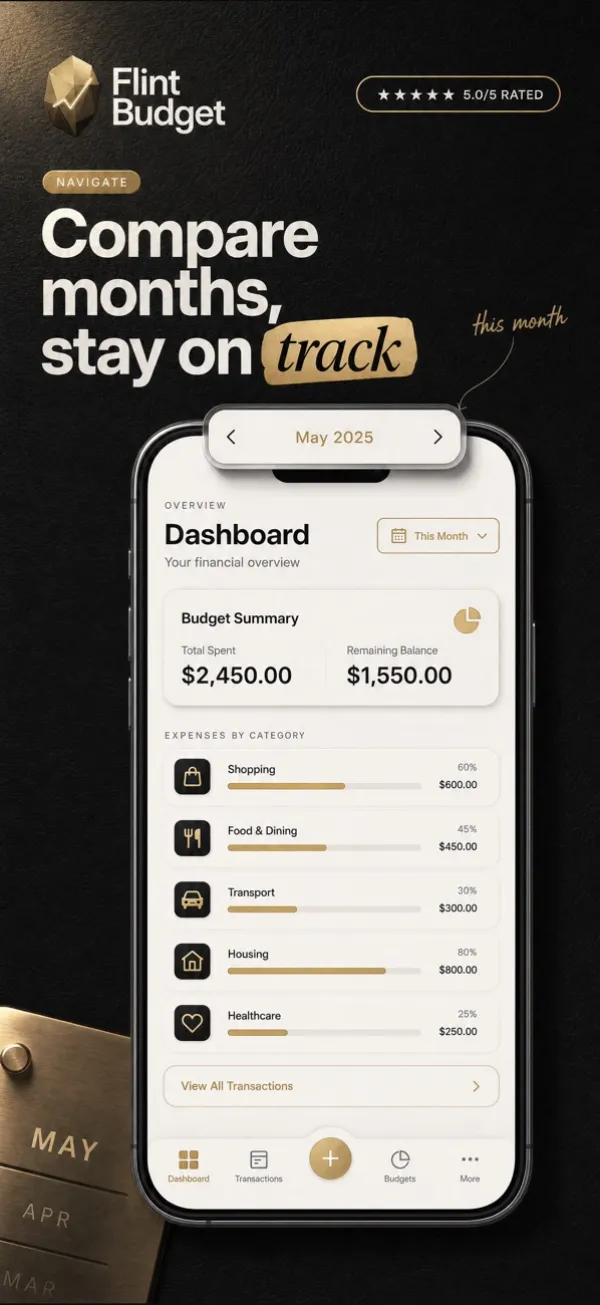
Understand your spending across week, month, quarter, and year. Bar charts break down trends, your top categories are ranked by percentage, and net income shows whether you're in the green.
Quick Add, a 7-day expense chart, a monthly budget gauge, an account card with recent transactions, income vs. expense stats, and two Lock Screen widgets for your balance and daily spending.
From USD and EUR to JPY and BRL, with locale-specific formatting. Travel or relocate without switching apps.
Frost Steel, Rose, Turquoise, and Indigo. Each theme is a complete rethinking of the interface, not just a color swap.
All your financial data lives on your device. No bank connection, no cloud servers, and no analytics or third-party trackers.
FAQ
Flint offers a free tier with core expense tracking and budgeting. Premium features including data export (CSV, JSON, PDF), advanced analytics, additional themes, and home screen widgets are available through an optional subscription managed by Apple.
No, and that's by design. Flint never connects to your bank, never requests credentials, and never accesses your accounts. You enter transactions manually, which also builds better spending awareness.
On your device. Flint has no servers and no cloud infrastructure. Your financial data never leaves your iPhone unless you explicitly export it.
Flint Premium exports to CSV for spreadsheets, JSON for backups and automation, and formatted PDF reports for archiving or sharing.
No. There are no analytics, no telemetry, and no third-party SDKs collecting data. Read the Privacy Policy for details.
Flint is available for iPhone and includes Home Screen and Lock Screen widgets for at-a-glance budget monitoring.