Is SunDose free?
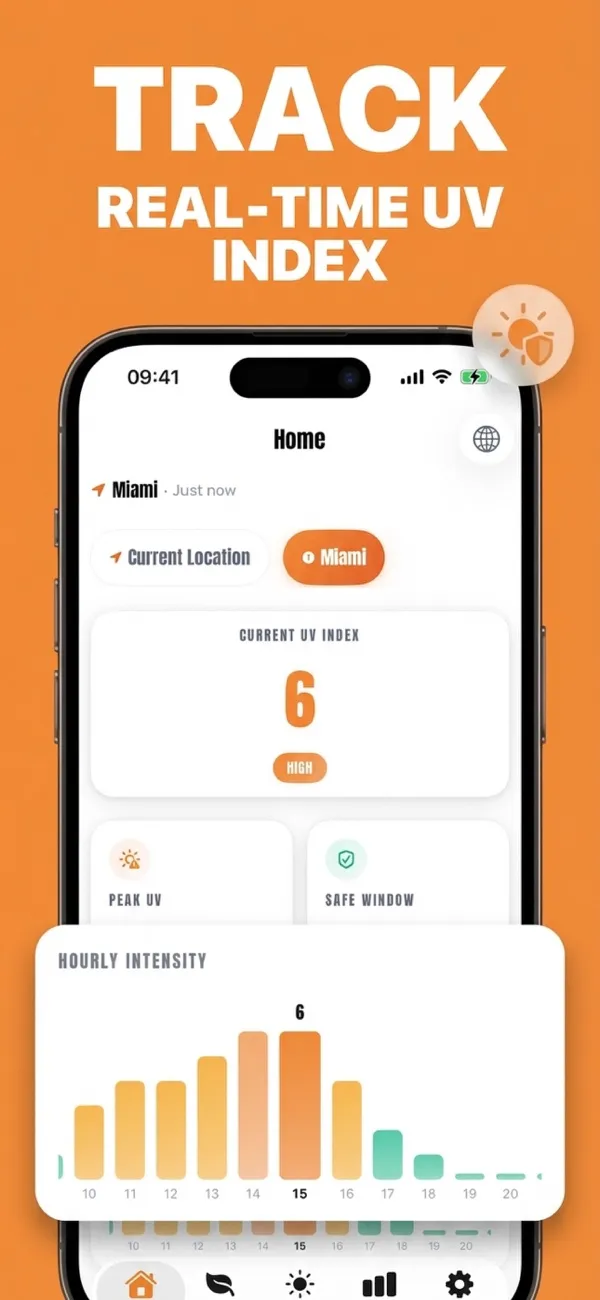
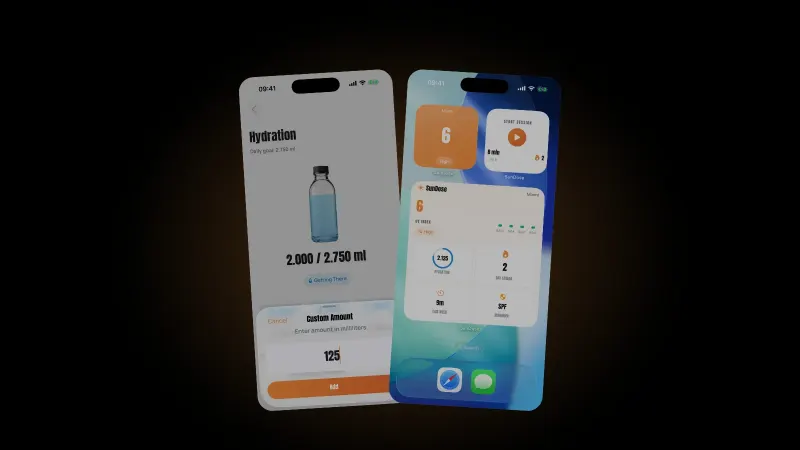
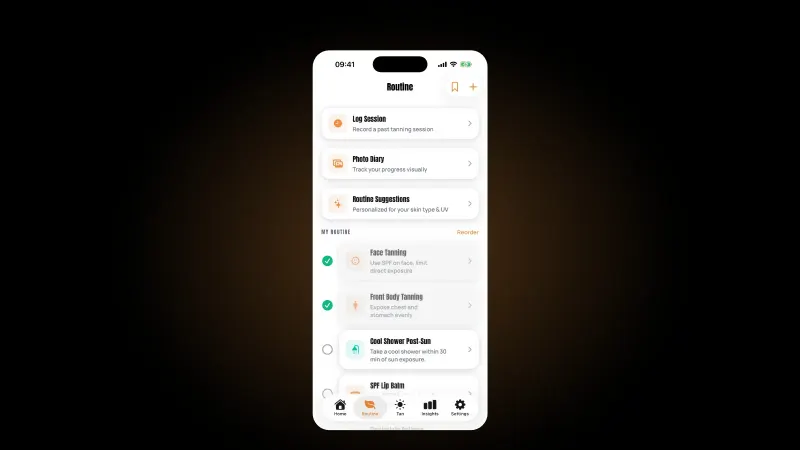
SunDose is free to download on the App Store, with optional premium tiers. The live UV index, hourly forecast and session timer work without a subscription. It is iPhone-only and your skin profile stays on your device.
What is a good UV index app?
One that reports the live index and hourly forecast accurately, and then helps you act on it. Reading alone is available free in most weather apps; the value of a dedicated app is personalisation: skin type, SPF, reapplication timing and sensitivity adjustments.
At what UV index do I need sun protection?
The World Health Organization advises sun-protection measures from UV Index 3 and above. That threshold is the same regardless of temperature, season or how bright the day looks.
Does cloud cover lower the UV index?
Less than most people expect. The EPA puts UV transmission at 89% under scattered cloud and 73% under broken cloud. Only fully overcast skies make a substantial difference, cutting transmission to about 31%.
Does the iPhone have a built-in UV index?
Yes. The built-in Weather app shows a UV Index figure and hourly forecast from Apple WeatherKit. It tells you what the UV is; it does not turn that into an exposure plan for your skin type, your SPF or your medication.
How long can I stay in the sun?
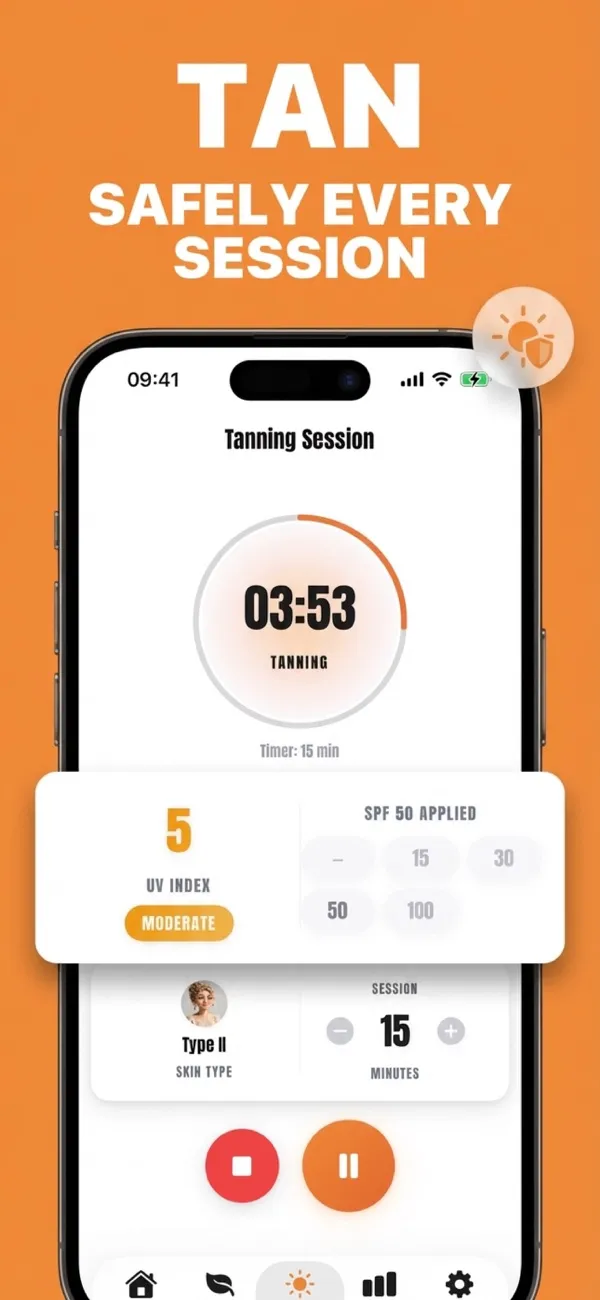
There is no single safe number. It depends on your skin type, the UV index, the SPF you applied and any photosensitising medication. SunDose calculates a session length from your own profile rather than applying a generic figure to everyone.
How often should I reapply sunscreen?
The American Academy of Dermatology recommends reapplying at least every two hours, and more often after swimming or sweating. SunDose ties that prompt to the running session so it arrives during exposure rather than at a fixed time of day.
How much sunscreen should I use?
Sunscreen is tested at 2 mg per square centimetre, which works out to roughly one ounce, about a shot glass, for a full adult body. The Skin Cancer Foundation notes most people apply only a quarter to a half of that.
Does a higher SPF mean I can reapply less often?
No. A higher SPF does not extend the reapplication interval; the two-hour guidance and the after-swimming rule are unchanged. Applying enough, and topping up on schedule, matters more than the number on the bottle.
What is a Fitzpatrick skin type?
A six-point classification of how skin responds to sun, from type I (always burns, never tans) to type VI. Type II burns easily and tans minimally. Types I and II together make up roughly 35% of the US population.
Does the timer keep running if I lock my phone?
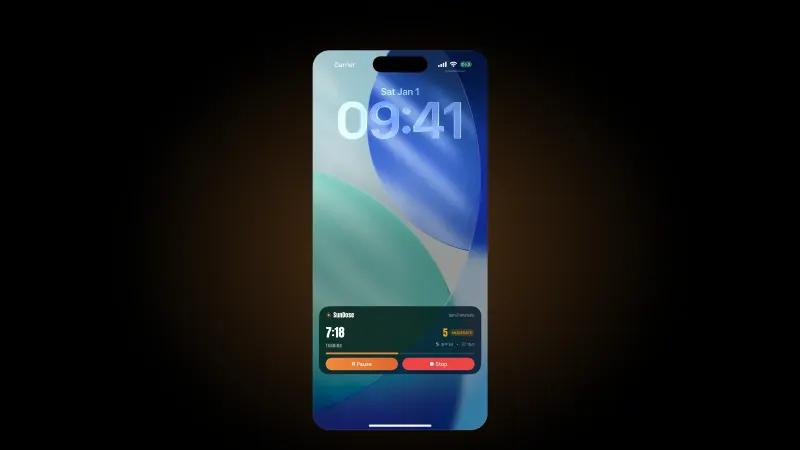
Yes. The session appears as a Lock Screen Live Activity, so you can see the countdown and pause or stop it without unlocking the phone or opening the app.
Does SunDose work offline?
The UV index and hourly forecast need a connection to fetch current data for your location. The session timer, your skin profile and your logged sessions live on the device and continue to work.
What does a UV tracker actually measure?
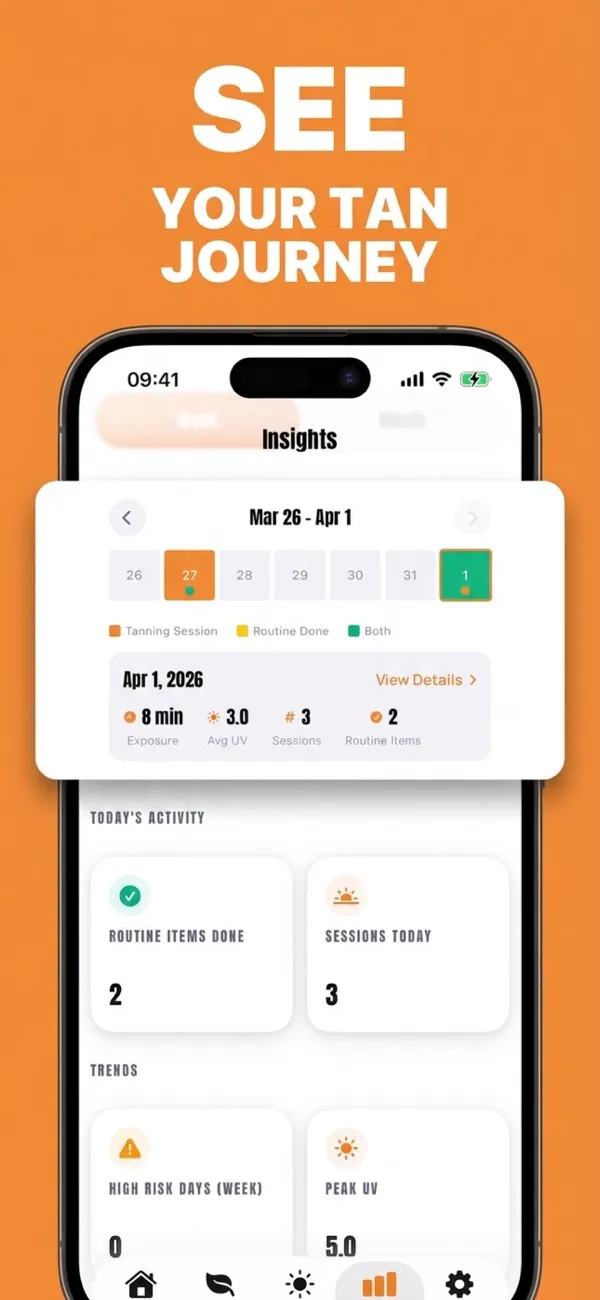
SunDose records the duration of each logged session together with the UV index reported for your location at the time, then aggregates those into totals and averages. It is a record of reported conditions and time, not a physical dosimeter reading from your skin.
Do I need a wearable UV sensor?
Not for this. SunDose uses forecast UV data for your location combined with the sessions you actually run. A hardware dosimeter measures incident UV directly, which is a different and more specialised tool.
Can I log a session I forgot to time?
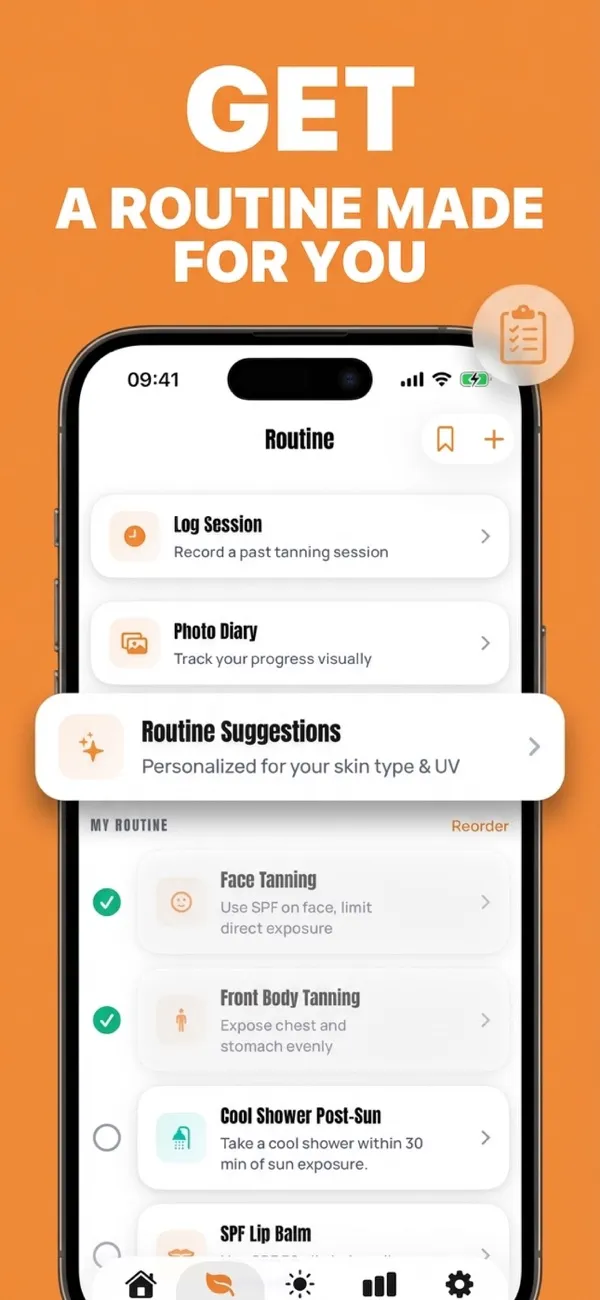
Yes. Sessions can be recorded after the fact, so a day you spent outside without starting the timer still counts toward your totals and your history.
Is SunDose only for tanning?
No. The timer and reapply reminders apply to any deliberate time in the sun: gardening, running, a day at the beach or a long walk. The app also works purely as a UV index and exposure tracker if you never start a session.
Is my exposure history private?
Your skin profile and logged sessions stay on your device. SunDose does not sell profiles or track you across apps; the privacy policy sets out exactly what is and is not collected.
Is there an Android version of SunDose?
Not currently. SunDose is built natively for iPhone, which is what makes the Lock Screen Live Activity and widget behaviour possible.