01
Describe your brand
Enter your brand name and tell Elio about your vision. Pick your vibes, colors and art styles during onboarding, and get suggestions tailored to your brand.

Graphics & Design
AI logo maker
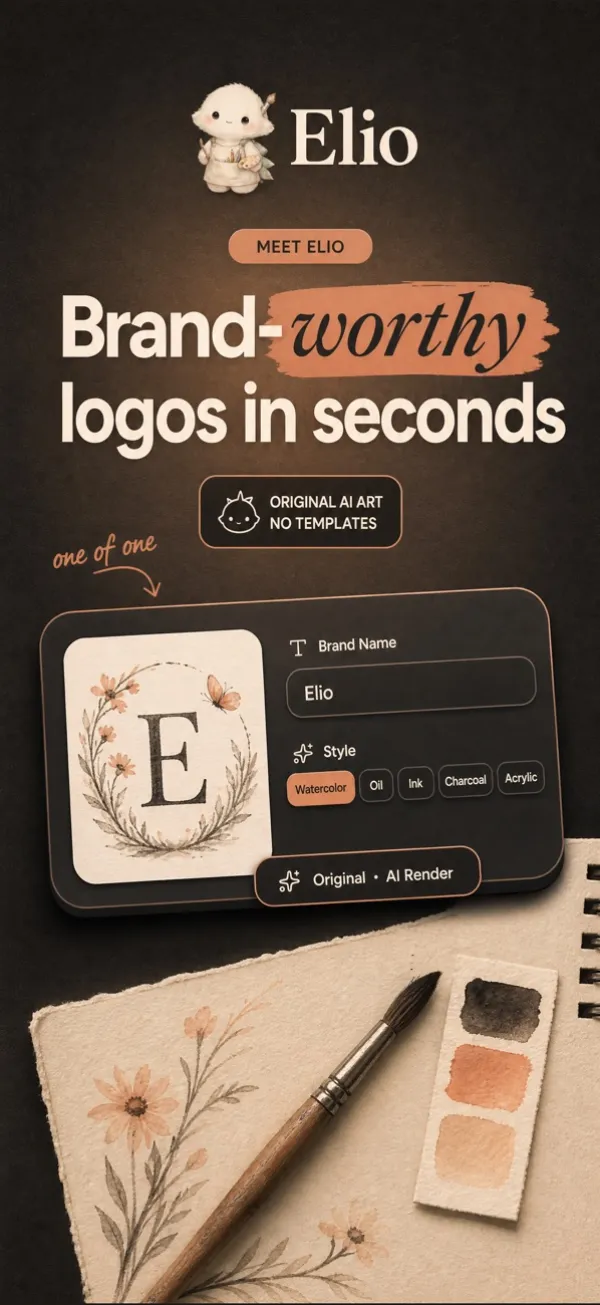
Brand-worthy logos in seconds.
Create stunning, one-of-a-kind logos with AI, no design skills needed. Type your brand name, choose a style, and Elio generates original artwork in seconds. Every logo is a unique creation, never a template.

Features
01
Enter your brand name and tell Elio about your vision. Pick your vibes, colors and art styles during onboarding, and get suggestions tailored to your brand.
02
Unlike template-based logo apps, Elio generates original artwork for your brand. Every logo is a unique creation.
03
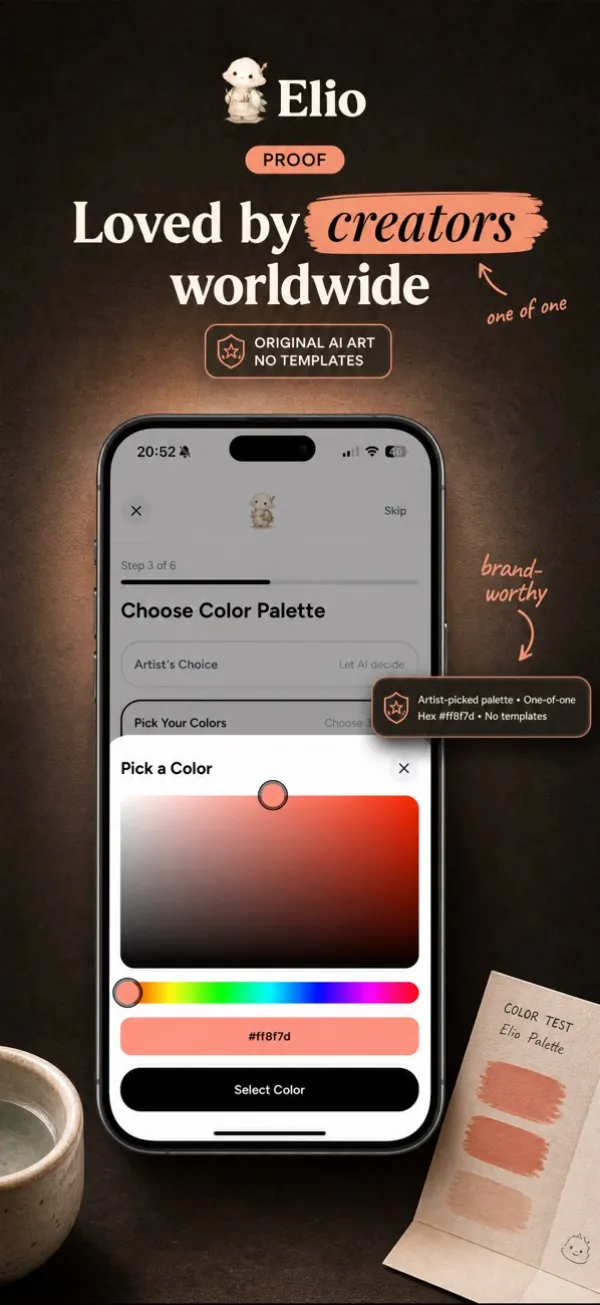
Set the palette that fits your brand before you generate, so every result already feels like yours.
04
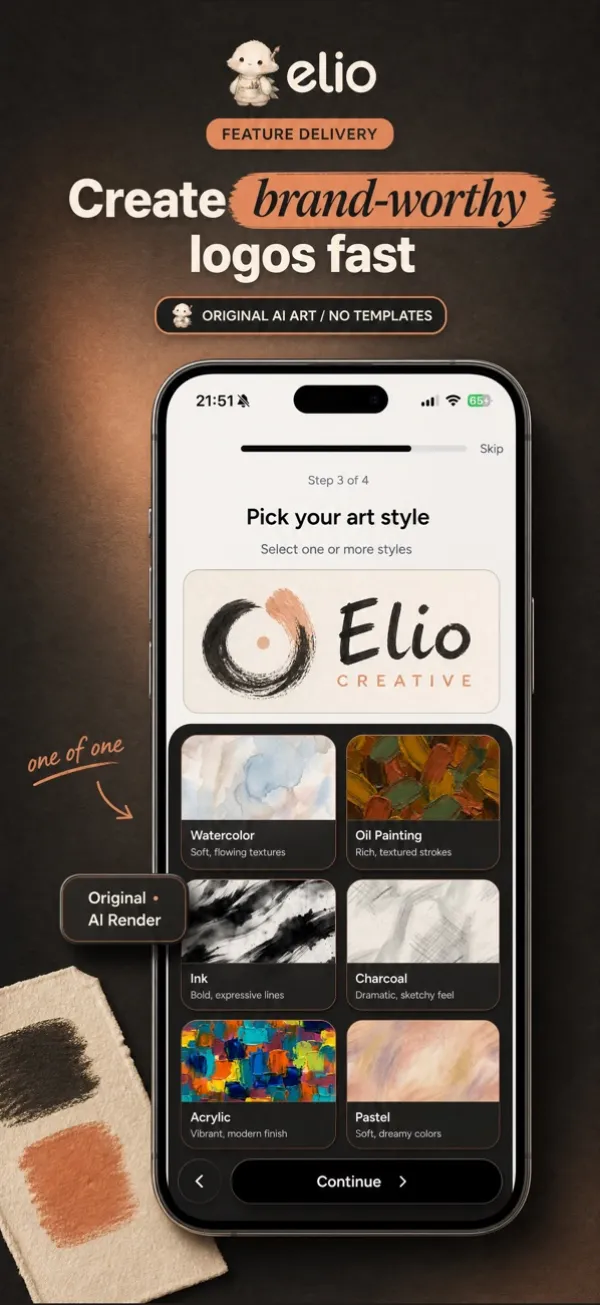
Each style produces a completely different aesthetic for your brand.
05
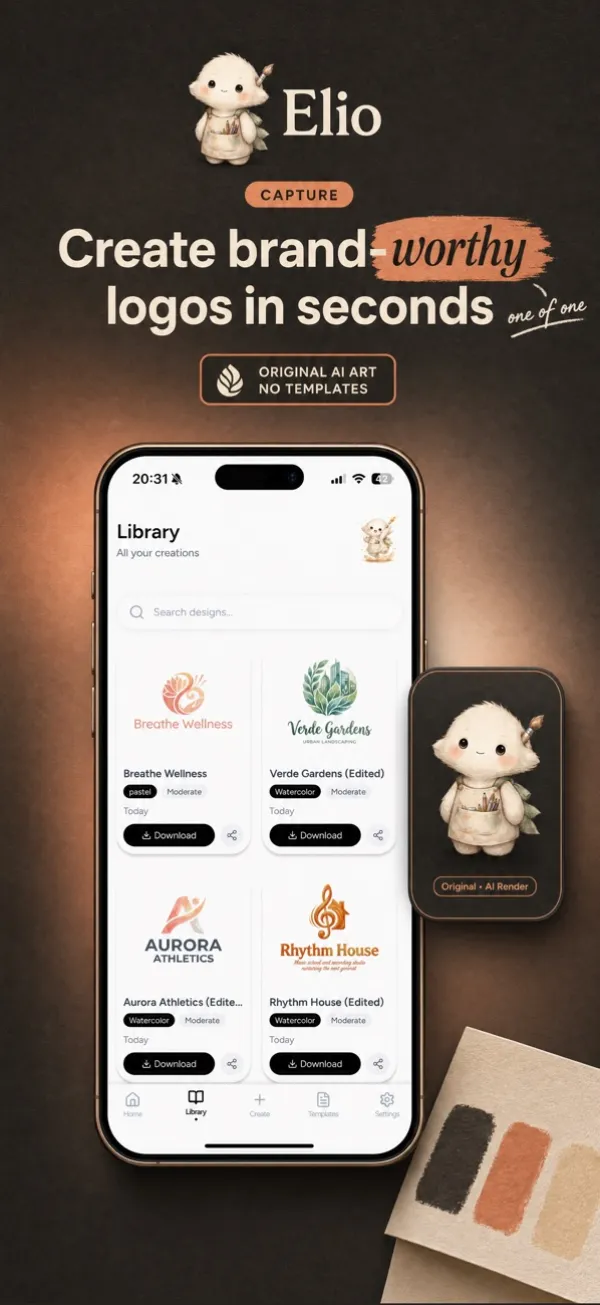
Every logo you generate is saved to your Library, so you can reopen, refine and export it any time.
Fast for exploring ideas in seconds, Balanced for more detail and refined compositions, and Premium for the finest, publication-ready detail.
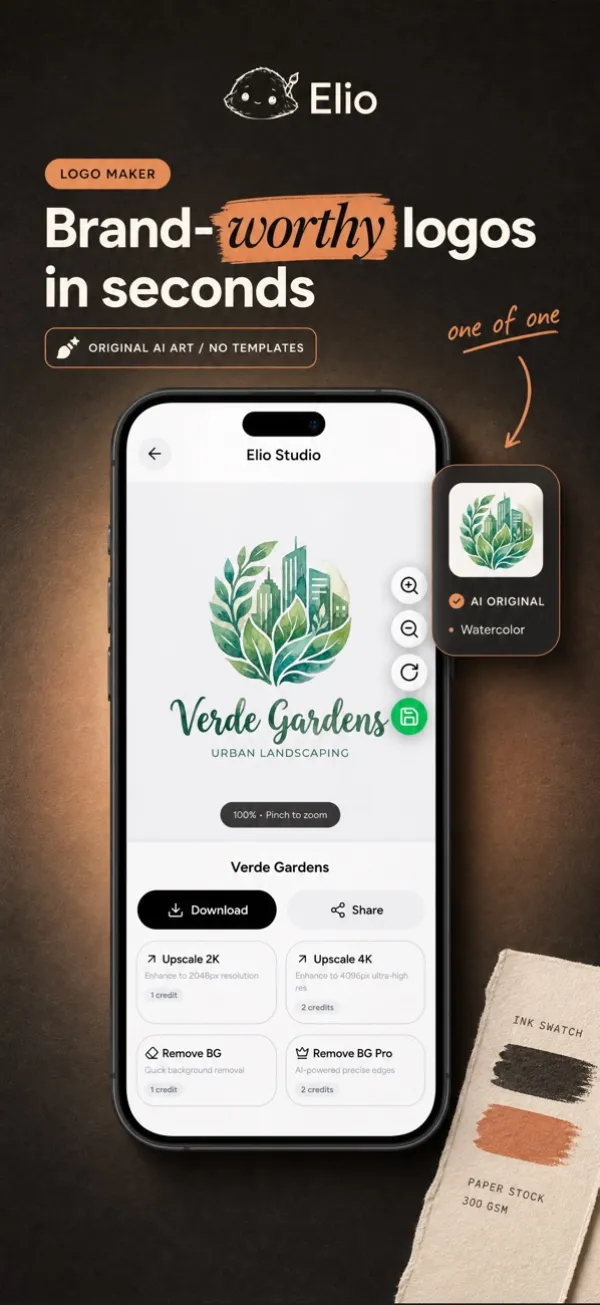
Enhance any logo after you generate it: remove the background for a transparent PNG, upscale to 2K or 4K, rotate and zoom, then download or share.
Export at 2048 px or 4096 px for business cards, stickers, merchandise, banners and signage.
Generation, background removal and upscaling use credits, and every action shows its cost before you proceed.
How it works
Enter your brand name and tell Elio about your vision. The AI understands context, mood and style preferences.
Choose an art style like watercolor, oil painting or charcoal, and pick your colors. Each creates a distinct aesthetic.
Get your high-resolution logo instantly. Remove the background, upscale to 4K and use it anywhere.
FAQ
Elio is an AI-powered logo design studio that creates unique, original logos for your brand. Enter your brand name, choose an art style and colors, and Elio generates artwork in seconds.
Every action in Elio costs a set number of credits, shown before you proceed. You start with free credits; a subscription adds a monthly allowance, and add-on credit packs never expire.
Fast generation 1 credit, Balanced 3 credits, Premium 6 credits, background removal 1 credit, upscale to 2K 1 credit, upscale to 4K 2 credits.
Free: 5 one-time credits. Weekly: 20 credits every 7 days. Monthly: 80 credits every 30 days. Yearly: 80 credits a month at the best value. Credit packs of 20, 50 or 120 credits never expire.
Go to Settings, then Buy Credits, to purchase add-on packs of 20, 50 or 120 credits. Add-on credits never expire and are used after your monthly allowance.
On iOS, manage your subscription through the App Store: Settings, then your Apple ID, then Subscriptions.
Go to Settings, then Delete Account. This permanently removes your account, all generated logos and your credit history.
Your generated logos are stored securely in cloud storage and are accessible only to you. Read the Privacy Policy for details.