01
Gentle reminders
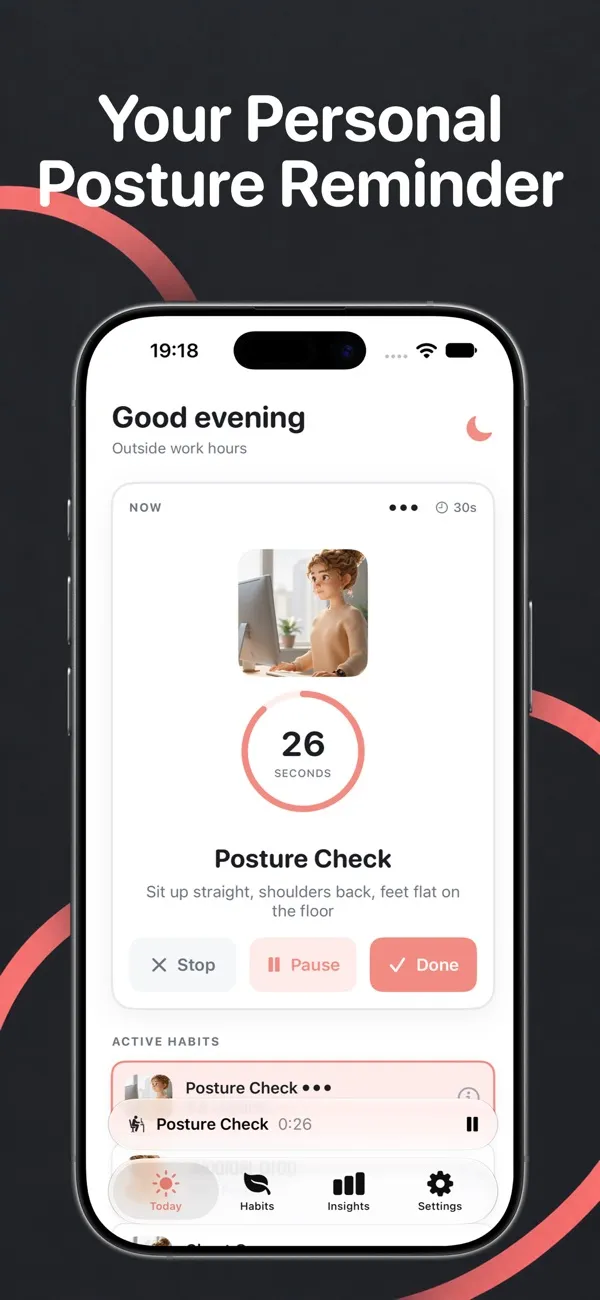
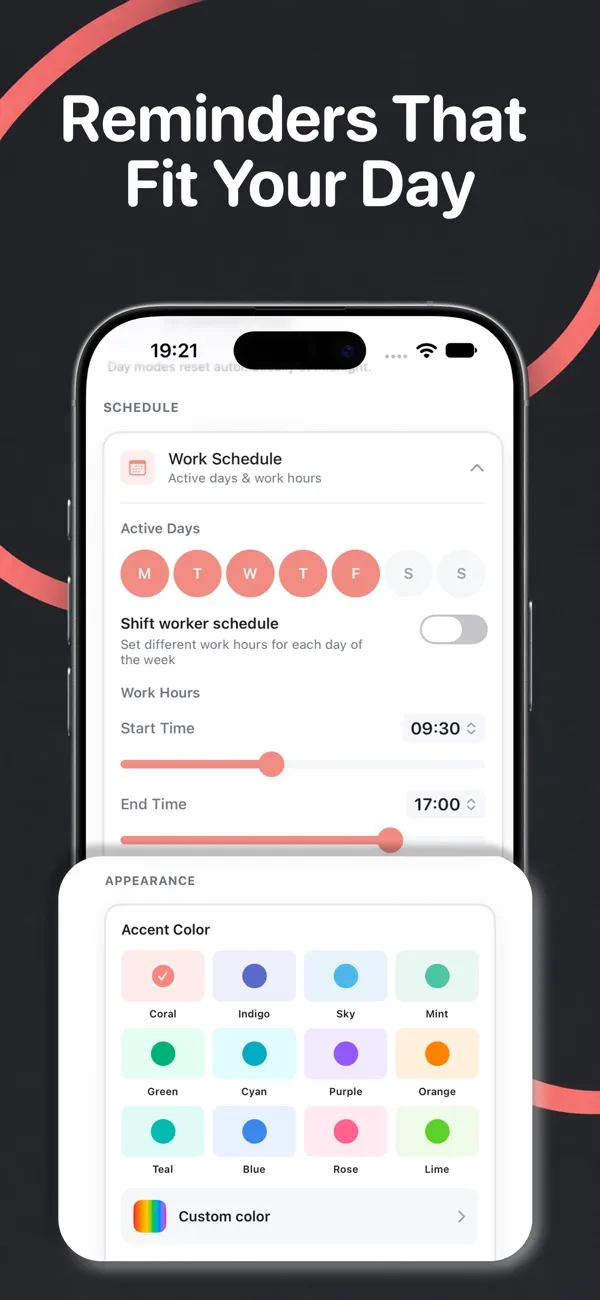
Customizable notifications that respect your schedule and never feel intrusive. Postura is your personal posture coach, with smart reminders that keep you moving, stretching, and feeling better throughout the day.
Health & Fitness
Posture reminder & stretch breaks
Gentle daily reminders for better posture.
Tired of slouching, back pain, and eye fatigue from long hours at your desk? Postura uses AirPods motion sensing to notice when you slouch, then nudges you with stretch and screen breaks that fit naturally into your workday.


Features
01
Customizable notifications that respect your schedule and never feel intrusive. Postura is your personal posture coach, with smart reminders that keep you moving, stretching, and feeling better throughout the day.
02
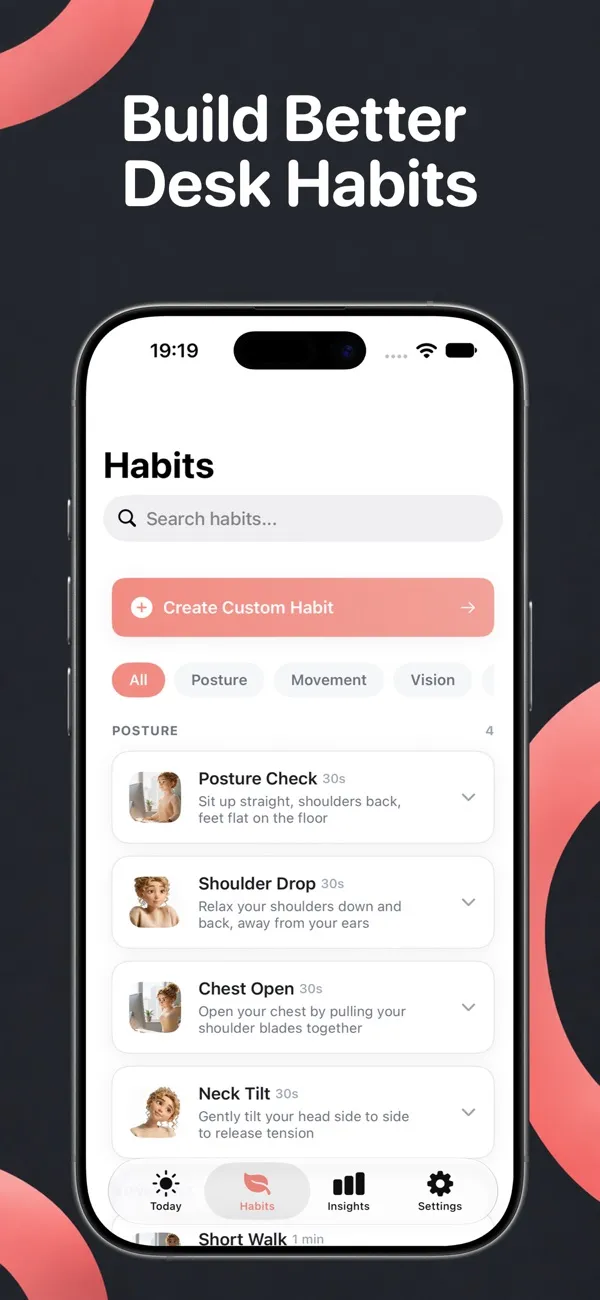
Choose from a variety of posture checks, movement breaks, and breathing exercises.
03
Postura adapts to your workday instead of interrupting it.
04
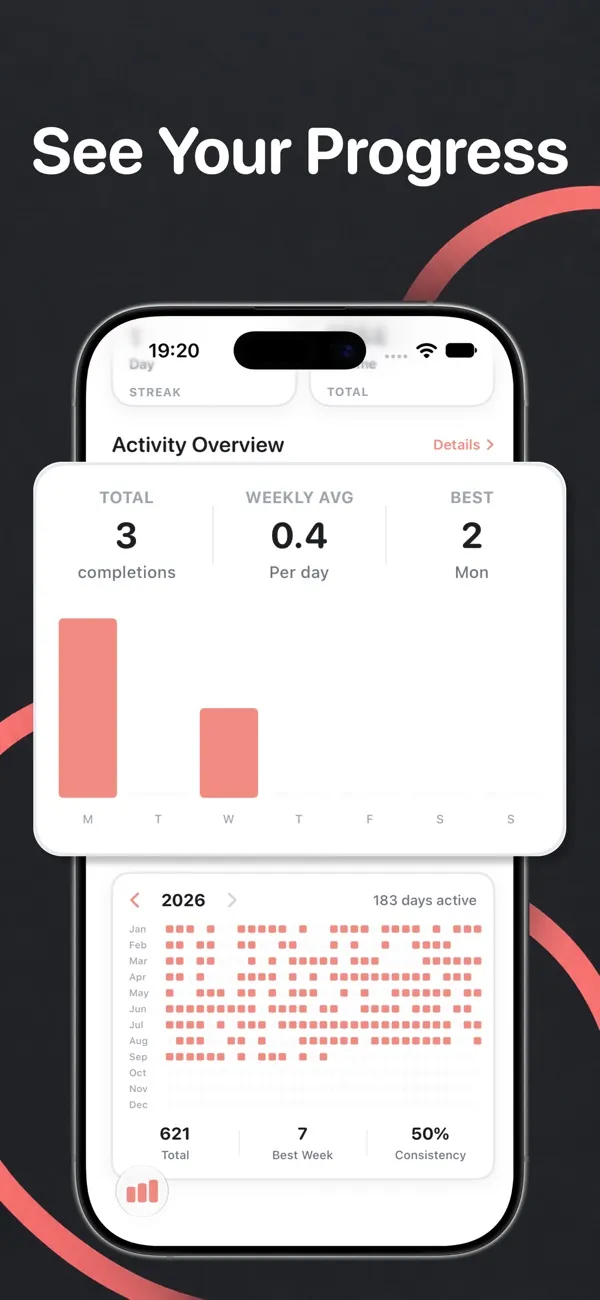
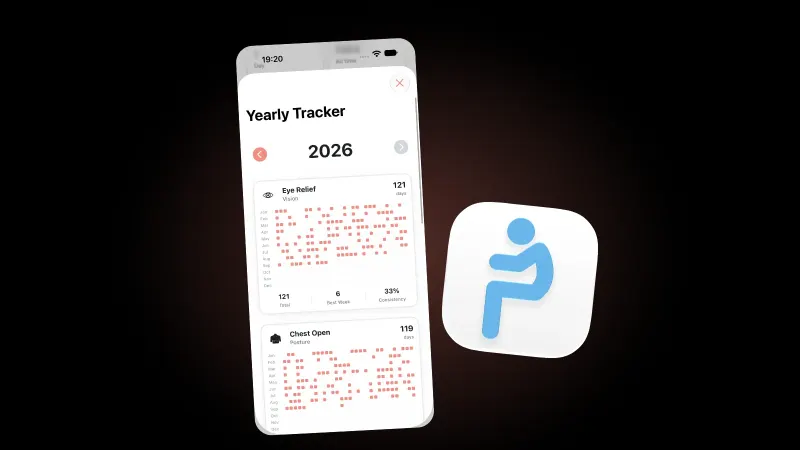
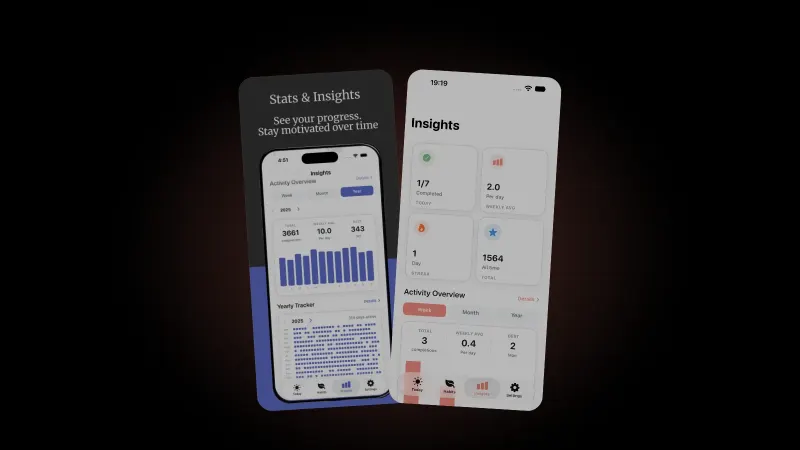
Postura helps you stay consistent without being overwhelming. View your daily activity, follow weekly and monthly trends, and see how your habits evolve over time.
05
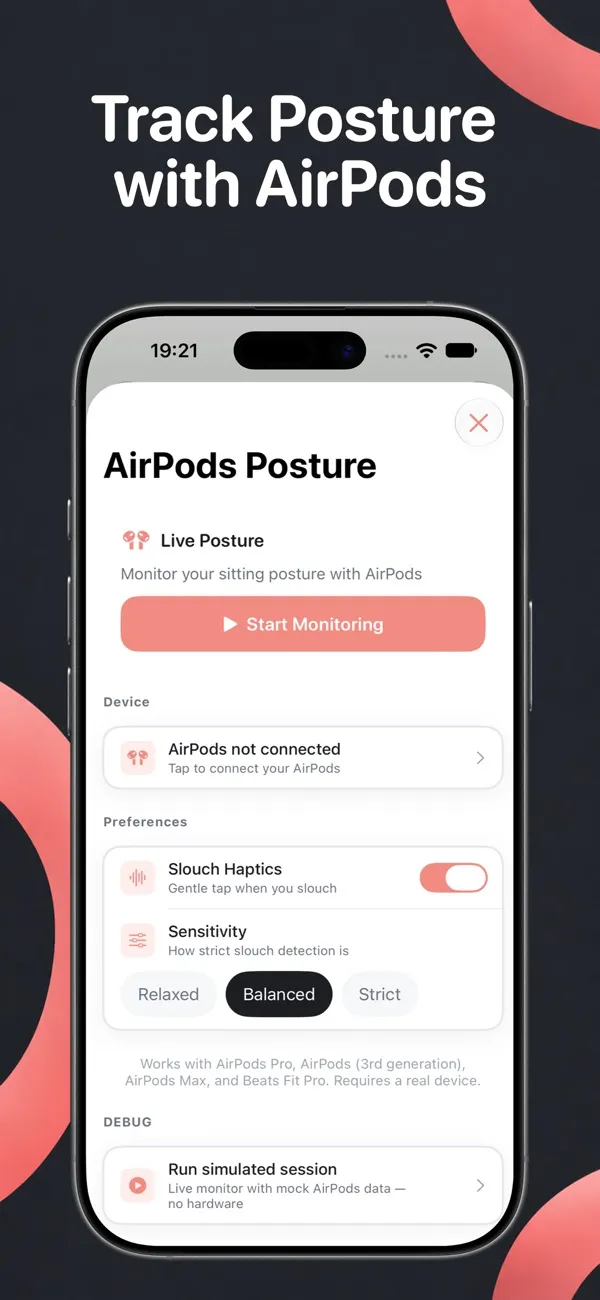
AirPods-based posture sensing catches slouching in real time, then nudges you to reset.
Simple exercises you can do anywhere to realign your spine and release tension, including neck, shoulder, and upper-body stretches.
Follow the 20-20-20 rule: every 20 minutes, look at something 20 feet away for 20 seconds.
Box breathing and deep breath exercises to reduce stress and reset your focus.
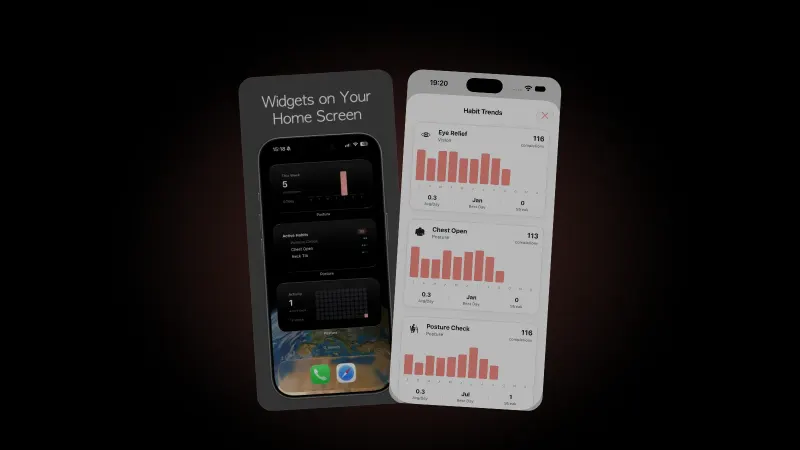
See today's progress at a glance with the Active Habits widget. Pro adds a Weekly Activity bar chart and an Activity Heatmap grid. Widgets update as you complete habits.
Multiple color themes, light, dark and system modes, and 12 app icon designs to match your home screen.
FAQ
Open the app, go to Settings, and tap "Reminders" to adjust intervals, quiet hours, and which habits you want to be reminded about.
Yes. You can disable notifications and open the app manually whenever you want to do a posture check or breathing exercise.
Postura needs no account and stores your data on your device. Analytics are optional and anonymous, and there are no ads and no tracking. Read the Privacy Policy for details.
No. Postura is not a medical app and does not provide medical advice. It is designed to support general wellness and healthy desk habits.
Subscriptions are managed through your Apple ID. Go to Settings > [Your Name] > Subscriptions, find Postura, and tap Cancel.
· 9 min read
Do blue light glasses work? A 2023 Cochrane review of 17 trials found no clear benefit for eye strain. What eye doctors advise for tired eyes and sleep.
Read the post
· 8 min read
Dry eyes from screens start with blinking: about 15 times a minute normally, 5 to 7 at a screen. What to change at your desk and when to see a doctor.
Read the post
· 9 min read
How long does it take to form a habit? Often about two months, not 21 days. What a 2010 UCL study and a 2024 review found, and how to make one stick.
Read the post