EmberFrostOffline games7 min read
Offline games for iPhone: a cozy survival game with no Wi-Fi
Looking for offline games for iPhone? EmberFrost plays fully offline with no Wi-Fi, account or ads. See what works offline and how to get ready for a flight.
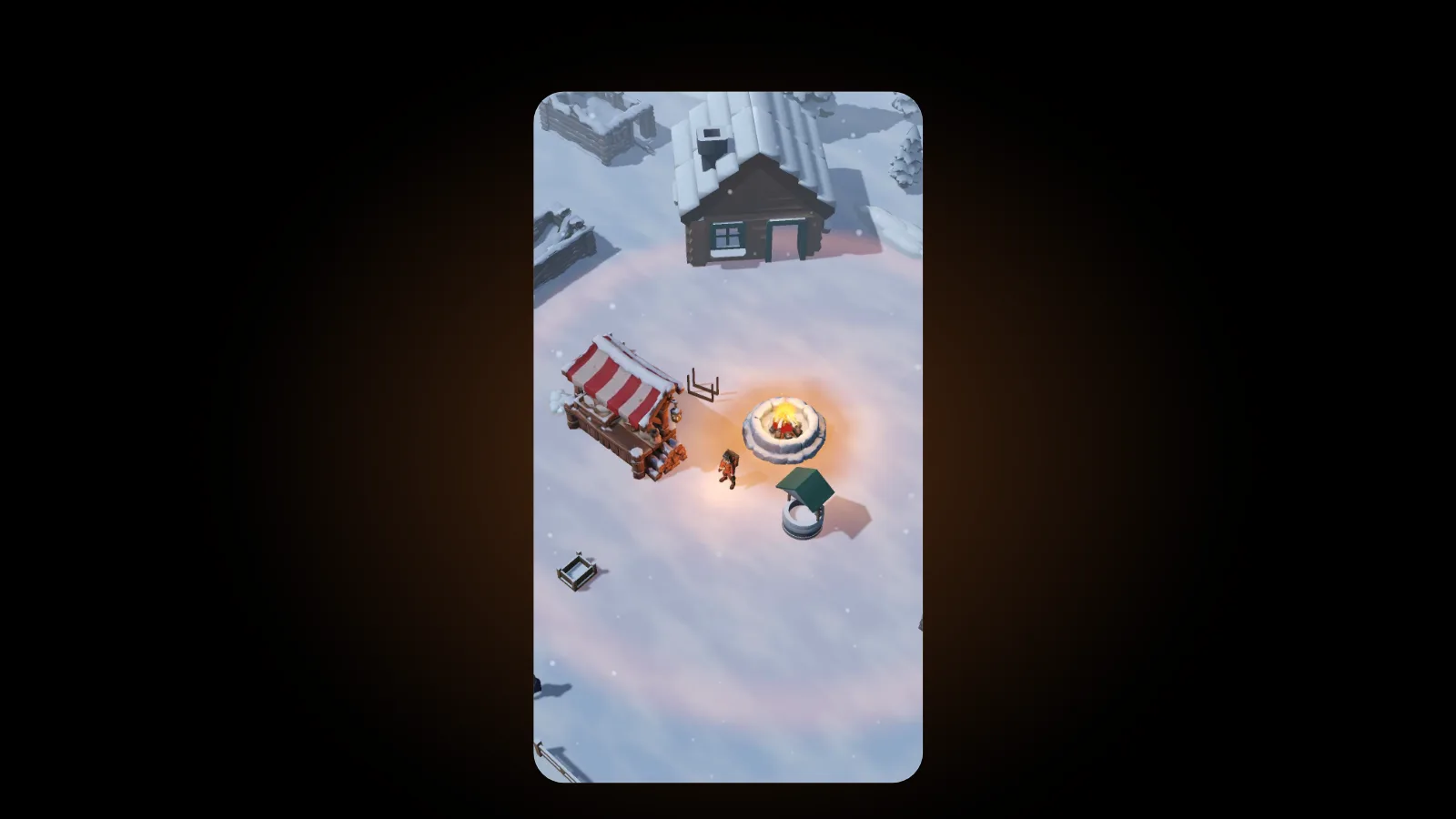
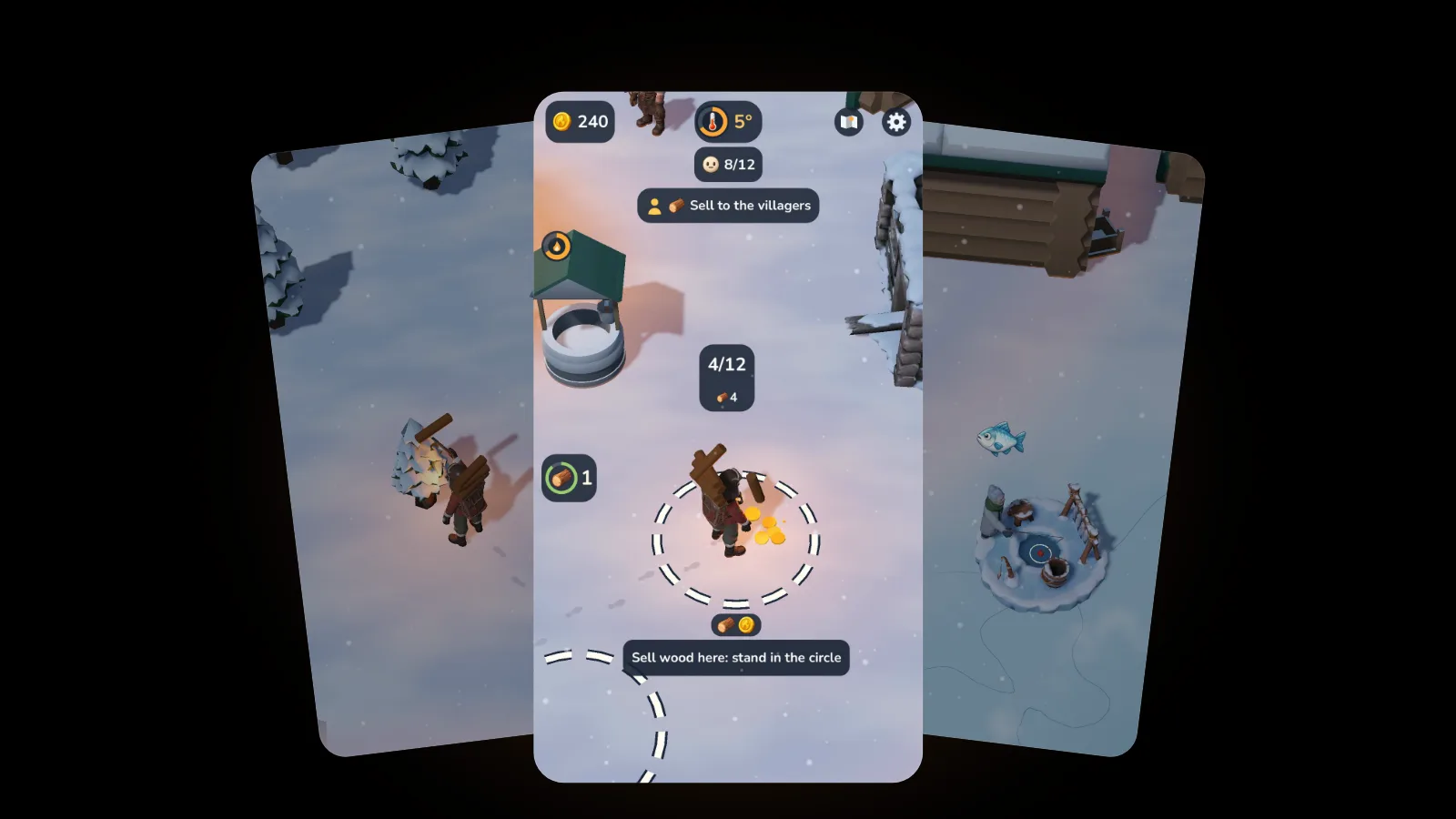
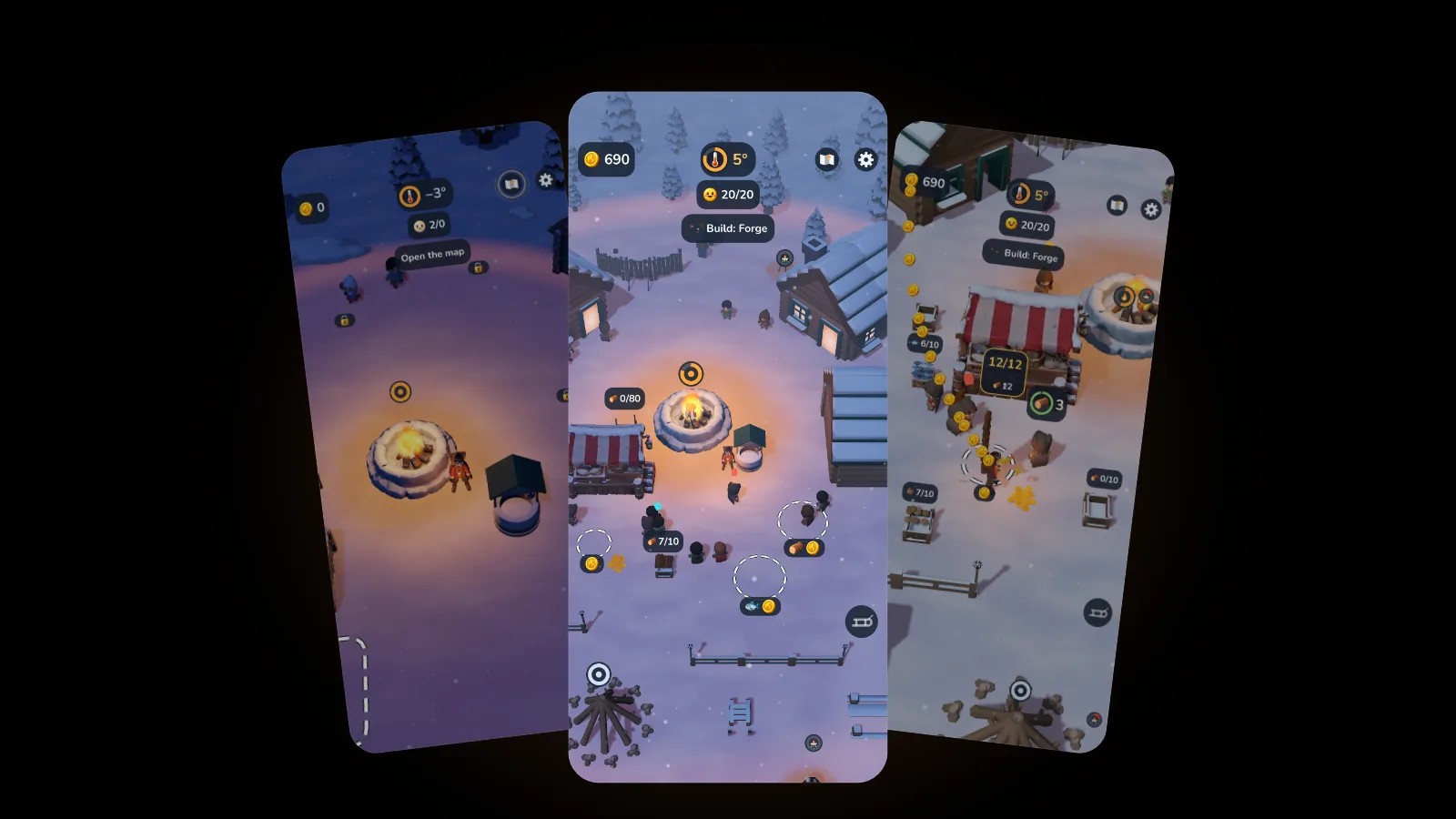
The best offline games for iPhone run entirely from the device once they are downloaded: no Wi-Fi, no account and no loading screen that waits for a server. EmberFrost: Survival Tycoon is one of them. This cozy winter survival village builder plays fully offline, has no ads, saves on your phone and pauses the moment you close it.
This guide covers what makes a game good to play offline, exactly what in EmberFrost works without a connection and what needs one, a short checklist for flights and commutes, and a few other iPhone games that play without Wi-Fi.
What makes a good offline game for iPhone?
A good offline game for iPhone passes four checks without a connection. It plays every part you own with no network check at launch. It saves on the device, so closing the app or losing signal never costs you progress. It needs no account or sign-in. And it does not lean on ads, online events or daily rewards that only make sense with signal. A fifth check matters on a long trip: it should go easy on your battery, with a lower frame rate or a power-saving option. EmberFrost: Survival Tycoon passes all five. Its App Store listing says it plays fully offline, with no account, no sign-in and no waiting timers. Your village saves on the iPhone every 30 seconds and whenever you leave the app. There are no ads anywhere in the game, and the settings offer a Battery saver switch and a choice of 30 or 60 frames per second.
Before you rely on any game for a flight, a few quick checks save a bad surprise:
- Read the store description for a line about offline play. EmberFrost's says it plainly.
- Test it in airplane mode at home, past the title screen and into a few minutes of play.
- Find out where saves live. On the device is safest when you have no signal.
- Look for a battery or frame rate setting for long sessions.
Does EmberFrost work without Wi-Fi?
Yes. Once it is installed, everything you own in the game plays offline: the story, the voice-over in all 21 languages, both difficulty modes and all three save slots. The voice files are part of the download, so nothing streams. A connection only matters for the App Store side of things: buying, restoring and updating.
| What you want to do | Works offline? | Good to know |
|---|---|---|
| Play the free start | Yes | The prologue and your first three places |
| Play the Full Story once bought | Yes | The purchase is remembered on the device |
| Hear the voiced story | Yes | The voice-over ships with the game |
| Change language or difficulty | Yes | Both live in the settings |
| Save and load | Yes | Three save slots, stored on the phone |
| Earn achievements | Yes | They reach Game Center the next time you are online |
| Buy the Full Story or coin packs | No | The App Store needs a connection |
| Restore purchases on another device | No | Restoring asks the App Store |
| Download an update | No | As with any app |
That table holds one tip for travellers. If you plan to buy the Full Story, buy it while you still have signal. After that it stays on the device and works in airplane mode. Coin packs are optional and never needed to finish the story. Our guide to what is free in EmberFrost explains both.
What happens to your village when you close the game?
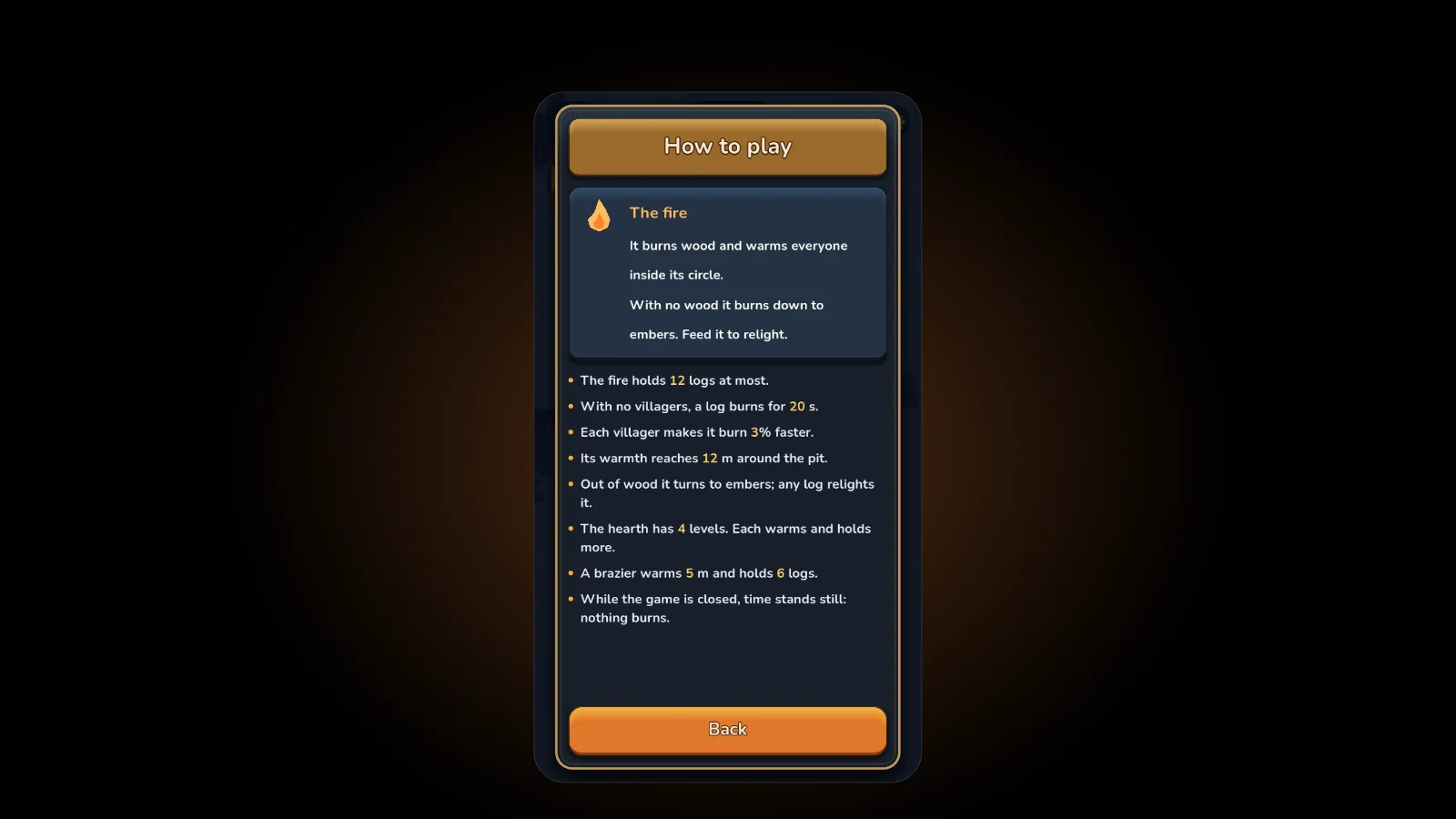
Nothing at all, and that is deliberate. EmberFrost has no offline progress. While the app is closed or in the background, nothing burns, nobody falls ill, nobody leaves and no coins pile up. When you open it again, the game goes on from the exact moment you left.
For offline play, that is the right trade. Plenty of idle games keep running while you are away, which is fun at home and a worry on a twelve-hour flight. In a survival game the cold would keep working too, and nobody wants to land and find their village half frozen. We explain the thinking in our post on the idle tycoon game you actually play.
The game says it in one line on its own How to play page: "While the game is closed, time stands still: nothing burns."
Saving works the same way. The game writes your village to the phone every 30 seconds and again whenever you switch away, so a flat battery costs you at most the last half minute of play. Each of the three save slots shows your Keeper, the day, how much of the village is built and your play time, so you can keep separate villages without mixing them up.
Is EmberFrost good for a flight or a commute?
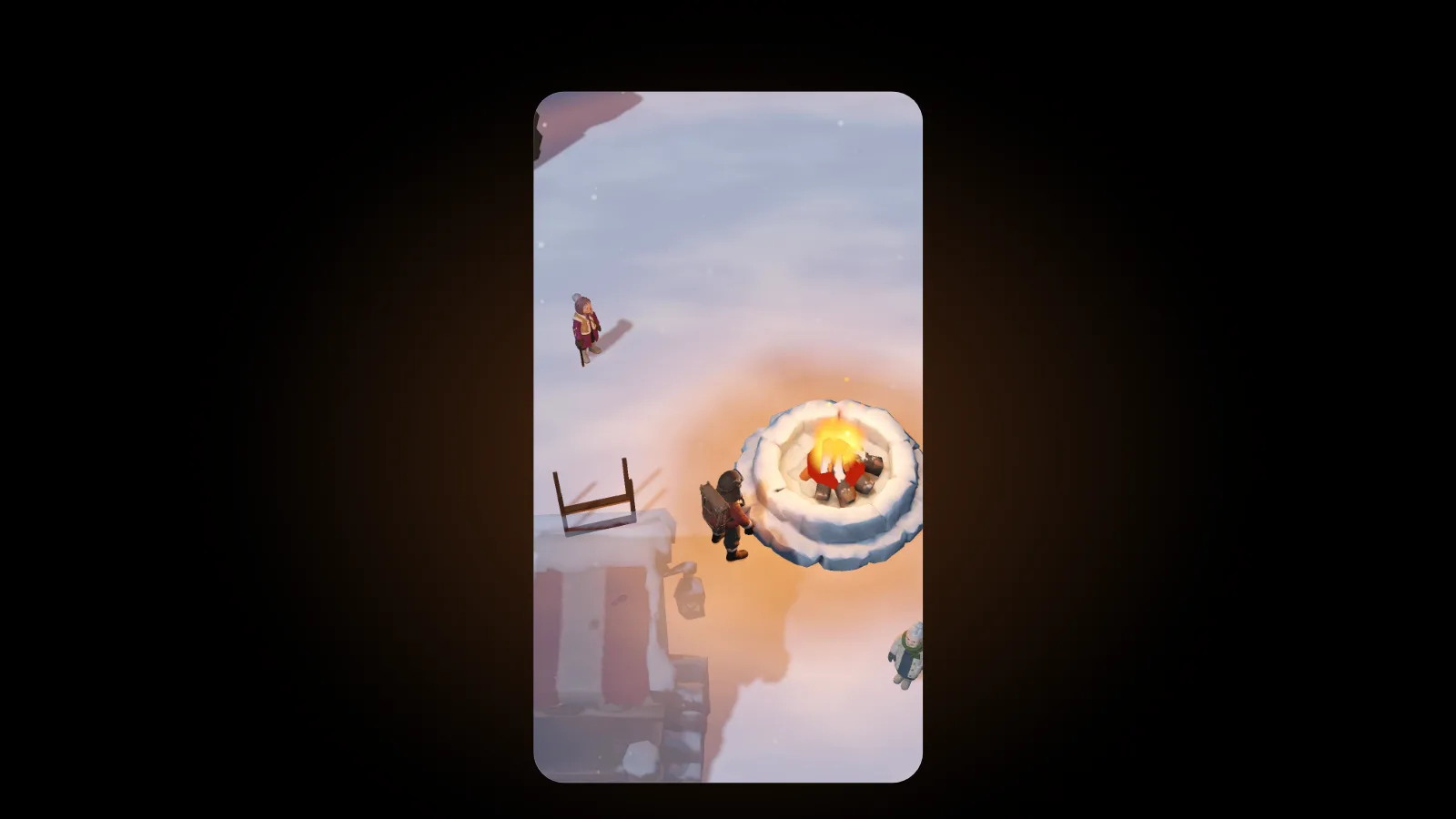
It suits both, because it is built from short loops. You play in portrait with one thumb: a joystick appears wherever you touch the lower screen, and standing in the right place does the rest. Walk to a tree and you chop. Walk into the fire pit and you feed it. Stand on a ruin with a price and your coins build it. One trip out and back takes a minute or two, so a few stops on a train are enough to get something done.
A few details help on the move:
- Play muted. Every voiced line also appears as a speech bubble, and the game follows your iPhone's silent switch.
- Save battery. Battery saver drops the game to 30 frames per second, lowers the 3D resolution and lightens the effects.
- Pause when you need to. Opening the settings stops the game, and the map pauses it too unless you turn that off.
- Finish it on a long haul. The App Store listing puts the story at about three hours, and you can keep playing your village after that.
How do you get EmberFrost ready before going offline?
Ten minutes on Wi-Fi at home covers it:
- Install or update the game. It needs iOS 26 or later, and the download is about 240 MB.
- Start a game. Pick Ash or Wren, then Normal or Hard. You can switch modes later in the settings.
- Buy the Full Story now if you want it, since buying needs a connection.
- Turn on Battery saver in the settings if the trip is long.
- Switch on airplane mode and play for a minute to see it run with no signal.
If you use Game Center, you do not need to do anything special. Achievements you earn offline wait on the phone and are sent the next time you are signed in and online. Our beginner's guide is worth reading before take-off, since you will not be able to look anything up in the air.
Which other iPhone games play without Wi-Fi?
EmberFrost is our pick for a calm, cozy session, but it is not the only offline game worth installing. Pocket Gamer keeps a list of no Wi-Fi games for iPhone and iPad, last updated in February 2026. It notes that you need a connection to download the games but not to play them. It also singles out Vampire Survivors, Badland, Grimvalor, Cover Fire, Where's My Water? and Unblock Me as playable without Wi-Fi.
Free games differ a lot in what they expect from a connection, so a quick airplane-mode test at home tells you more than any list. If you like the idea of survival with the edges softened, our post on what makes a survival game cozy explains what to look for. Came here from Frostpunk? See how the mobile options compare in games like Frostpunk on mobile.
FAQ
Can you play EmberFrost offline?
Yes. Once installed, it plays fully offline with no account and no sign-in. You only need a connection to buy, to restore purchases or to download updates.
Does EmberFrost keep running when the app is closed?
No. While it is closed or in the background, nothing burns and nobody leaves. It picks up exactly where you stopped.
Does EmberFrost have ads?
No. There are no ads anywhere in the game, online or offline.
Will I lose progress if my phone dies on a flight?
At most about half a minute of play. The game saves every 30 seconds and whenever you leave the app, and saves live on the phone.
Get started
Download EmberFrost: Survival Tycoon on the App Store while you still have Wi-Fi. It is free to start. Read more on the EmberFrost game page, see what everything is worth in our EmberFrost coins guide, or browse every EmberFrost post.