PlatePantry6 min read
Recipes with ingredients I have: how to cook from your pantry
Find recipes with ingredients you already have: a simple way to take stock, match dishes to your pantry, cook what needs using first and waste less food.
To find recipes with ingredients you already have, start with a quick look through your fridge, freezer and cupboards, note what needs using first, and search by those ingredients. A pantry recipe app does the matching for you: you mark what is at home, it suggests dishes that fit, and less food ends up in the bin.
We make Plate, an AI recipe keeper for iPhone with a pantry built in. This guide covers a simple routine for cooking from what you have, the main ways to find matching recipes, and how Plate's pantry match works.
How do you find recipes with the ingredients you have?
Finding recipes with the ingredients you have works best as a short routine rather than a search. First, take stock: open the fridge, freezer and cupboards and note what is there, starting with fresh food that will not last. Second, choose one or two ingredients that need using first, such as half a bag of spinach or two chicken thighs, and build the meal around them. Third, add the staples you always have, like oil, salt, onions, rice or eggs, because they turn a few leftovers into a full dish. Then search: type those ingredients into a recipe search, browse your own saved recipes, or use a pantry recipe app that matches your ingredients to recipes automatically. Finally, stay flexible with swaps: kale for spinach, lemon for vinegar. The goal is a good meal from what is already paid for, not a perfect match to a recipe card.
Why cooking from your pantry matters
Most food waste happens at home. According to the Food and Agriculture Organization of the United Nations, citing UNEP's Food Waste Index Report 2024, an estimated 19% of the food available to consumers, 1.05 billion tonnes, is wasted, and 60% of that waste happens in households.
The US Environmental Protection Agency gives advice that is as simple as it is effective: look in your refrigerator, freezer and pantry first to avoid buying food you already have, and make a list each week of what needs to be used up and plan meals around it. Cooking from your pantry is that advice turned into dinner.
A five-step routine for cooking with what you have
- Take stock. Spend two minutes on the fridge, the freezer and one cupboard. You do not need a full inventory, just a clear picture.
- Pick what needs using first. Soft vegetables, open packs, cooked rice, the last of the herbs. These lead the meal.
- Add your staples. Oil, salt, garlic, onions, eggs, pasta, rice, tinned tomatoes or beans. Staples are what make a handful of leftovers into a recipe.
- Search with three to five ingredients. Too few gives you endless results. Too many gives you none. A short list of what matters works best.
- Swap freely. Most home recipes tolerate substitutions. If a recipe asks for one green vegetable, another usually works.
What are the ways to find recipes from your ingredients?
There are three common approaches, and each has trade-offs.
| Method | How it works | Good at | Watch out for |
|---|---|---|---|
| Web search | Type your ingredients into a search engine | Huge variety | Results rarely use all of your ingredients, and pages are long |
| Your own saved recipes | Scroll your bookmarks, screenshots and notes | Dishes you already trust | Hard to search by ingredient when recipes are scattered |
| Pantry recipe app | Mark what you have; the app matches recipes | Fast, ingredient-first answers | Matches are only as good as the pantry you keep up to date |
The second option is underrated. You probably already saved dozens of recipes you meant to cook. When they all live in one searchable cookbook, your own collection becomes the first place to look. Our guide to organizing saved recipes into one cookbook covers how to get there.
How does Plate's pantry match work?
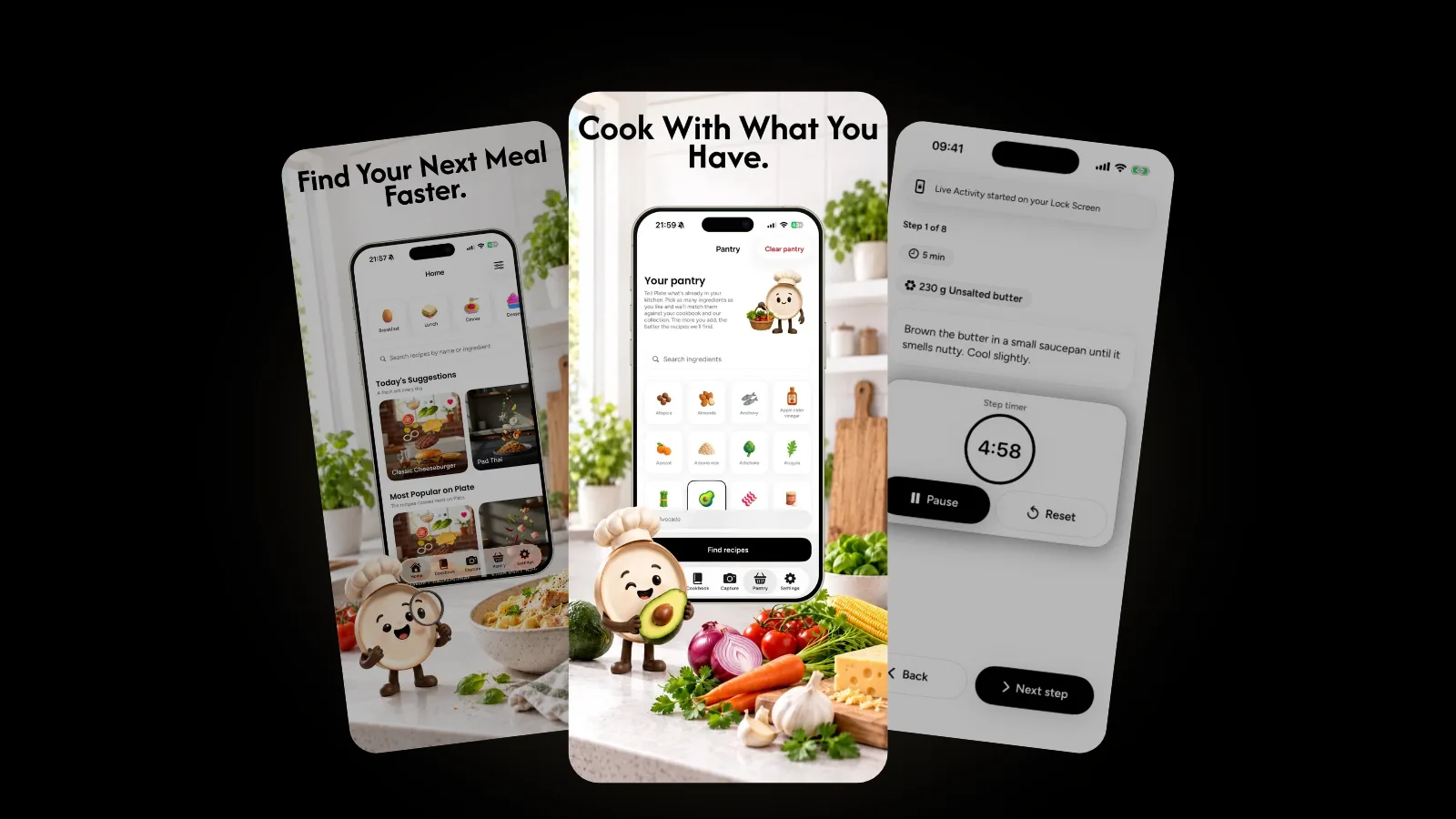
In Plate, you tell the app what is in your kitchen by picking ingredients from 368 illustrated pantry items. Plate then matches recipes to your pantry, so you see what you can cook right now with what you already have. The more ingredients you add, the better the matches get.
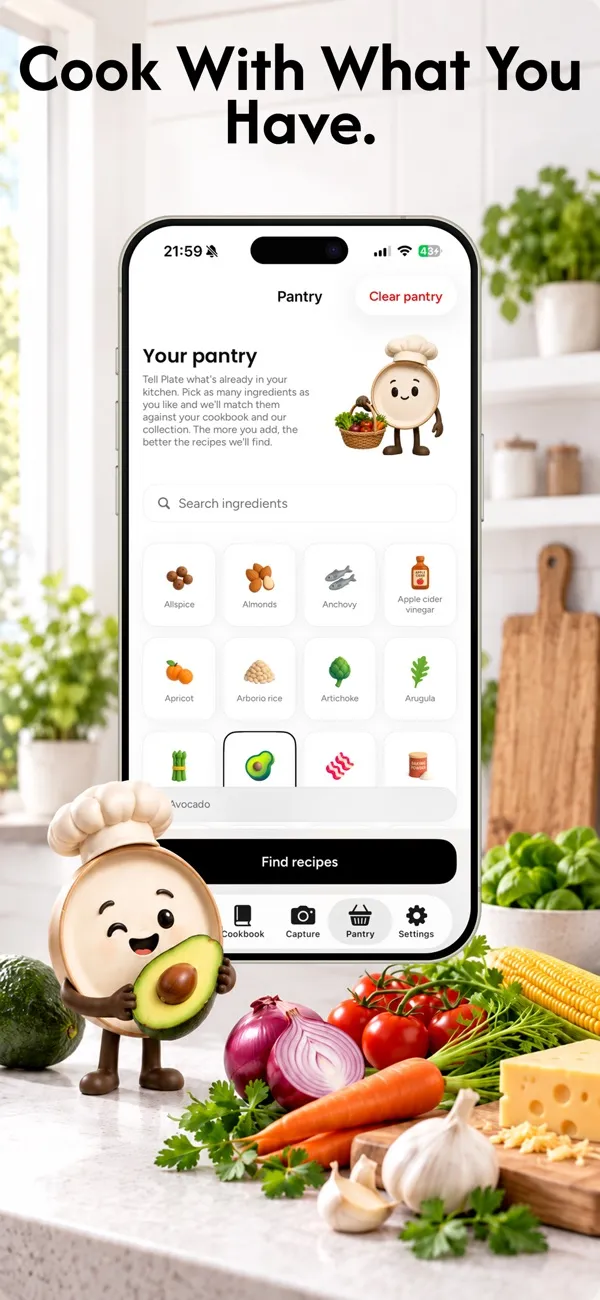
A few habits make the pantry more useful:
- Add staples once. Oil, salt, flour and spices rarely change, so set them and forget them.
- Update after a shop. A minute after unpacking the groceries keeps matches honest.
- Remove what runs out. A pantry with ingredients you no longer have suggests dishes you cannot make.
- Save recipes you like. Your own cookbook gives the pantry more to match against.
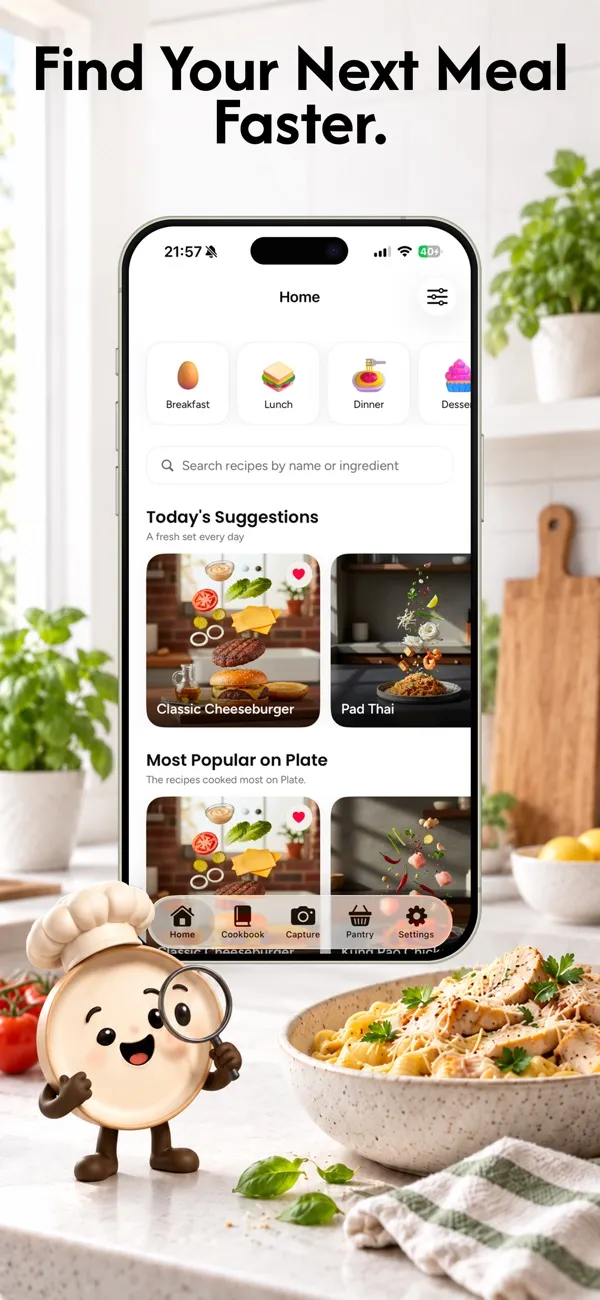
When nothing in particular needs using, the Home tab offers suggestions to browse instead.
How do you cook the recipe once you find it?
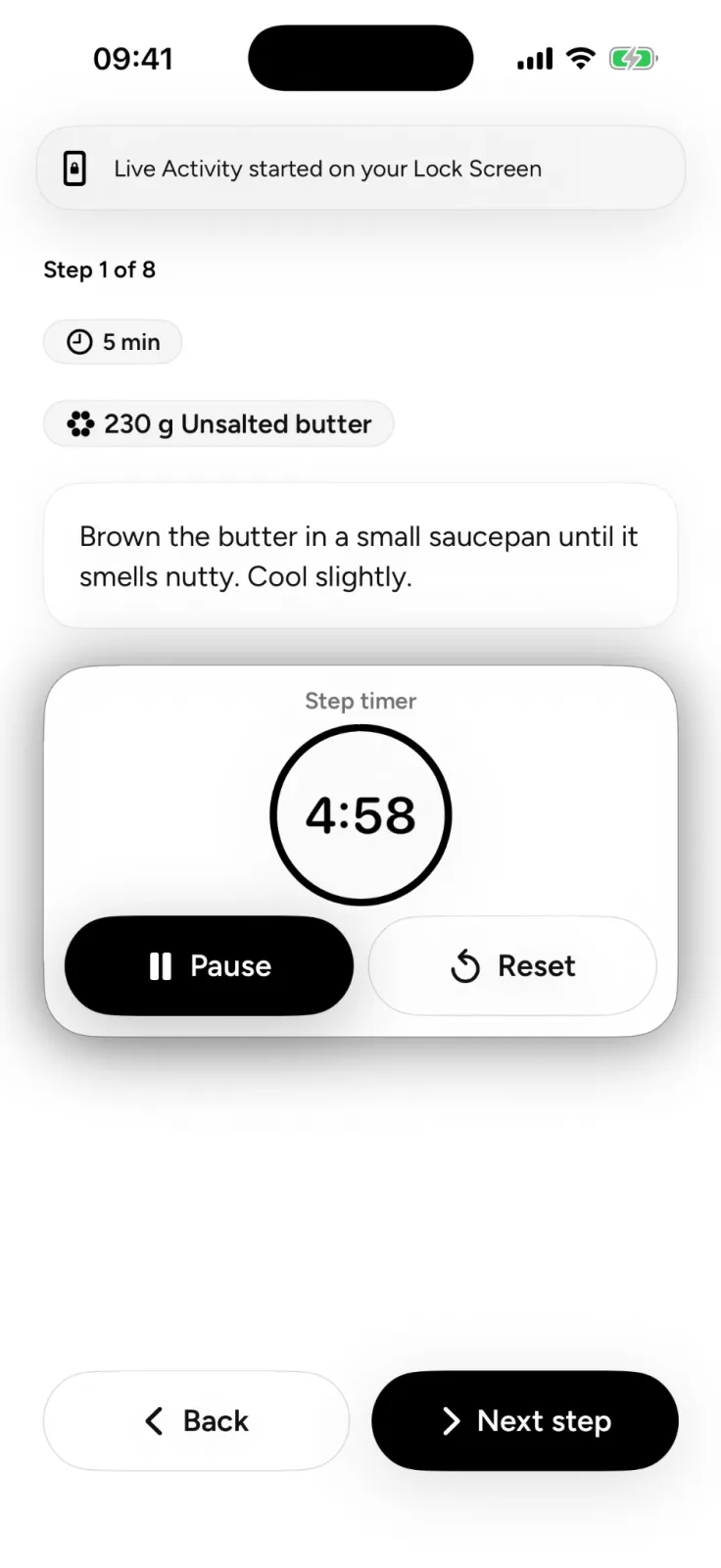
Plate's Cook Mode is a hands-free, step-by-step view with timers and an ingredient checklist, made for the moment you are at the stove. Cook Mode also starts a Live Activity on your Lock Screen, so the step you are on stays in view.
Each recipe in Plate also shows estimated nutrition per serving and per ingredient. These are AI estimates to help you understand what you are cooking. Plate is not a calorie tracker, diet app or medical tool. If you add your food allergies, Plate warns you when a recipe may contain a matching ingredient, but you should still check every ingredient yourself.
What if the ingredients you have came from somewhere else?
Sometimes the ingredients are there and the inspiration is on someone else's plate: a dish at a restaurant or a video you saw last week. Plate can turn a photo of a dish into a full recipe, and our guide on photo to recipe explains what a picture can and cannot tell the app. More guides live in the Plate category.
FAQ
What is the easiest way to find recipes with ingredients I have?
Pick two or three ingredients that need using first, add a few staples, and search with that short list. A pantry recipe app like Plate does the matching for you once you mark what is in your kitchen.
How many ingredients should I search with?
Three to five works well. Fewer gives too many results to choose from, and a long list can rule out good recipes that need only one more staple.
Does cooking from my pantry really reduce food waste?
It targets the biggest source. UNEP's Food Waste Index Report 2024, cited by the FAO, finds that 60% of food waste happens in households. Using up what you already have is one of the simplest ways to waste less.
Is Plate available on Android?
Plate is on iPhone today and coming soon to Google Play.
Start with what is in your kitchen
Open the fridge, pick what needs using, and let the pantry do the rest. Plate is free to start on the App Store, and you can see everything it does on the Plate page.