PlateRecipe organization7 min read
Organize recipes in one app: TikTok, Instagram, web and paper
An organize recipes app guide: how to gather recipes saved from TikTok, Instagram, YouTube, websites and paper cards into one searchable cookbook you will use.
The simplest way to organize recipes is to keep them in one app that can read every format you save them in: videos, social posts, websites, photos and paper cards. Import each recipe once into a single cookbook, give every recipe the same structure, and you can search your collection instead of scrolling through bookmarks and screenshots.
We make Plate, an AI recipe keeper for iPhone, and this is the problem it started with. This guide covers why recipes get scattered, how to bring them together, and how to keep the result useful.
What is the best way to organize recipes from everywhere?
The best way to organize recipes from many sources is to choose one home for them and convert everything into the same format as it arrives. Recipes saved as TikTok or Instagram videos, YouTube links, website bookmarks, screenshots and handwritten cards are hard to use because each lives in a different place and in a different shape. A recipe organizer app solves both problems at once: you share a video or link to it, photograph a paper card, or snap a dish, and it turns each one into a structured recipe with an ingredient list, numbered steps and servings. Once every recipe looks the same, search does the organizing for you, so you can find a dish by name or ingredient without building elaborate folders. Start with the recipes you actually cook, add new ones the moment you save them, and keep the originals of anything irreplaceable, such as family cards.
Why do saved recipes get so scattered?
Recipes arrive from everywhere, and every app keeps its own pile. A typical collection looks something like this:
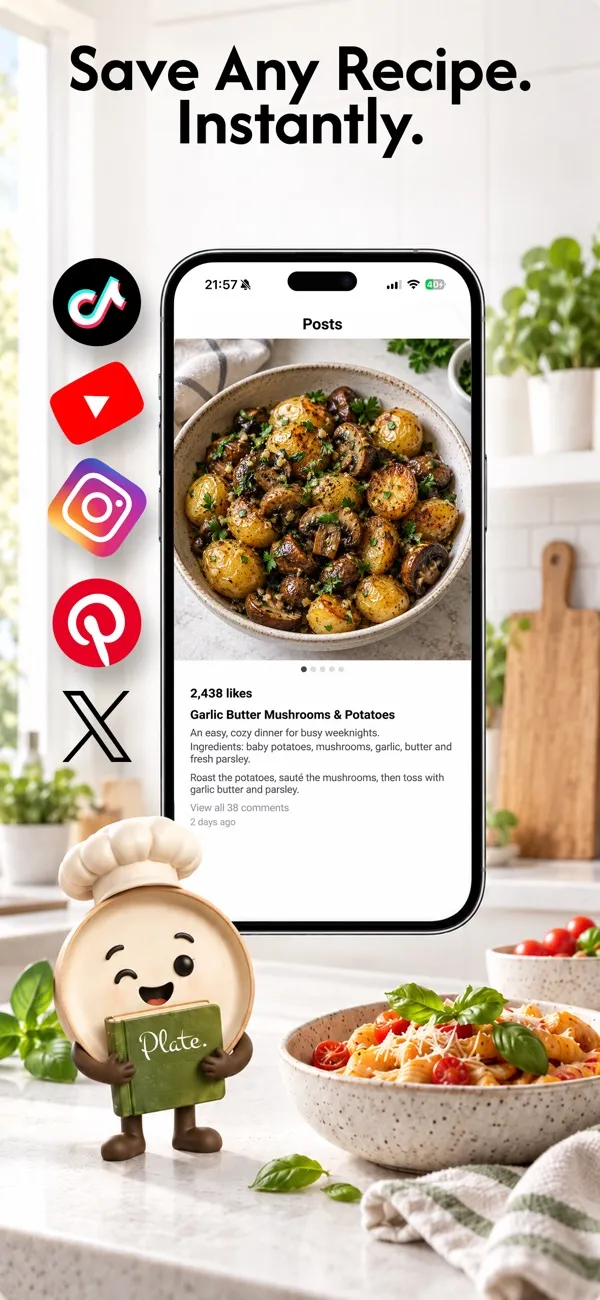
- Videos saved inside TikTok, Instagram or YouTube
- Pins on Pinterest and posts bookmarked on X
- Browser bookmarks for recipe sites, many with long introductions before the recipe
- Screenshots buried among thousands of photos
- Printed pages and handwritten cards in a kitchen drawer
- Dishes you cooked once, from memory, and never wrote down
None of these is a bad way to save a recipe. The trouble starts when you want to cook: you remember a dish but not where it lives, and a video is hard to follow with flour on your hands.
How do you get each kind of recipe into one cookbook?
Each source needs a slightly different route, but in Plate they all end in the same place.
| Where the recipe lives | How to bring it into Plate | What you get |
|---|---|---|
| TikTok, Instagram, YouTube, X or Pinterest | Share the video or post to Plate, or paste its link | Ingredients, steps and nutrition, written out |
| A recipe website | Share the page to Plate or paste the link | A clean recipe without the long introduction |
| A printed page or handwritten card | Photograph it (part of Plate Pro) | The card read and organized into ingredients and steps |
| A dish in front of you | Snap a photo of the plate | A reconstructed recipe to check and adjust |
| A dish you know by heart | Write it yourself | Exactly your version |
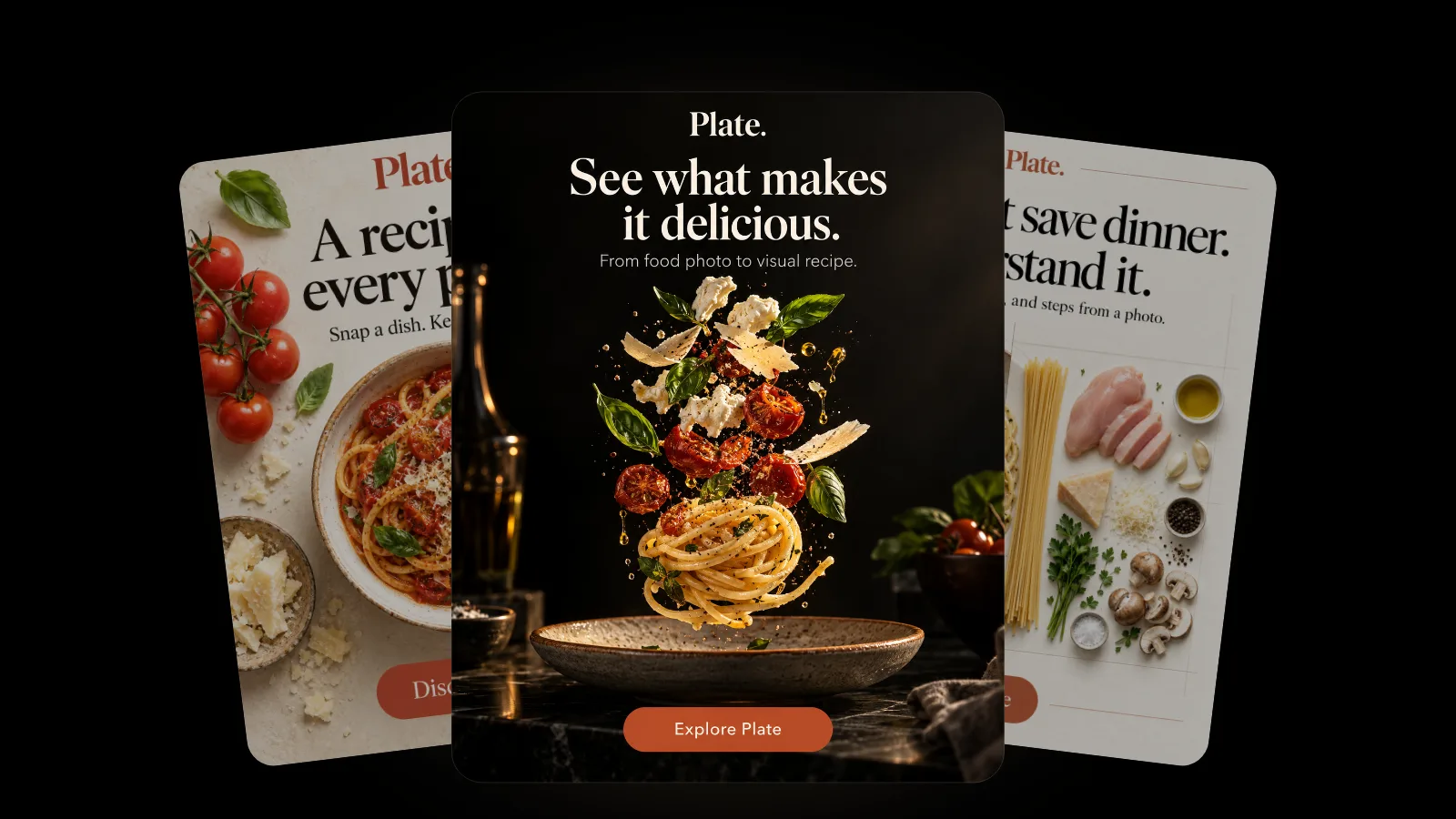
For the dish-in-front-of-you case, our guide to photo to recipe explains what a picture can and cannot tell the app.
A six-step plan to organize your recipes
- Choose one home. Pick a single recipe organizer app and commit to it. Two systems become two piles again.
- Start with what you cook. Import the ten or twenty recipes you make most before the hundred you might make one day.
- Save new recipes at the source. When a video or post catches your eye, share it to the app right away rather than saving it in the social app.
- Digitize the paper, keep the paper. Photograph family cards and cookbook pages, then put the originals somewhere safe.
- Favorite the keepers. After you cook something and love it, mark it so it is one tap away.
- Search instead of sorting. Structured recipes are searchable by name and ingredient, so you need far fewer folders than you think.
How should you handle family recipe cards?
Handwritten cards are often the most valuable recipes anyone owns, and the most fragile. The US National Archives advises keeping your originals after you digitize them, because digital files have their own preservation risks and can easily be lost. It also recommends handling originals carefully during digitizing so they are not damaged.
A phone photo is gentle on old paper, so scanning a card in Plate does not put it at risk. Once the card is in your cookbook, Plate Pro can export recipes as PDF cookbooks and watermark-free, high-resolution images, which gives you a second copy outside the app.
What should a good recipe organizer app do?
Whichever app you choose, look for these basics:
- Every source in, one format out. Videos, links, photos and paper should all become the same kind of recipe.
- Search and favorites. You should find any recipe in seconds.
- Something to cook from. A clear step-by-step view beats scrolling a video at the stove.
- A way out. Export, so your collection is never locked in.
- Privacy. Your cookbook is personal, and it should stay that way.
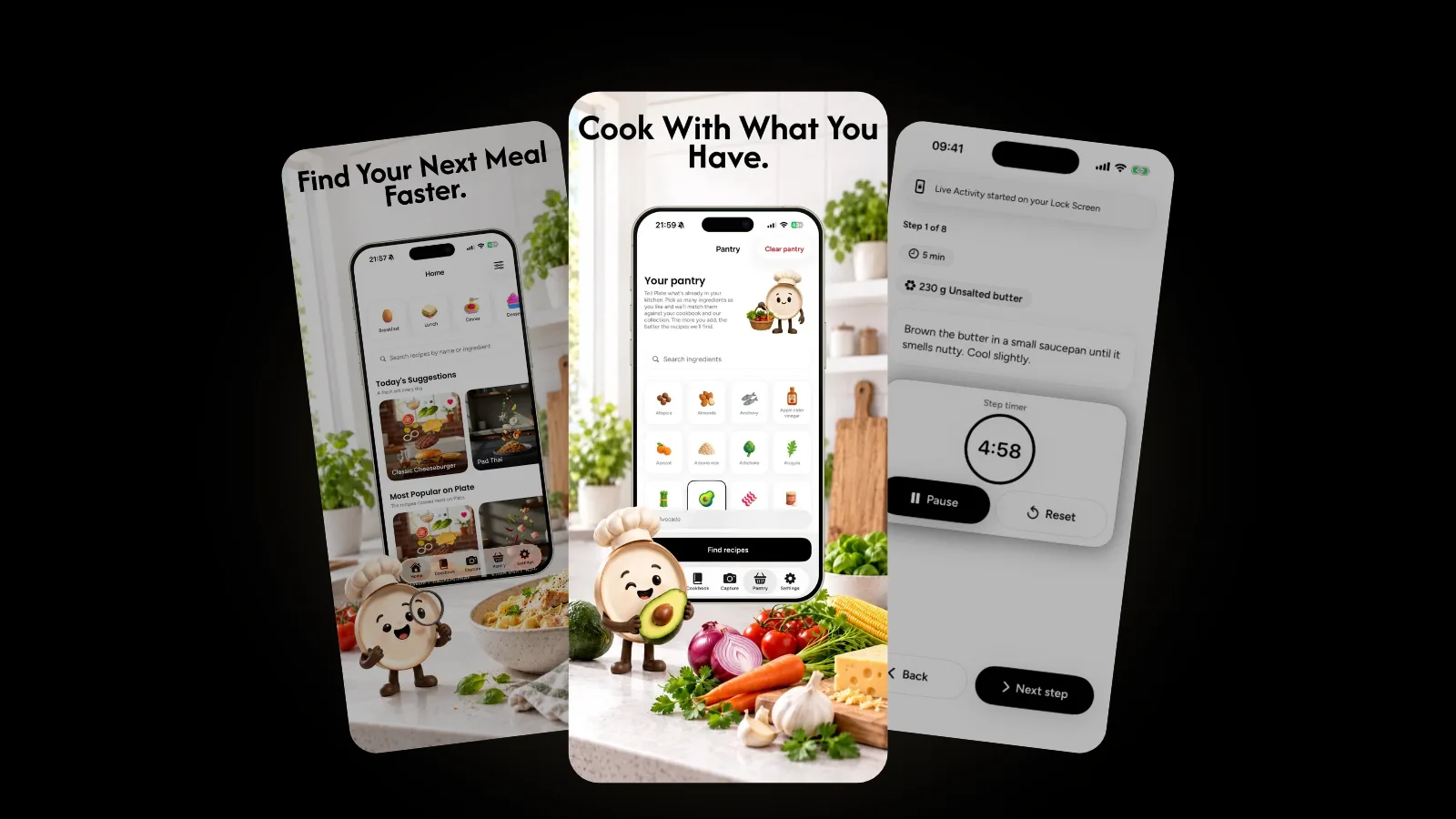
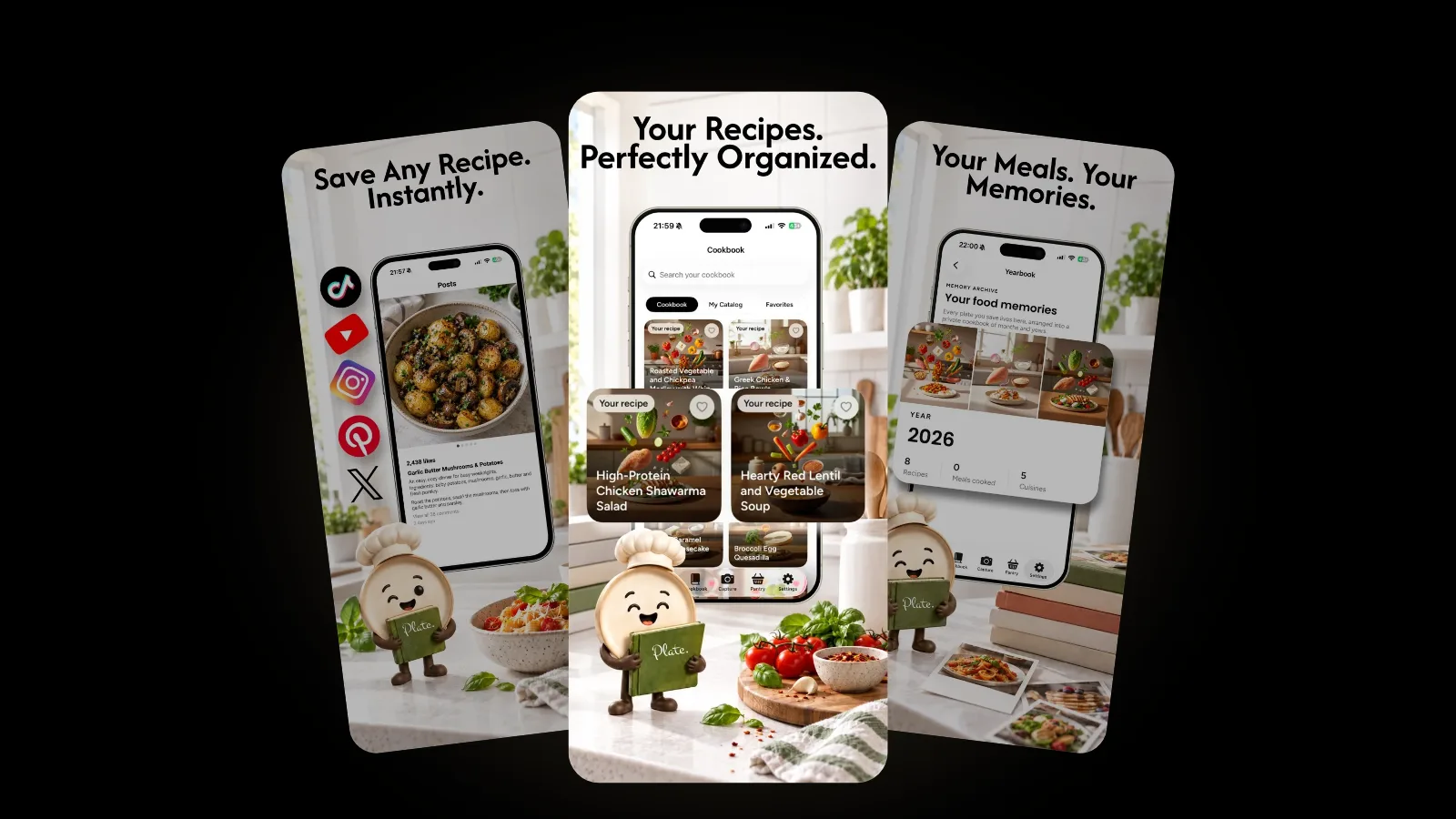
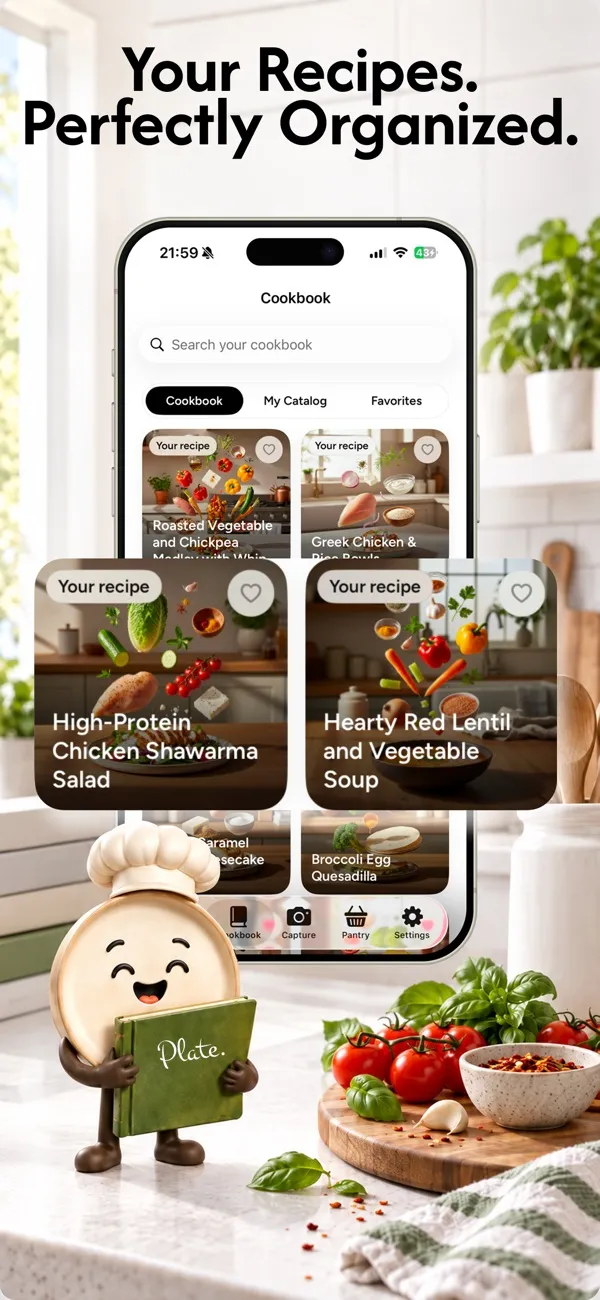
Here is how Plate handles each one. Every recipe becomes a structured recipe with ingredients, steps and estimated nutrition. Each saved recipe gets a cinematic cover with its ingredients floating in mid-air, so the cookbook is easy to scan by eye, and you can search your collection and favorite the keepers. Cook Mode gives you hands-free steps with timers and an ingredient checklist. With Plate Pro, your recipes sync privately across your devices and export as PDF cookbooks.
On privacy, Plate has no ads and no advertising trackers, and your data is not sold. When Plate uses AI to read a recipe, the AI providers receive only the content needed for the task, never your name, email address or account identity. The full details are in the Plate privacy policy.
How do you keep an organized cookbook useful?
An organized cookbook earns its keep when it changes what you cook. The US Environmental Protection Agency suggests making a list each week of what needs to be used up and planning meals around it. A single cookbook makes that much easier, and Plate's pantry match goes a step further by matching your recipes to the ingredients already in your kitchen. We cover that in cooking with what you have.
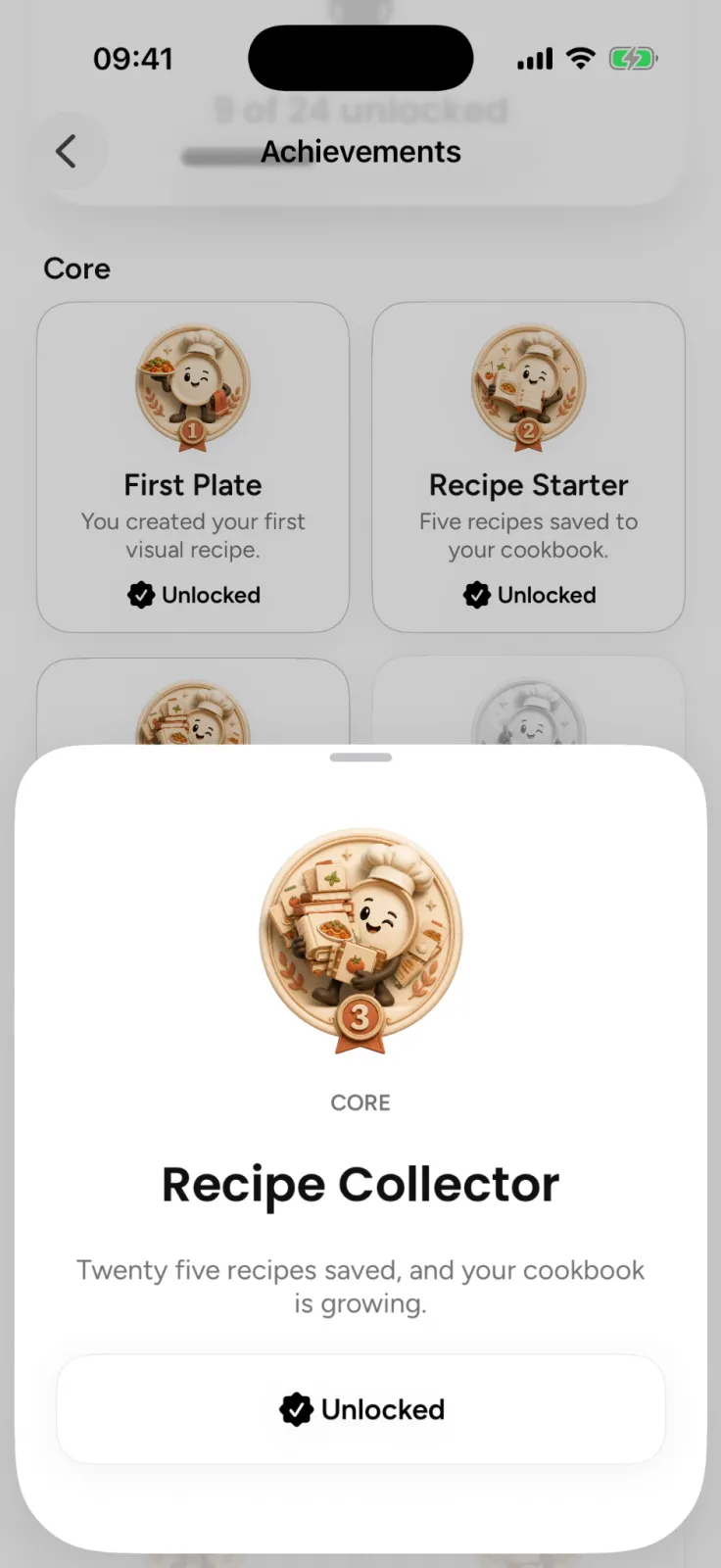
Plate also keeps a little record of your cooking. Saving, cooking and collecting recipes earns hand-drawn badges that turn full color the moment you earn them, and the dishes you cook gather in a yearbook of food memories.
For more Plate guides, browse the Plate category.
FAQ
How do I save TikTok and Instagram recipes in one place?
Share the video or post to a recipe organizer app instead of saving it inside the social app. Plate reads a shared video or post from TikTok, Instagram, YouTube, X or Pinterest, or its pasted link, and writes the recipe into your cookbook.
Can I organize handwritten recipe cards in an app?
Yes. Photograph each card and Plate reads it, organizes the ingredients and estimates nutrition. Paper recipe scanning is part of Plate Pro. Keep the original cards somewhere safe.
Can I export my recipes from Plate?
Yes. Plate Pro exports PDF cookbooks and watermark-free, high-resolution images, and syncs your recipes privately across your devices.
Is my recipe collection private?
Yes. Your cookbook is tied to your account and available only to you. Plate shows no ads, does not sell your data and does not track you for advertising.
Bring your recipes home
Pick the ten recipes you cook most and start there. Plate is free to start on the App Store, and the Plate page shows everything else it can do.