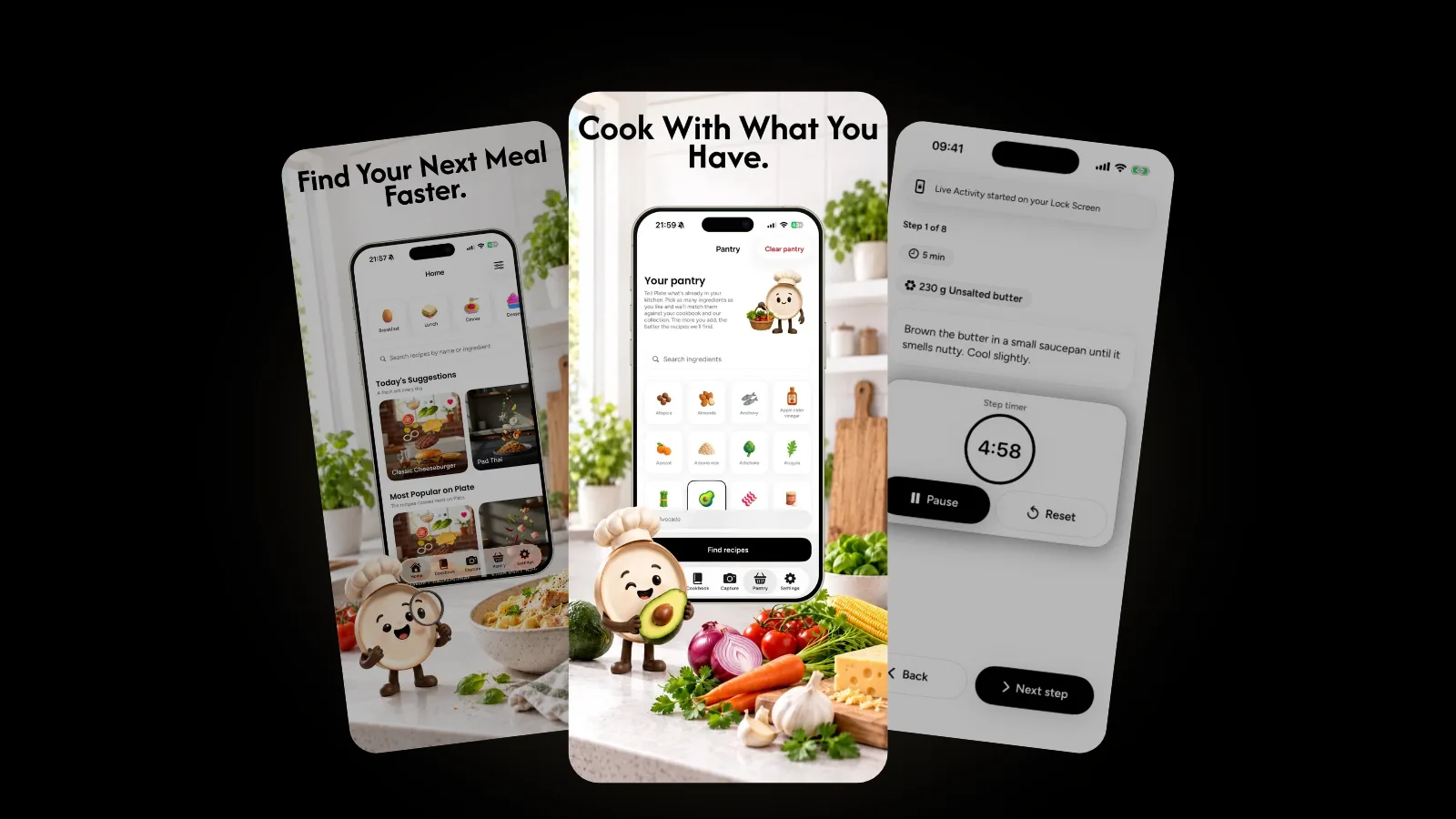
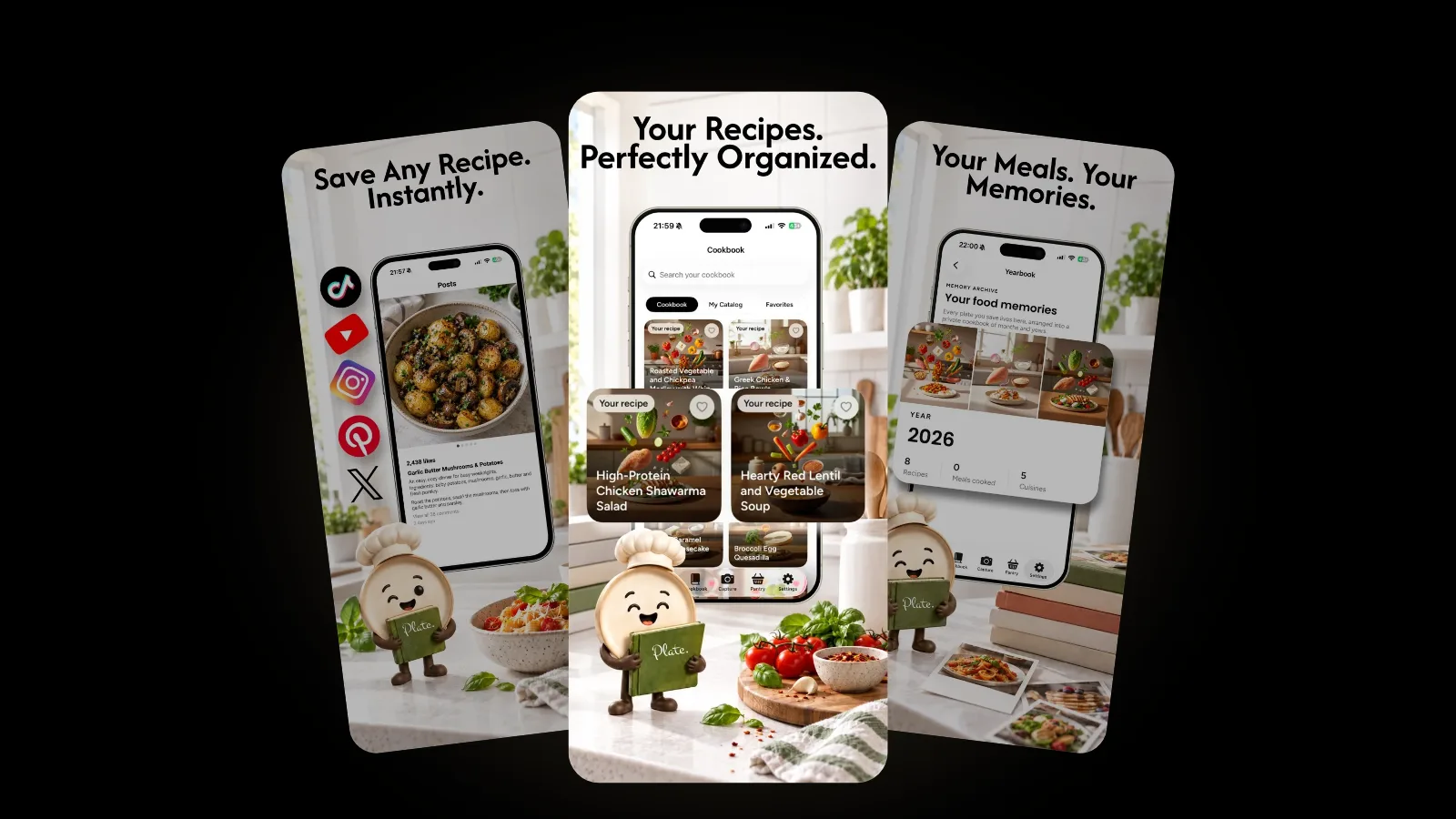
PlateRecipes7 min read
Photo to recipe: how to turn a food photo into a recipe
Photo to recipe, explained: how AI turns a picture of a dish into ingredients, steps and nutrition, what a photo cannot show, and how to check the result.
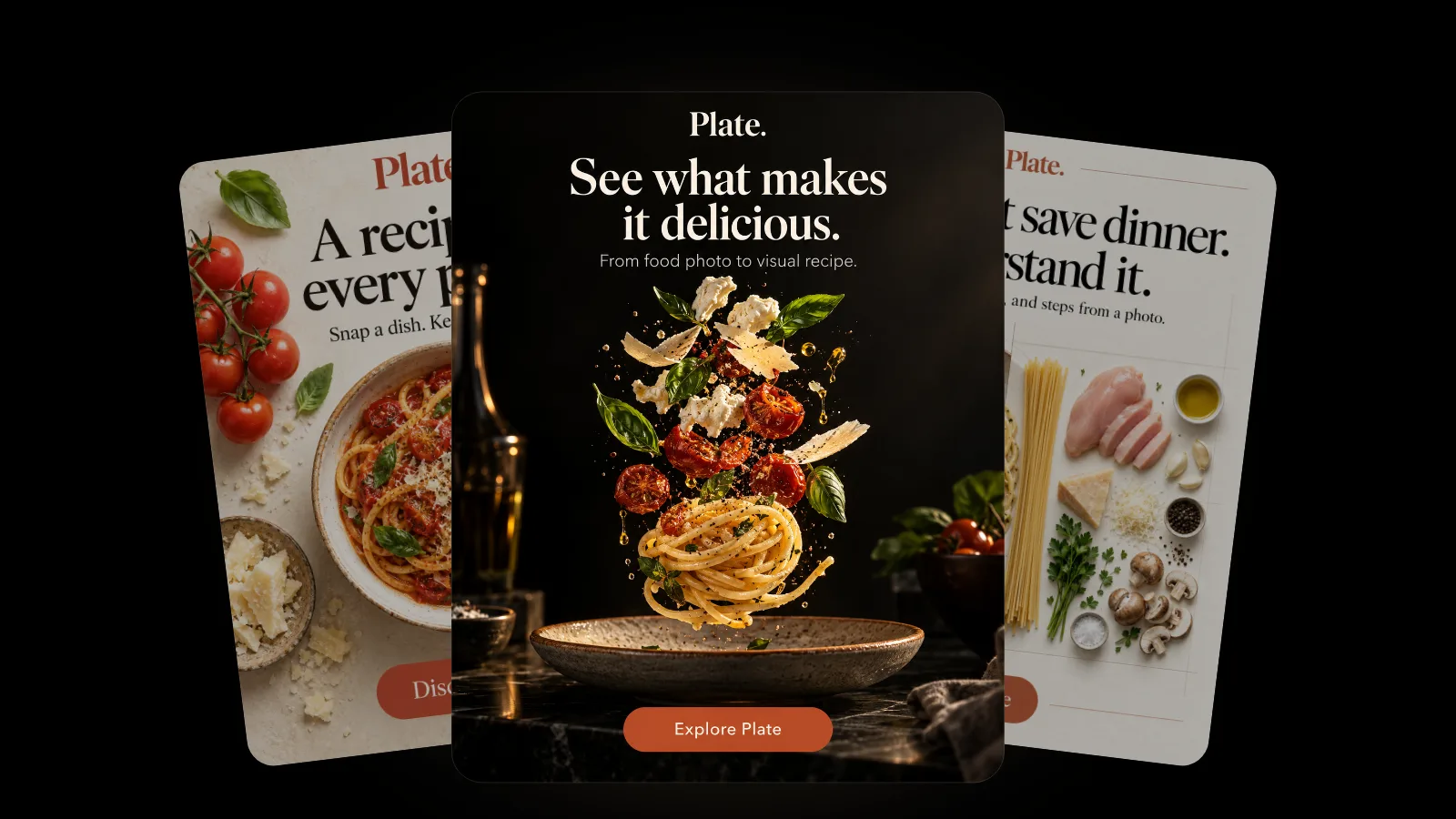
To turn a photo into a recipe, take a clear, well-lit picture of the dish and give it to a photo to recipe app. The app recognizes the ingredients it can see, estimates amounts and writes the steps. Treat the result as a strong first draft: check hidden ingredients, quantities and cooking temperatures before you cook.
We make Plate, an AI recipe keeper for iPhone, so this is a question we think about every day. This guide covers how photo to recipe works, how to take a photo that gives a better result, and where a picture simply runs out of information.
How does photo to recipe work?
Photo to recipe is a way of rebuilding a recipe from a picture of the finished dish. An AI model looks at the image and recognizes the components it can see, such as pasta, tomatoes, basil or grilled chicken. From those clues it infers the most likely dish and writes a structured recipe: an ingredient list with quantities, numbered steps, a serving count and often a nutrition estimate. Because the model works only from what is visible, the result is a reconstruction, not the cook's original recipe. It is usually strongest on the main ingredients and the overall method, and weakest on what a camera cannot see: the butter in a sauce, the salt in the pasta water, exact amounts and the oven temperature. The best way to use a photo to recipe tool is to read the draft, correct what you know, and let it do the typing and the structure for you.
What happens when you snap a dish in Plate
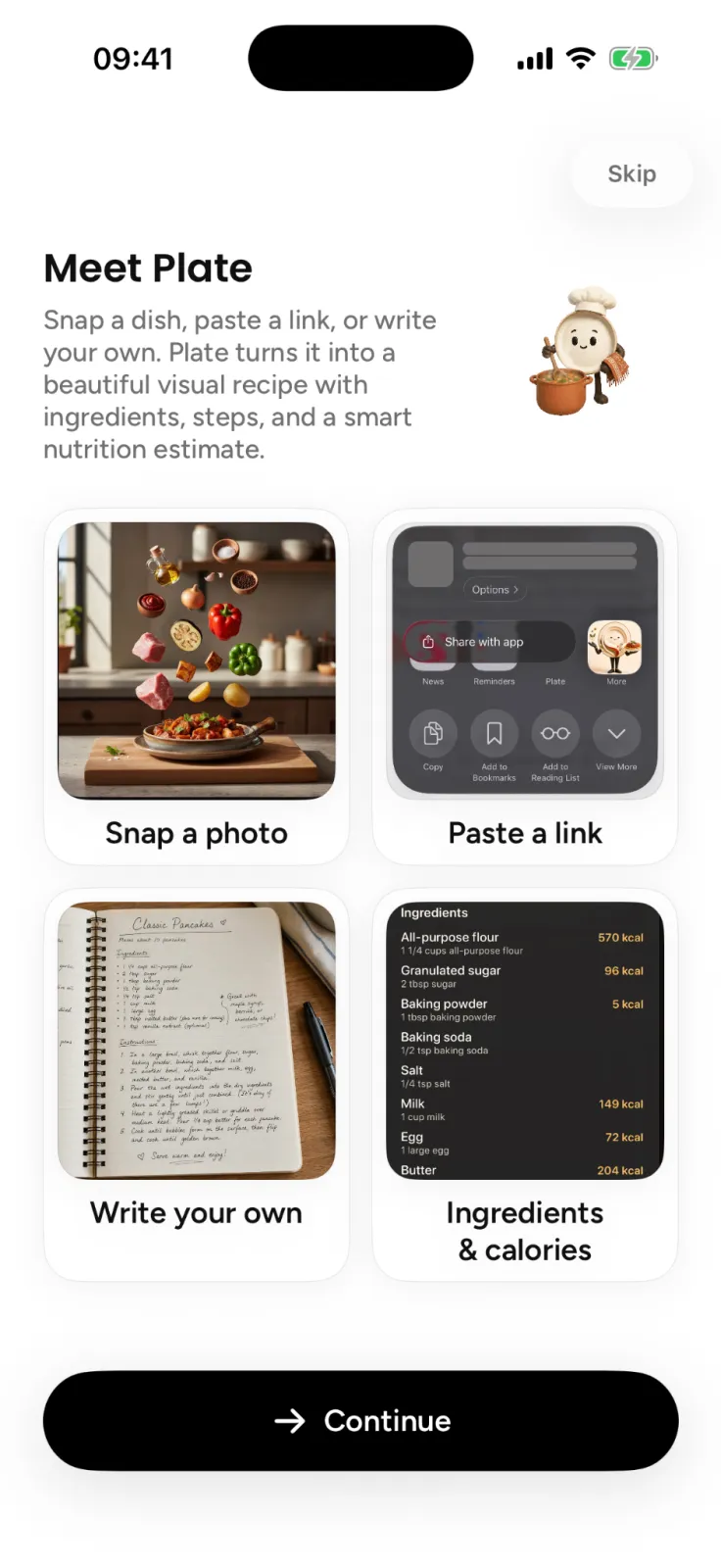
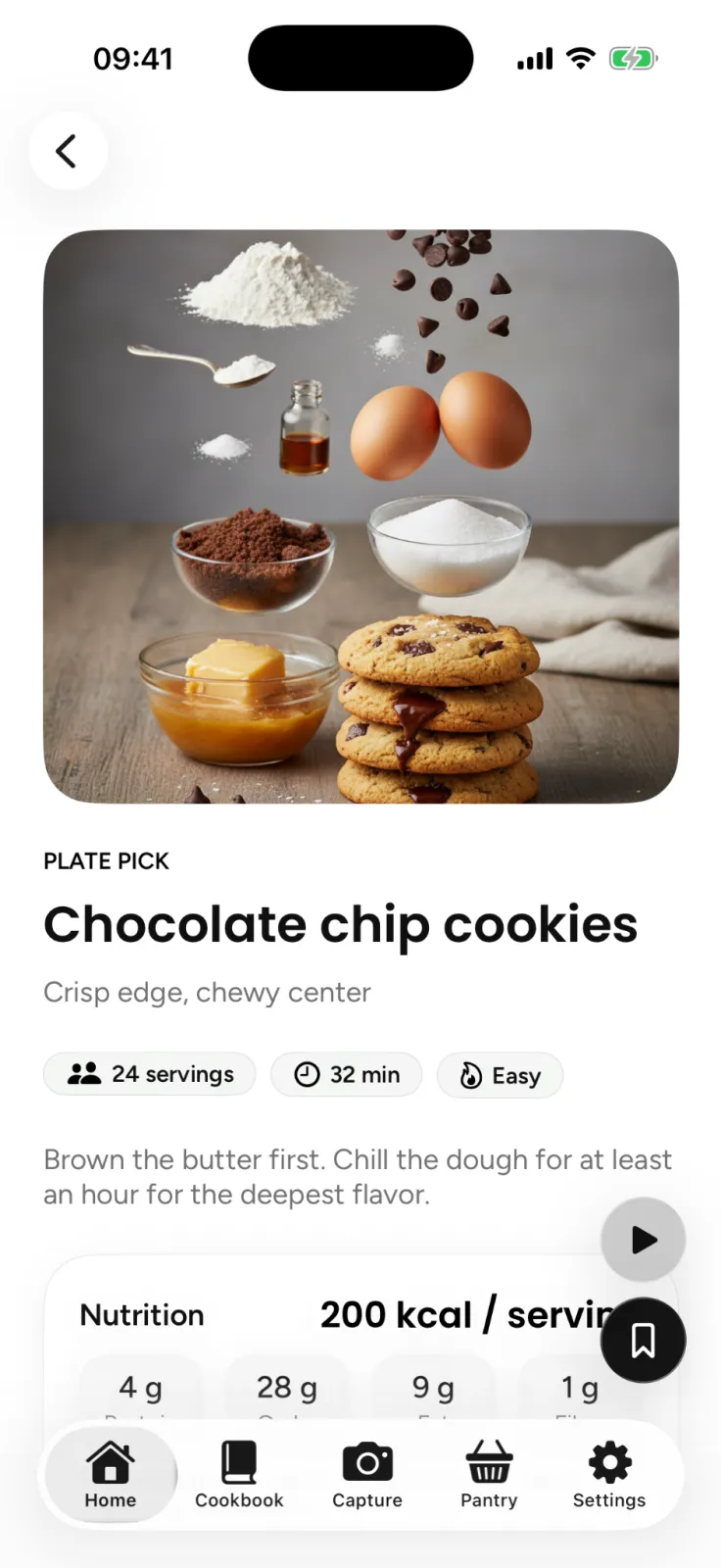
In Plate, you point the camera at a dish. Plate identifies the ingredients and writes a structured recipe with quantities and steps. It then estimates nutrition for each ingredient and renders a cinematic teardown image: the dish with its ingredients floating above it, so you can see at a glance what went in.
How do you take a photo that gives a better recipe?
The model can only work with what is in the frame. A few habits make a noticeable difference:
- Use good light. Daylight from a window beats a dim restaurant table. Shadows hide texture, and texture is how herbs, cheese and sauces get recognized.
- Show the whole dish. Shoot from above or at a slight angle so the plate fits in the frame, garnish included.
- One dish per photo. A table full of plates makes it harder to tell what belongs to what.
- Get close, but not too close. Fill most of the frame with the food. Very tight crops lose the context that tells pasta from noodles.
- Photograph before you stir. Layers, toppings and sauces read better before the dish is mixed or half eaten.
- Correct the draft afterwards. If you know the dish had cream or anchovies, add them. You know things the picture does not.
What can a photo not tell you?
A photo shows the surface of a dish. Much of what makes a recipe work happens before plating, so some details always need a human check.
| Detail | What a photo shows | What to do |
|---|---|---|
| Main ingredients | Usually clear | Skim the list and remove anything that looks wrong |
| Quantities | Estimated from the portion | Adjust to taste; in Plate the nutrition recalculates when you edit an amount |
| Fats, sugar and salt | Often invisible | Add the butter, oil or sugar you know is there |
| Cooking time and temperature | Not visible at all | Follow the steps as a guide and check doneness with a thermometer |
| Allergens | Only the visible ones | Check every ingredient yourself |
| The cook's technique | Inferred | Treat the method as one good way to make the dish, not the only one |
Doneness is the clearest example. A photo of a golden chicken thigh says nothing about its internal temperature, and according to the CDC, you cannot tell if food is safely cooked by its color and texture, except for seafood. The CDC's advice is to use a food thermometer, with all poultry cooked to 165°F (74°C).
Allergens need the same care. The FDA recognizes nine major food allergens: milk, eggs, fish, crustacean shellfish, tree nuts, peanuts, wheat, soybeans and sesame. Several of them hide easily in a dish, such as sesame in a dressing or milk in a sauce. Plate shows allergen warnings and dietary tags, and if you add your allergies it warns you when a recipe may contain a matching ingredient. These are still estimates, so use your own judgment, especially when cooking for someone with an allergy.
Is a photo the best way to capture a recipe?
Not always. A photo is the right tool when there is no written recipe: a dish at a friend's table, a plate at a restaurant, something you cooked by feel and want to repeat. When a recipe already exists in writing, starting from the written version gives you the cook's own amounts.
| Way to capture | Best for | How close to the original |
|---|---|---|
| Photo of the dish | Meals with no written recipe | A reconstruction from what is visible |
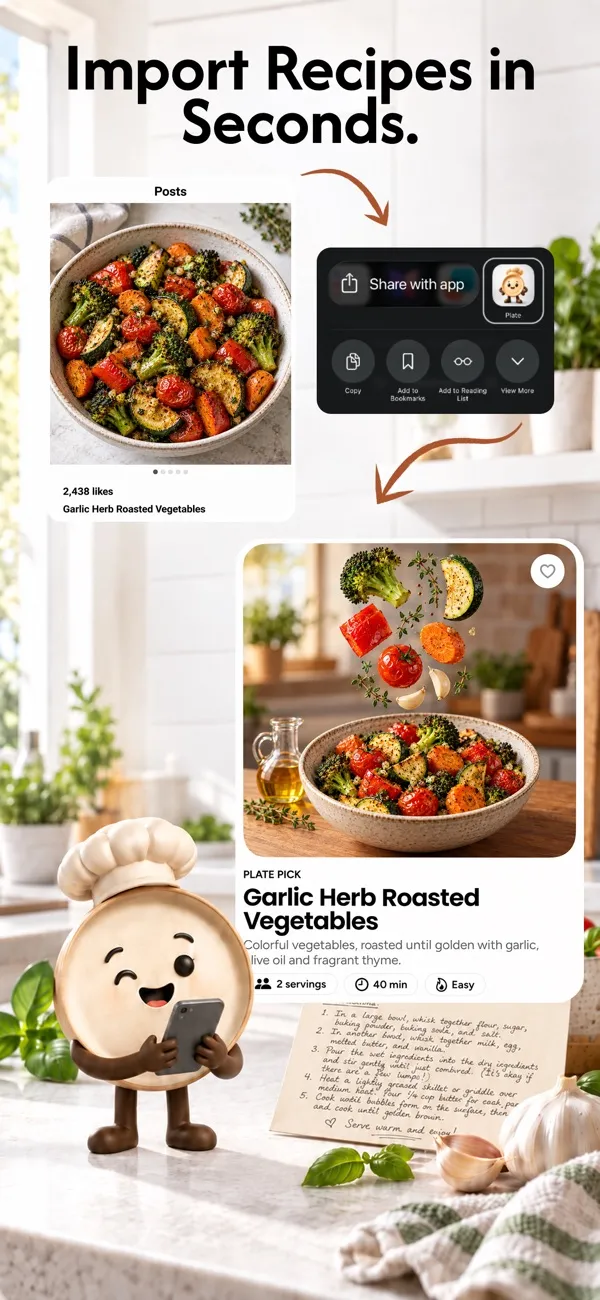
| Link or video | Recipes from YouTube, Instagram, X, TikTok, Pinterest or a recipe site | Built from what the creator shared |
| Paper recipe scan | Printed pages and handwritten family cards | Read from the page itself |
| Write your own | Dishes you already know by heart | Exactly what you type |
Plate handles all four, and the result lands in the same cookbook either way. If most of your recipes live in saved videos and bookmarks, our guide to keeping every saved recipe in one cookbook walks through the rest.
How accurate is the nutrition from a photo?
Every recipe in Plate shows estimated calories and macros, broken down by ingredient and per serving, with optional protein, carbs, fat and fiber. Because the amounts in a photo-based recipe are estimates, the nutrition is too. The fix is the same as for the recipe: correct an amount and the numbers recalculate instantly.
Plate is not a calorie tracker, diet app or medical tool. There are no daily budgets, weight goals or scores. The nutrition is there so you understand what you are cooking, not to tell you what to eat. If you have medical dietary needs, follow the advice of a professional.
What happens to the photos you take?
Food photos are personal, even when they only show dinner. Plate sends a photo to its AI providers only to do the work, and those providers never receive your name, email address or account identity. There are no ads and no advertising trackers, your data is not sold, and your allergies and dietary preferences are never sent to AI providers. The details are in the Plate privacy policy.
What to do with the recipe once you have it
A recipe from a photo is most useful when you cook it. Plate's Cook Mode gives you a hands-free, step-by-step view with timers and an ingredient checklist. Saved recipes also feed Plate's pantry match, which suggests what you can cook with what is already at home. We cover that in cooking with what you have. For more Plate guides, see the Plate category.
FAQ
Can an app really turn a photo into a recipe?
Yes, as a well-informed draft. A photo to recipe app recognizes the visible ingredients and writes a recipe with amounts and steps. It cannot see hidden ingredients or cooking temperatures, so check those before you cook.
Is a recipe from a photo the same as the original?
No. It is a reconstruction of a likely recipe for that dish. If the original exists as a link, a video or a paper card, capture that instead to get the cook's own amounts.
Can I turn a photo of a paper recipe into a digital one?
Yes. In Plate, photograph a printed page or a handwritten card and Plate reads it, organizes the ingredients and estimates nutrition. Paper recipe scanning is part of Plate Pro.
Is Plate free?
Plate is free to start, with some limits. Plate Pro, a weekly, monthly or yearly subscription, adds unlimited AI recipes, paper scanning, full nutrition, export and private cloud sync.
Try it
Next time a dish is worth remembering, take the picture. Plate is free to start on the App Store for iPhone, and you can read more about the app on the Plate page.