PosturaAirPods6 min read
AirPods posture tracking: how it works and where it stops
Can AirPods track your posture? How AirPods posture tracking uses head motion to notice slouching, what it can and cannot see, and how to get the most from it.
Yes, AirPods can help track your posture, within limits. Motion-capable AirPods sense how your head moves and is oriented, and Apple lets apps read that motion data. A posture app can use it to notice when your head drops forward into a slouch and nudge you to sit back up. It sees your head, not your spine.
This guide explains what Apple's head tracking is, how head-motion based slouch detection works, what it misses, and how we use it in Postura. It is general information about technology and desk habits, not medical advice.
Can AirPods track your posture?
AirPods posture tracking works by reading the motion of your head. Some AirPods models include motion sensors that Apple uses for spatial audio with head tracking, a feature that, in Apple's words, allows the sound to follow the movement of your head. Apple also makes that headphone motion available to apps through a developer framework, so an app on your iPhone can receive updates about how your head is oriented while you wear compatible AirPods. When you slouch at a desk, your head usually tips forward and down toward the screen. A posture app can compare your current head position with an upright one and react when you stay tilted for a while, for example with a gentle tap or a notification. That makes AirPods a light, wire-free way to get slouch reminders without wearing a dedicated device. The trade-off is that the AirPods only know where your head is pointing, not what your back, shoulders or hips are doing.
How does AirPods head tracking work?
Apple's developer documentation describes a class called CMHeadphoneMotionManager that "delivers headphone motion updates to your app." Apps use it to check whether motion is available and to start and stop updates. The documentation explains how to read attitude data, meaning orientation, along three axes for motion-capable Apple headphones.
Two details from the same page matter for you as a user:
- Motion data is opt-in for apps. Apple requires an app to declare why it uses motion data before it can start receiving it.
- Not every pair has it. Apps are told to check that headphone motion is available first, because only motion-capable headphones provide it. Apple's support page lists which AirPods models offer head tracking.
None of this needs a camera. The signal is simply the orientation of the earbuds in your ears.
How does slouch detection with AirPods work?
Here is the general idea behind head-motion based slouch detection, in plain terms:
- Know what upright looks like. OSHA describes a neutral seated position as the head level, forward facing and balanced, with the torso and neck roughly vertical and in line. That is the reference.
- Watch the head angle. As you lean into the screen, your head pitches forward and down.
- Ignore quick glances. Looking at a notebook for a second is not a slouch. Detection only makes sense when the tilt lasts.
- Nudge, then let you reset. A tap or a reminder brings your attention back to how you are sitting, and you correct it yourself.
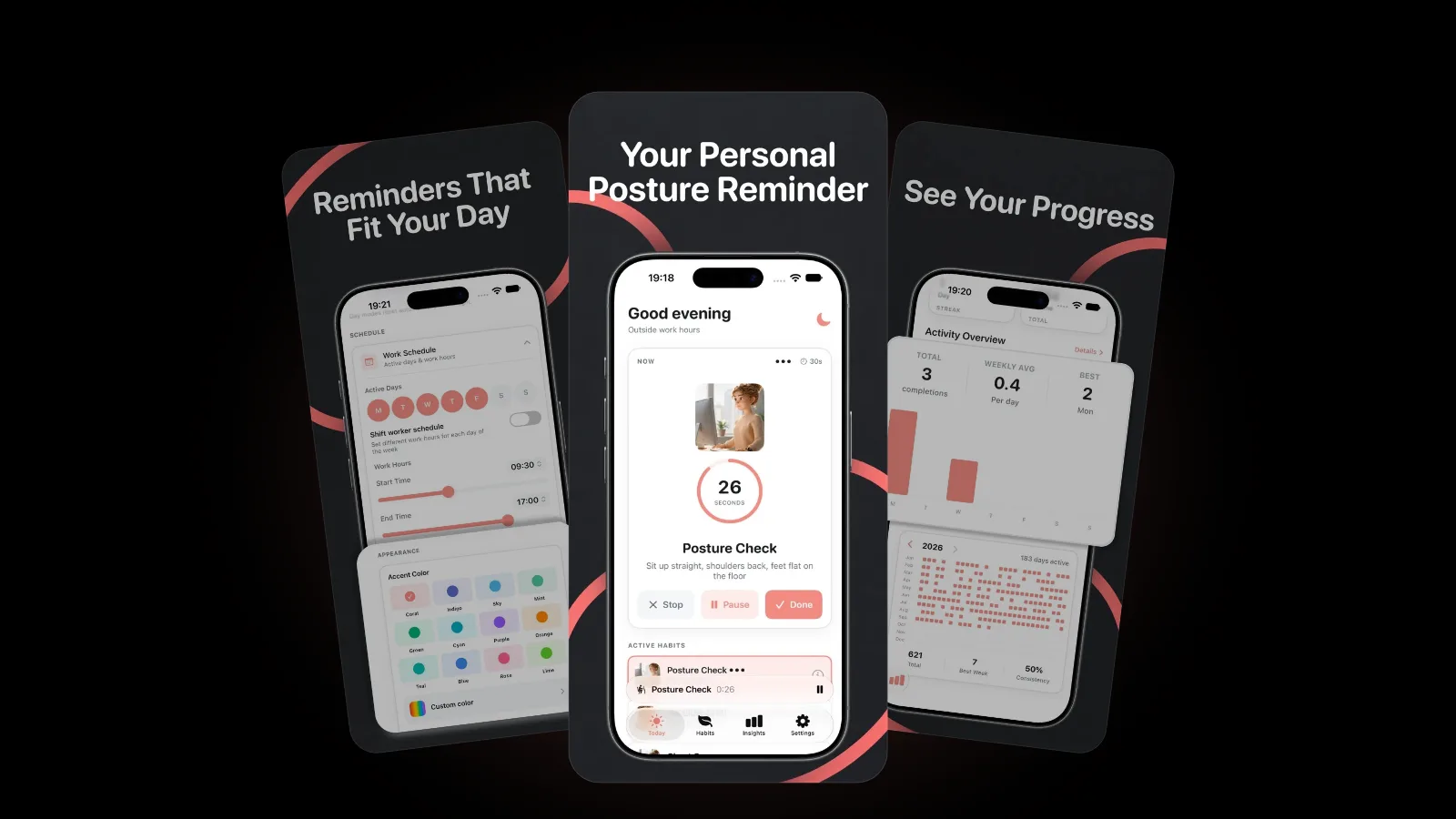
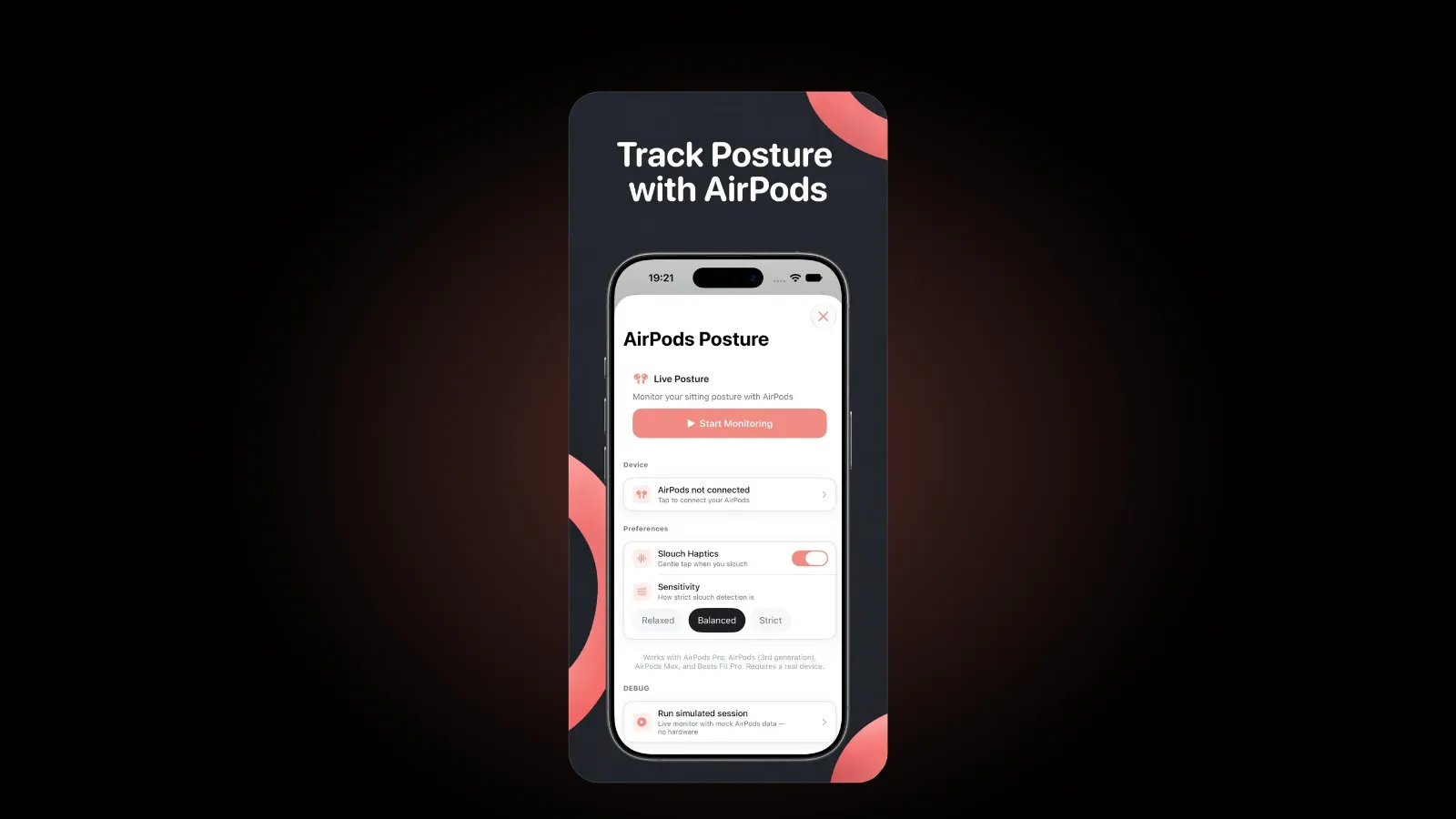
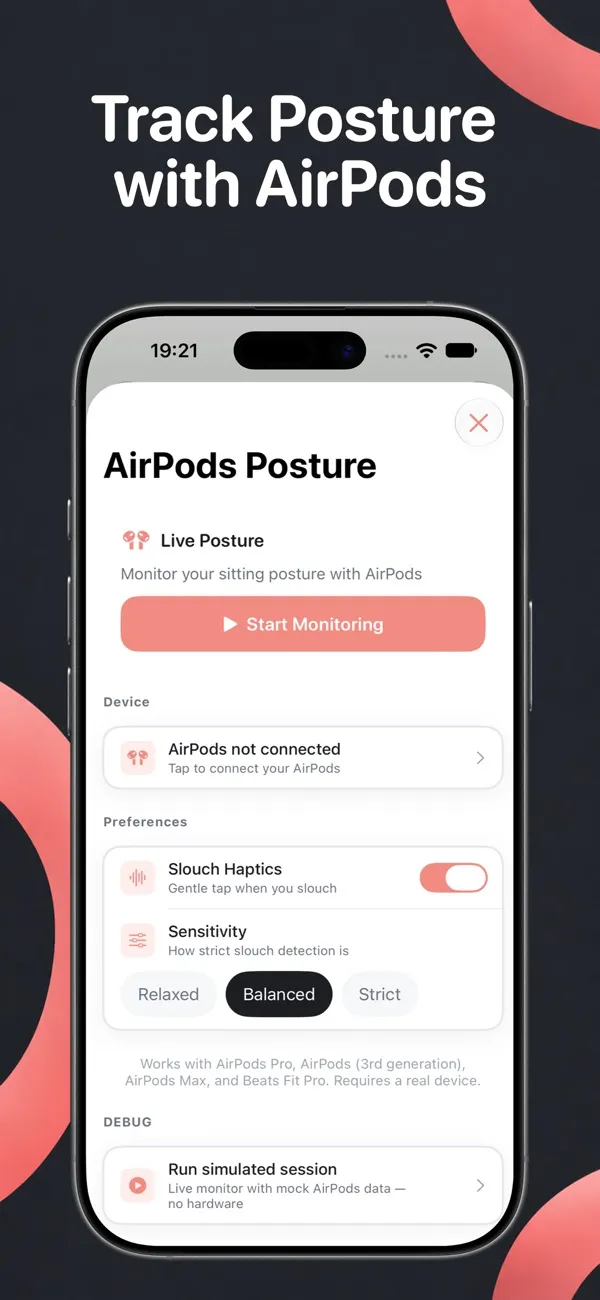
In Postura, live AirPods posture coaching is part of Postura Pro. You start monitoring from the AirPods Posture screen and choose an alert score: when your posture score stays below it, Postura shows a banner and gives a gentle tap, at most once a minute. Monitoring keeps running while you use other tabs in the app, pauses when you leave Postura and picks up again when you come back. If your headphones do not support head tracking, Postura names them and tells you so.
What can AirPods posture tracking not do?
Head motion is a useful signal, but it is only one signal. It helps to be clear about what it can and cannot see.
| What it can notice | What it cannot see |
|---|---|
| Your head tilting forward and down for a while | The shape of your lower back, rounded or supported |
| Your head returning to a level position | Your shoulders creeping up while your head stays level |
| Changes in head angle over a work session | Your hips, legs or how you sit in the chair |
| Posture while you actually wear the AirPods | Anything while the AirPods are out of your ears |
Some practical limits follow from that:
- Looking down is not always slouching. Reading paper notes or a phone on the desk tilts your head too. A threshold you can adjust helps, but no head sensor can know your intent.
- It runs while the app does. In Postura, live monitoring pauses when you leave the app, so it suits focused sessions at your desk rather than all-day background tracking.
- Your setup shapes the reading. A laptop screen sitting low on the desk invites a downward gaze all day. Raising the screen often changes more than any reminder.
- It is awareness, not diagnosis. Slouch detection tells you when to check in with your body. It does not measure spinal health, and it should not be used to assess pain.
That is why we treat AirPods sensing as one part of a desk routine rather than the whole of it.
How to get the most out of AirPods posture tracking
- Tune the alert threshold. If it taps too often during normal work, lower the alert score. If you keep catching yourself slouched with no tap, raise it.
- Fix your setup first. Bring the screen up to a comfortable height and sit about arm's length away, so upright is the easy position.
- Treat each nudge as a mini break. Sit back, drop your shoulders and take a breath. Our desk stretches for neck and shoulders give you a few moves for a longer reset.
- Rest your eyes in the same moment. The 20-20-20 rule pairs well with a posture reset: look at something far away while you straighten up.
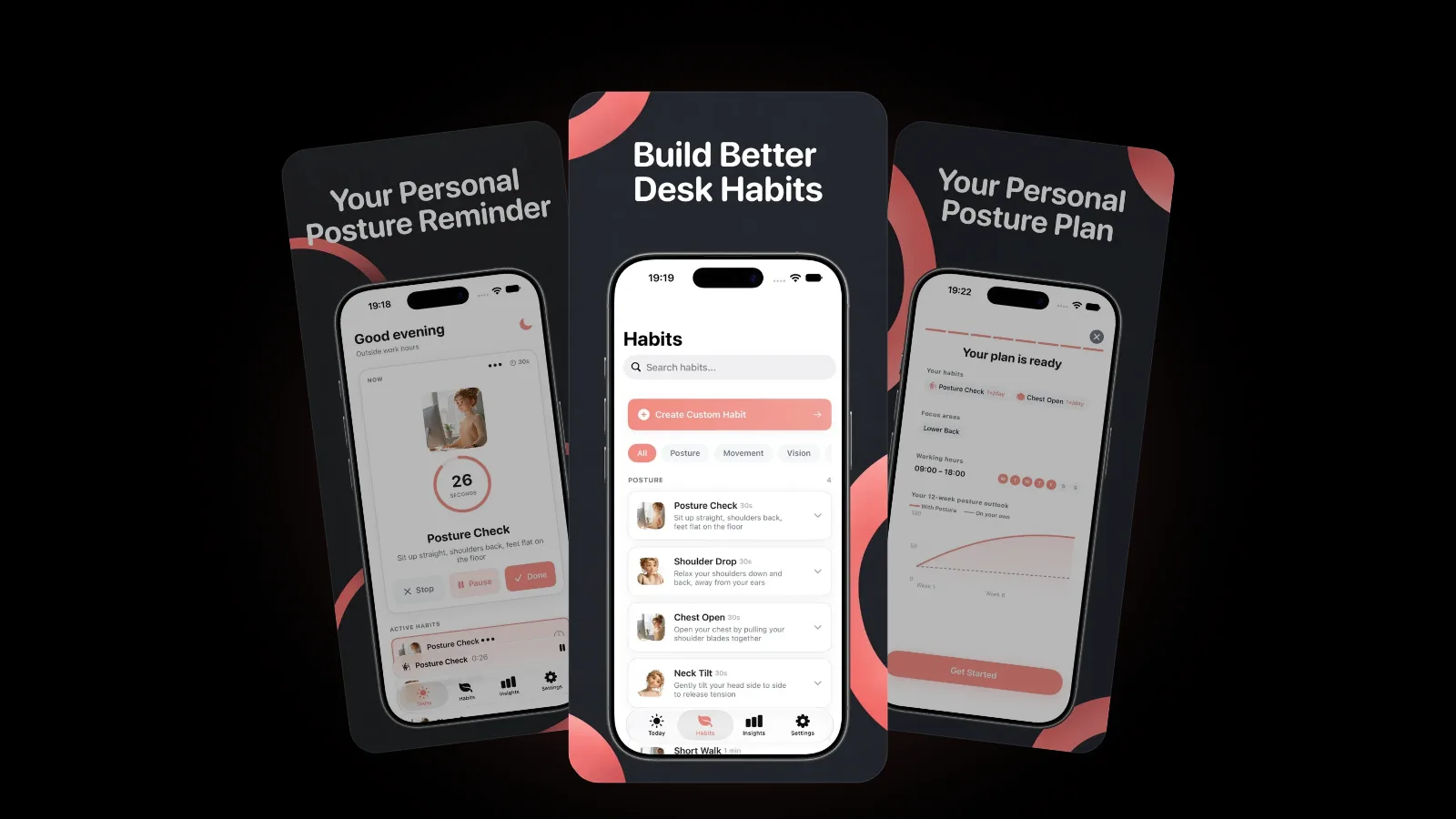
Postura combines AirPods sensing with scheduled reminders for posture checks, stretches, eye breaks and breathing, so you still get nudges on days you are not wearing AirPods. Reminders follow your working hours and active days, and pause automatically when you reach your goals.
Is AirPods posture data private?
With Postura, you do not need an account, and your data is stored on your device. Analytics are optional and anonymous, and there are no ads and no tracking. Reminders are scheduled as local notifications, so no personal data is uploaded to send them. You can read the details in the Postura privacy policy.
FAQ
Do all AirPods support posture tracking?
No. It needs AirPods with motion sensors that support head tracking. Apple lists the models with head tracking on its support page, and if your headphones do not support it, Postura names them and tells you so.
Does AirPods posture tracking use the camera?
No. Head-motion tracking uses the motion sensors in the AirPods, not the iPhone camera.
Can AirPods posture tracking fix back pain?
No, and it does not claim to. It is a reminder tool that helps you notice slouching. Postura is not a medical app and does not provide medical advice. If you have back or neck pain, see a doctor or physiotherapist.
Can I use Postura without AirPods?
Yes. AirPods sensing is one feature. Scheduled posture checks, stretches, eye breaks and breathing exercises all work on iPhone without them.
Get started
Postura is free to download on the App Store, with an optional Pro subscription that includes live AirPods posture coaching. It uses AirPods motion sensing to notice when you slouch, then nudges you with posture resets, stretches and screen breaks on a schedule that fits your day. Postura is not a medical app; it is a gentle way to build better desk habits. Find out more on the Postura page or read all our Postura articles.