EmberFrostGuide9 min read
EmberFrost parents' guide: age rating, purchases, safety
Is EmberFrost safe for kids? It is rated 4+, with no ads and no chat. See what can be bought, how to lock purchases, what data it uses and how saves work.
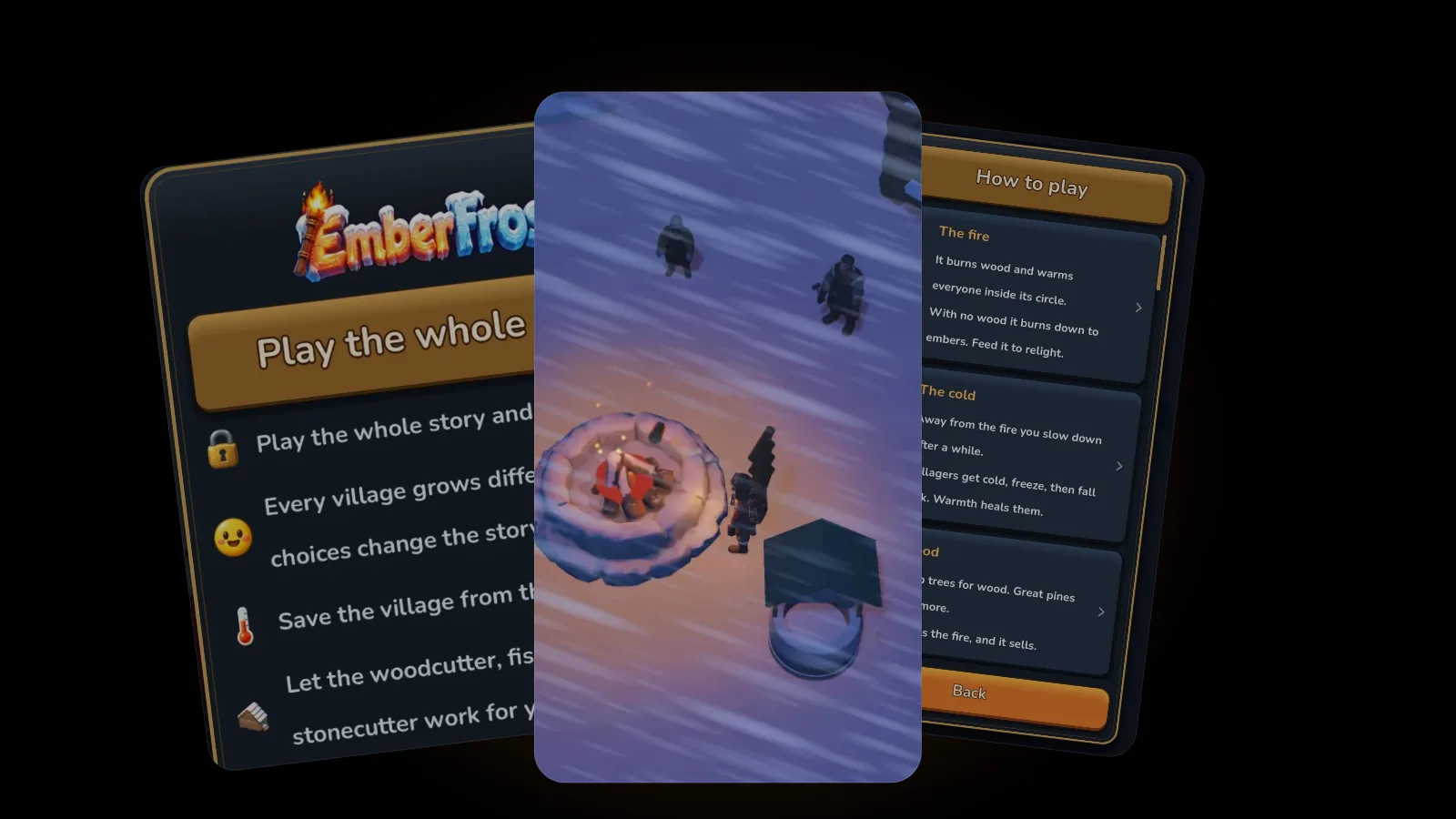
Yes, EmberFrost is fine for most kids. The App Store rates it 4+, and it has no ads, no chat and no online play. There is no fighting and nobody dies: the only danger is the cold. It does offer in-app purchases, so turn on Ask to Buy or block purchases in Screen Time before you hand it over.
We make EmberFrost, so this guide sticks to primary sources: the App Store listing and privacy label as checked on 29 October 2026, the game's own privacy policy and its rules. Apple's settings steps are copied from Apple Support.
Is EmberFrost OK for kids?
EmberFrost: Survival Tycoon is a cozy winter survival village builder for iPhone, rated 4+ on the App Store. Its privacy policy says it is suitable for all ages but is not directed at children under 13. In plain terms: the content suits young children, but it was not designed as a children's app, so set a few things up. The content is gentle: there are no enemies and no fighting, nobody dies in either difficulty mode, and the pressure comes from the cold, snowstorms and one big blizzard. There are no ads, no chat and no multiplayer, the game plays offline, and no account is needed. Two things deserve a minute of setup. Purchases: the game is free to start, with a one-time Full Story purchase and optional coin packs. Game Center: if your child is signed in, Apple shares their player ID and alias with the game.
Before you hand it over:
- Turn on Ask to Buy, or block in-app purchases in Screen Time (steps below).
- Decide about Game Center. Your child can decline the sign-in, and the game will not ask again.
- Choose Normal mode for a younger player. You can switch to Hard any time.
- Leave Hints on for the first sessions, so Granny Maud explains each new thing out loud.
What is EmberFrost's age rating, and what is in the game?
The App Store lists EmberFrost as 4+ and notes that it offers in-app purchases, with no ads label. It runs on iPhone with iOS 26 or later.
That 4+ deserves one footnote. In Apple's age rating definitions, a 4+ app contains "no objectionable material", but the same definition lists messaging and chat, user-generated content and advertising among things a 4+ app may still include. So the number alone does not tell you whether a game has chat or ads. EmberFrost has none of the three.
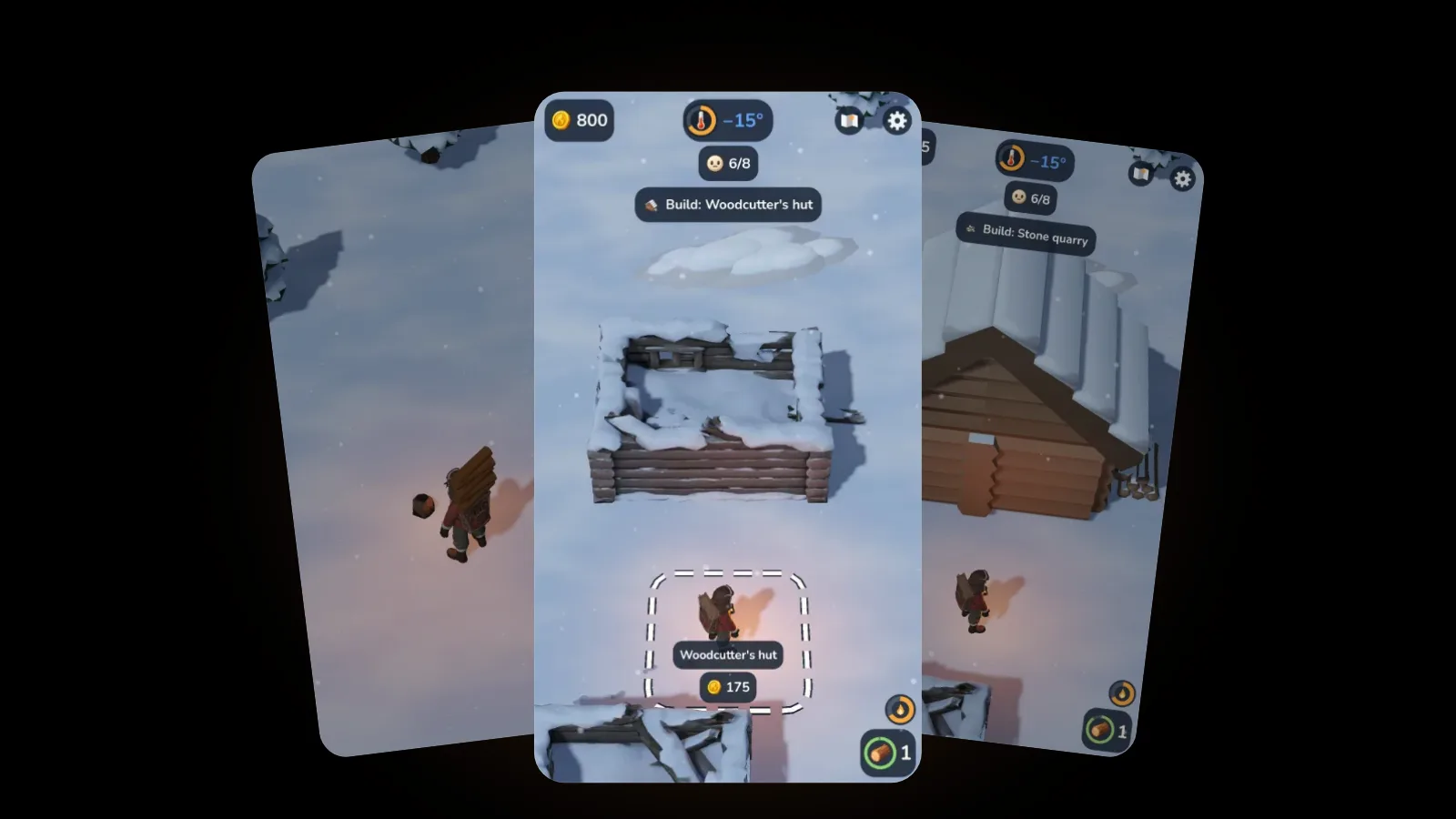
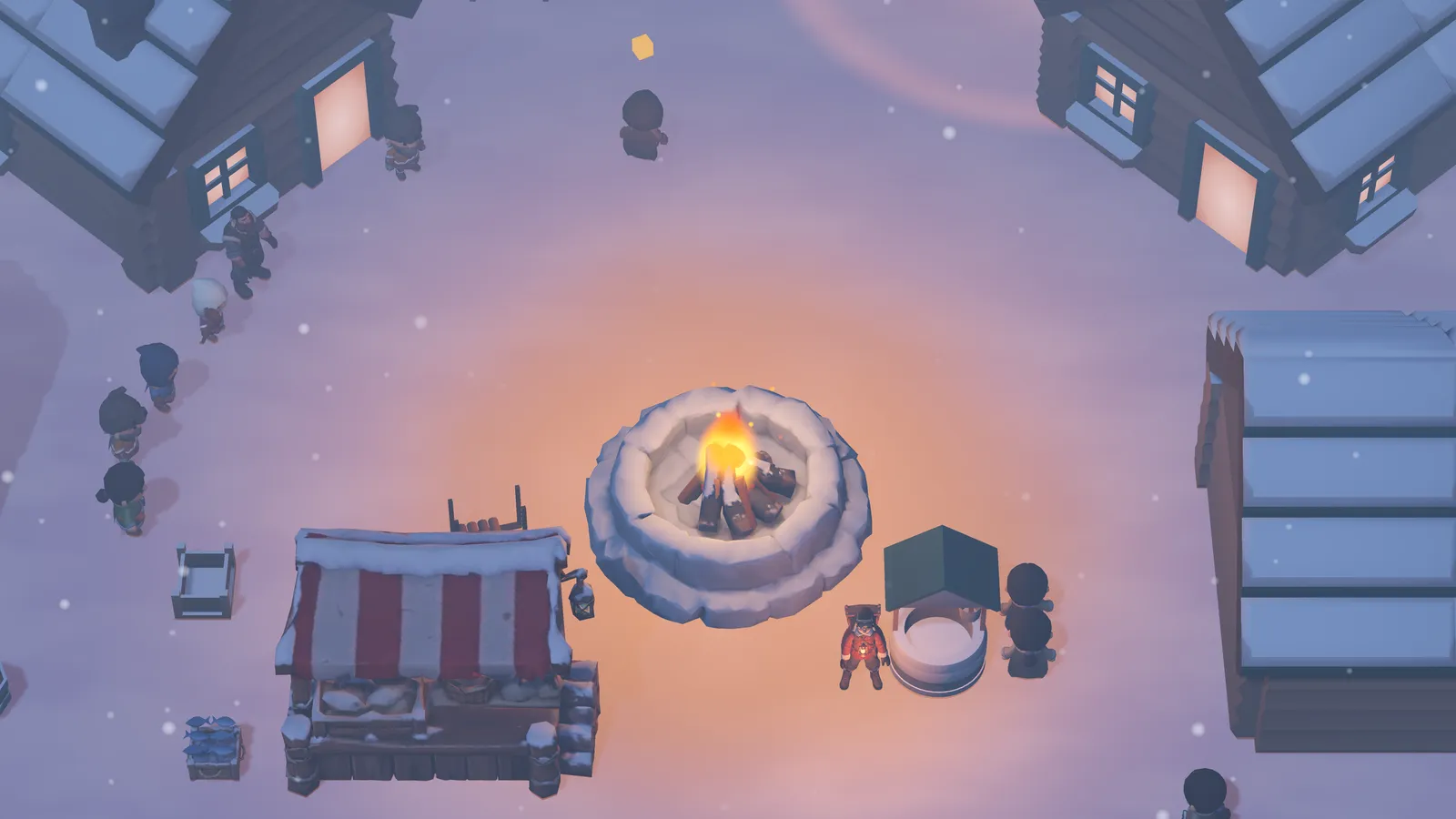
Your child arrives alone at a snowed-in village with one ember, lights the fire and keeps it fed. They chop wood, fish through the ice and cut stone, sell what the fire does not need at a market stall, and rebuild the village one place at a time. It is played with one thumb; our guide to one-handed games for iPhone explains what makes that work.
The story is fully voiced in 21 languages, which helps children who are still learning to read. The narrator's story cards move on by themselves after each line, and a tap skips ahead.
Is anything scary or upsetting in it?
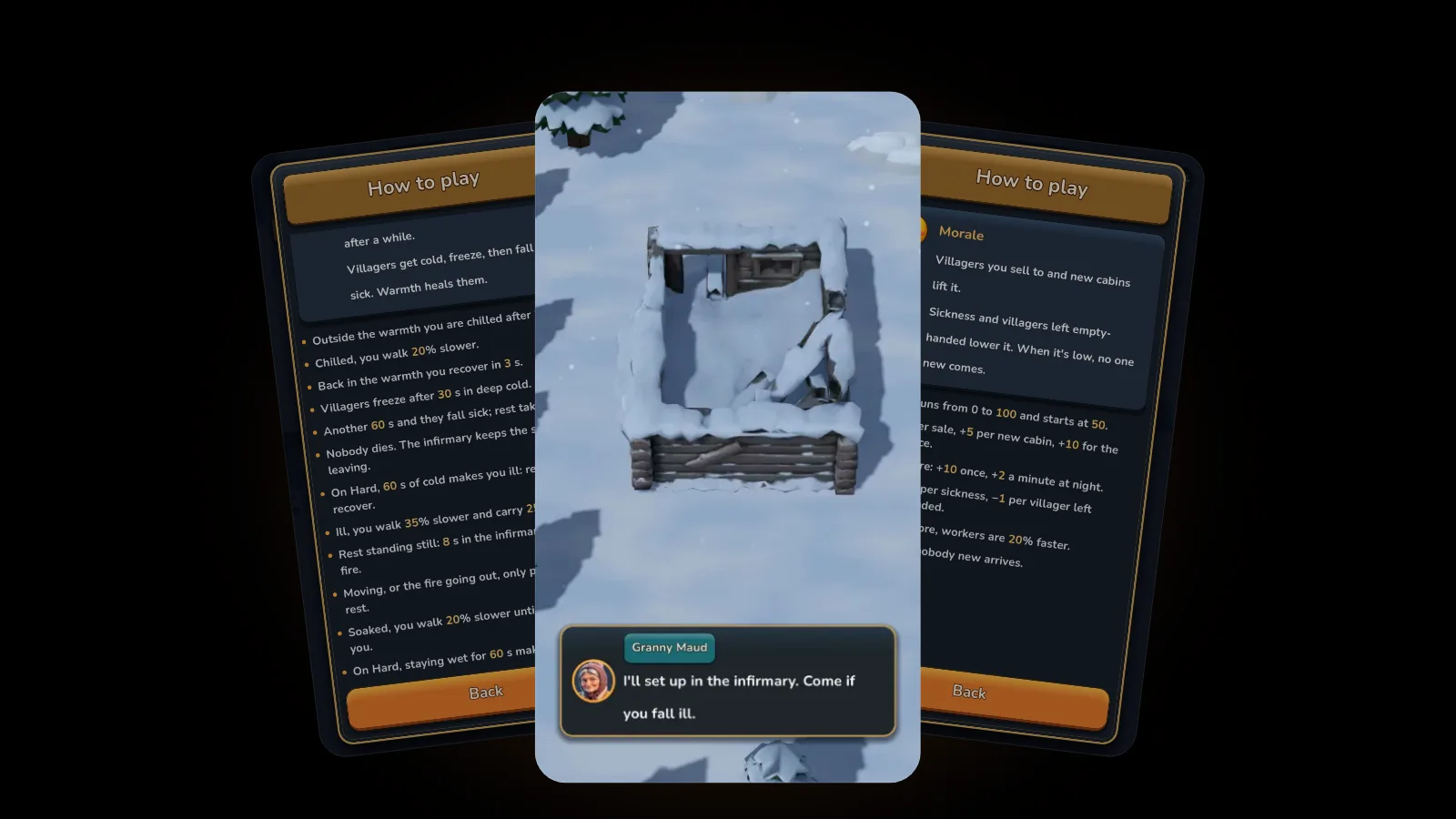
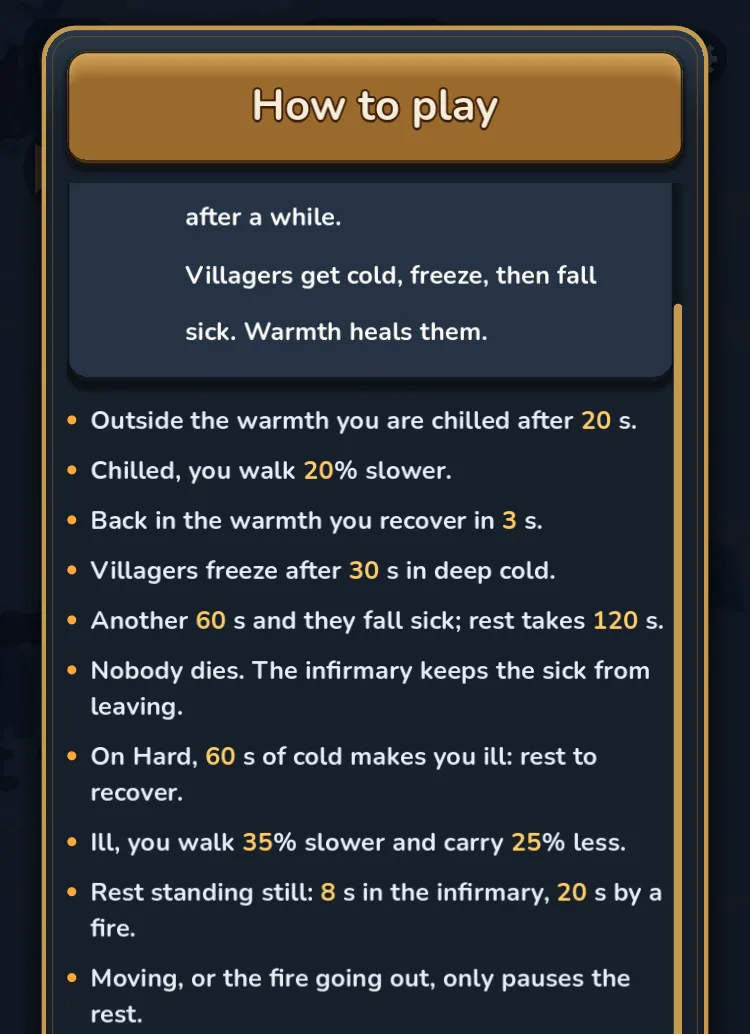
Not in the way a horror or action game is. The tension in EmberFrost is the weather. The temperature drops all the time, and the fire's warmth is the safe ring everyone lives in. Villagers who stay out in the deep cold freeze, then fall sick. If there is no infirmary yet, a sick villager may pack up and leave the village. That is the worst thing that can happen.
What keeps it gentle:
- Nobody dies, in Normal or in Hard.
- The fire never goes out for good. With no wood it sinks to embers and catches again when you add a log.
- Storms are announced. Granny Maud warns before the first snowstorm, and on Normal a storm blows for 60 seconds.
- Losing costs nothing. The Great Blizzard is the big storm the story builds toward. If it goes wrong, it comes back the next day, and nothing is lost.
On Hard, staying in the cold for a minute can make the hero ill until they rest by a fire or in the infirmary. On Normal the hero is never ill. You can switch modes in the settings at any time, and our guide to Normal vs Hard lists every difference.
We wrote about the thinking behind this in what makes a survival game cozy.
What can be bought in EmberFrost, and how do you control it?
| Full Story | Coin packs | |
|---|---|---|
| What it is | One purchase that adds the rest of the game | 100, 250 or 500 coins |
| Type | One-time, no subscription | Used up when spent, can be bought again |
| When it matters | After the free part: the prologue and the first three places | Only after the forge is built, in the middle of the game |
| Where it opens | The Full Story screen, which you can also open from Settings | Only from the coin counter or Settings, never by itself |
| Needed to finish? | Yes, to play past the free part | No |
| Random rewards? | No | No: each pack adds exactly its coins |
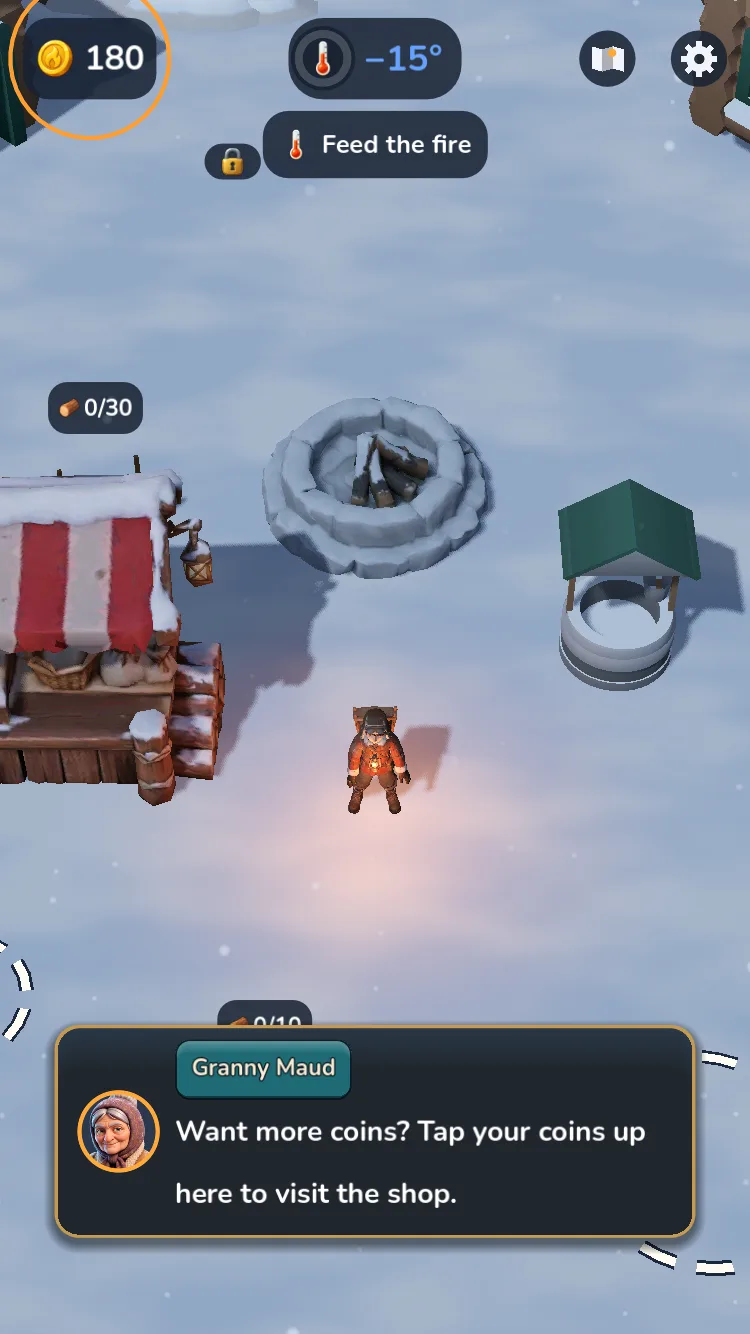
There are no countdowns or "limited time" messages on either screen. Our post on what is free in EmberFrost explains when the Full Story screen first appears and what it includes. Coins belong to the save on that device, and unlike the Full Story they do not come back with Restore purchases.
Block purchases with Screen Time
Apple's page on turning off in-app purchases gives these steps. Screen Time must be turned on first.
- Open the Settings app, then tap Screen Time.
- Tap Apps & Websites, then tap App Store.
- Tap In-app Purchases and select Blocked.
Approve purchases with Ask to Buy
Ask to Buy needs Family Sharing and a Child Account for your child. On your own iPhone:
- Open the Settings app, then tap Family.
- Tap your child's name.
- Tap Apps & Websites, then tap Restrictions.
- Tap Ask to Buy, then turn on Require Purchase Approval.
When your child tries to buy, EmberFrost shows "Your purchase is waiting for approval." and you get the request. Apple says a declined request means no purchase takes place, and a request you dismiss or leave for 24 hours has to be made again. In some regions Ask to Buy is on by default for children under 18.
If your child plays on your iPhone instead, Apple lets you require a password for every purchase: Settings, your name, Media & Purchases, Password Settings, then Always Require.
Does EmberFrost have ads, chat or online play?
No ads, no chat and no multiplayer, so there is no way to talk to other players inside the game. The App Store description says "No ads, ever", and the privacy policy confirms there are no analytics, tracking or advertising SDKs. Our list of cozy iPhone games with no ads shows how to check any game's store page yourself.
The game plays fully offline, and the privacy policy says its only network connections are for purchases and Game Center.
Game Center is optional. iOS may show its own sign-in sheet, and if your child declines, EmberFrost never asks again. If they are signed in, achievements are reported to Game Center, and their alias and scores may be visible to other players depending on your Game Center settings. You can sign out in the device's settings. Our EmberFrost achievements guide lists the achievements.
What data does EmberFrost collect?
Very little, and none for advertising. The App Store privacy label lists two types of data linked to you, both used for app functionality, and nothing used to track you.
| Data on the label | What it is for |
|---|---|
| Purchases (purchase history) | Checking and restoring what was bought |
| Identifiers (user ID) | A random, anonymous app user ID for the store, not tied to a name or email |
Both serve store purchases, which RevenueCat validates for us. The EmberFrost privacy policy spells out the rest: there is no account, so the game never asks for a name or email. Progress is saved only on the device, and the game itself collects no personal data. On Android, which is in beta, Google Play's parental controls do the same job. To remove progress, delete the save slot or the game. For purchase records, write to contact@fiosapps.com.
Can kids stop at any time without losing progress?
Yes. EmberFrost saves every 30 seconds and whenever the app goes to the background, so closing it mid-game loses nothing. While the app is closed, nothing happens in the village: the fire does not burn down, nobody falls sick and nobody leaves. There are no energy bars or timers pulling anyone back.
A few settings help younger players and shared phones:
- Three save slots, so siblings can each keep their own village.
- Save game and Main menu in the settings, for a clean stop.
- Hints turns off Granny Maud's tips once the opening is over. Warnings about a low fire or a freezing villager still play.
- Battery saver runs at 30 frames per second with lighter effects, for heat and battery.
For a simple screen break habit to pair with play, see our post on the 20-20-20 rule for eye strain.
FAQ
Is EmberFrost safe for kids?
For most kids, yes. It is rated 4+, with no ads, no chat, no multiplayer and no fighting. It is suitable for all ages but not made for children under 13, so set up Ask to Buy or block in-app purchases, and decide about Game Center.
What is EmberFrost's age rating?
4+ on the App Store, as checked on 29 October 2026. Nobody dies, there are no enemies, and the tension comes from cold and storms. Its privacy policy adds that it is not directed at children under 13.
Can my child buy things in EmberFrost without asking?
Not if you set it up. With Ask to Buy, the game shows "Your purchase is waiting for approval." and nothing is bought unless you approve. Screen Time can block in-app purchases completely. The Full Story is one-time, and coin packs only appear after the forge is built.
Does EmberFrost need the internet?
No. It plays fully offline. It connects only to validate purchases and, if your child is signed in, to Game Center.
Get started
EmberFrost: Survival Tycoon is free to start on the App Store, with no ads and no chat. Read more on the EmberFrost game page, or browse every EmberFrost post.