PosturaNeck9 min read
Tech neck: what it is, what causes it and what helps
Tech neck, or text neck, is the head-down posture of phone and laptop use. What research says about it, plus screen habits and exercises that help.
Tech neck, also called text neck, is the habit of bending your head forward and down to look at a phone, tablet or laptop for long periods. It describes a posture, not a medical diagnosis. What helps most is simple: bring your screens up, change position often and add a few gentle neck exercises to your day.
Below: what the research says, why phones and laptops pull your head down, and the setup changes and NHS physiotherapy exercises worth trying. At the end, we show how Postura can remind you to do them. This is general information, not medical advice. If you have pain that does not settle, numbness or weakness, see a doctor or physiotherapist.
What is tech neck?
Tech neck is an informal name for holding your head bent forward over a screen for long stretches. There is no single medical definition. In 2023, a scoping review in the European Spine Journal, Defining text neck, examined 41 peer-reviewed articles that used the terms text neck or tech neck. Posture was part of the definition in 38 of them, or 92.7 percent, and other common elements were overuse, mechanical stress and musculoskeletal symptoms. The authors concluded that, for research purposes, text neck is a habit of texting on a smartphone in a flexed neck position. NHS physiotherapy advice covers the same ground in plain terms. A Leeds Community Healthcare NHS page on neck problems lists spending hours looking down at phones, tablets or laptops, and being static or slouched for long periods, among the causes. So tech neck is best treated as a habit you can change, not a condition you are stuck with.
Why do phones and laptops cause tech neck?
Because the screen usually sits below your eyes, and your head follows your gaze. A phone held at chest or lap height means tipping your head down to read it. A laptop joins the screen to the keyboard, so a comfortable typing height leaves the screen low on the desk.
Workstation guidance aims to fix exactly that. The UK Health and Safety Executive's display screen guidance puts the top of the screen level with your eyes, about an arm's length away, directly in front of you. For laptops used for long periods, it suggests a separate keyboard and mouse so the screen can be raised on a laptop riser or similar. The American Academy of Ophthalmology adds, in its advice on computer use, that you should sit about 25 inches from the screen with your gaze angled slightly down.
| Device | Common setup | Easier on your neck |
|---|---|---|
| Laptop | Screen low on the desk, head tilted down | Screen on a riser, with a separate keyboard and mouse |
| Desktop monitor | Screen too low or off to one side | Top of the screen level with your eyes, straight ahead, about an arm's length away |
| Phone | Held at chest or lap height for long sessions | Raised closer to eye level, and put down between tasks |
| Tablet | Flat on a desk or lap | Propped up on a stand at a steeper angle |
| Phone calls | Phone wedged between ear and shoulder | Headphones or speaker mode |
You may have seen dramatic figures for how much load the neck takes as the head tips forward. They usually trace back to a 2014 paper in Surgical Technology International that set out to assess the forces on the cervical spine as the head tilts further forward. That is a question about load. Whether the posture causes pain is a separate question, and the studies on it are calmer.
Does tech neck cause neck pain?
The evidence is less certain than the headlines. In 2018, a study in the European Spine Journal, Text neck and neck pain in 18-21-year-old young adults, assessed 150 young adults during a texting task. Their neck posture, judged both by the participants and by physiotherapists, was not associated with neck pain.
A 2025 scoping review in the Journal of Bodywork and Movement Therapies, Neck pain and text neck using Hill's criteria of causation, went further. It checked 21 studies against a standard set of tests for cause and effect. None of the studies met any of them, and the authors concluded that current literature does not support a causal link between text neck and neck pain. The 2023 review above also advised against calling the posture "incorrect" for that reason.
That does not mean screens are irrelevant. The NHS lists bad posture, for example sitting at a desk for a long time, among the most common causes of neck pain, and advises not keeping your neck in the same position for a long time. Dynamic Health, an NHS physiotherapy service in the East of England, puts it this way on its neck pain page: regularly changing position and posture can prevent pain that results from staying still for long periods.
Put together, the picture is clearer. Looking down at your phone has not been shown to cause neck pain on its own. What the guidance warns against is holding any one position for hours. You do not need a perfect angle; you need more variety.
How do you fix tech neck?
Start with your setup, then build in movement. These habits all come from NHS and HSE guidance:
- Raise your screens. Aim for the top of the screen level with your eyes, about an arm's length away.
- Split up your laptop. For long sessions, raise the screen and use a separate keyboard and mouse.
- Relax your shoulders. HSE suggests sitting high enough that you do not need to shrug them.
- Reset when you notice. The NHS advice is to sit upright, roll your shoulders back gently and bring your neck back.
- Take short breaks often. HSE says 5 to 10 minutes every hour is better than 20 minutes every 2 hours.
- Keep your neck moving. Leeds Community Healthcare suggests gently moving your neck regularly throughout the day.
Your eyes benefit from the same pauses. The 20-20-20 rule asks you to look into the distance every 20 minutes, which also lifts your head away from the screen for a moment.
Which exercises help with tech neck?
NHS physiotherapy services suggest a few simple moves you can do at your desk. The first two come from the Leeds Community Healthcare page and the third from Dynamic Health. Keep each one slow and gentle.
- Chin tuck. Sit or stand tall. Gently draw your head back to make a "double chin", keeping your eyes forward. Hold for 5 seconds, then relax. Repeat 10 times.
- Upper trapezius stretch. Sit on your right hand and tilt your head to the left, ear toward shoulder, until you feel a stretch. Hold for 15 to 30 seconds, then repeat on the other side.
- Shoulder blade squeeze. Pull your shoulder blades together, then relax.
Dynamic Health suggests 5 to 10 repetitions of each exercise, 3 to 5 times a day. It also says the exercises should not produce any severe pain or make your neck pain worse. If they do, stop and get advice. For a seated routine with neck turns, shoulder rolls and a chest stretch, see our desk stretches for neck and shoulders.
When should you see a doctor about neck pain?
According to the NHS, most neck pain only lasts a few weeks. Some signs mean you should get it checked:
| Sign | What NHS guidance says |
|---|---|
| Pain or stiffness that does not go away after a few weeks | See a GP |
| Painkillers such as paracetamol or ibuprofen have not helped | See a GP |
| Pins and needles or a cold arm | See a GP |
| Dizziness, blackouts, double vision, slurred speech or trouble swallowing after neck pain starts | See your GP |
| Pain that started suddenly after an injury, arms or legs getting weaker or less coordinated, or new bladder or bowel changes | Seek urgent medical advice |
The first three rows come from the NHS neck pain page; the last two come from the Dynamic Health NHS physiotherapy service.
How can Postura help with tech neck?
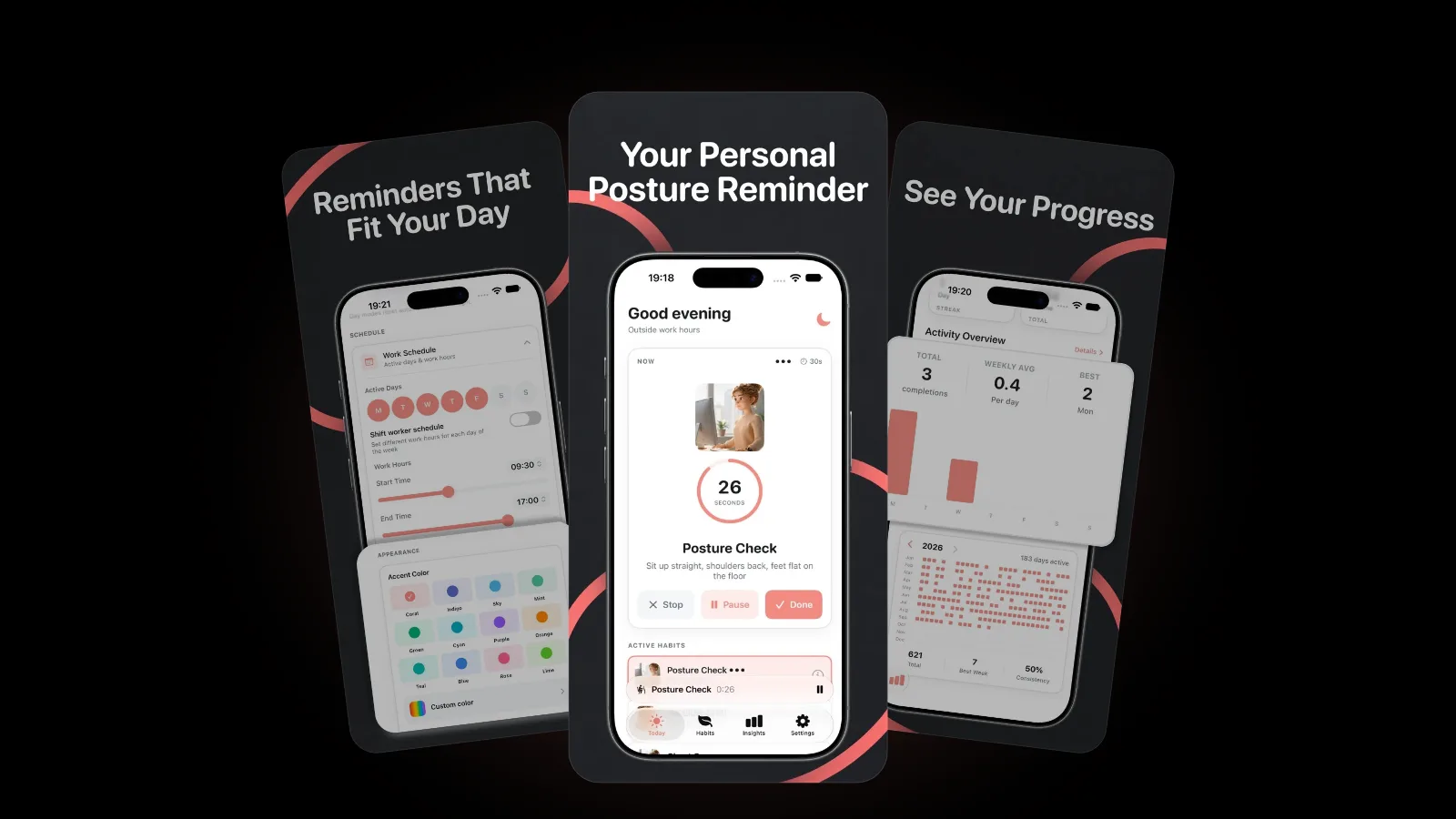
Remembering these fixes halfway through a busy afternoon is the hard part, which is why we built Postura around gentle reminders that follow your working hours.
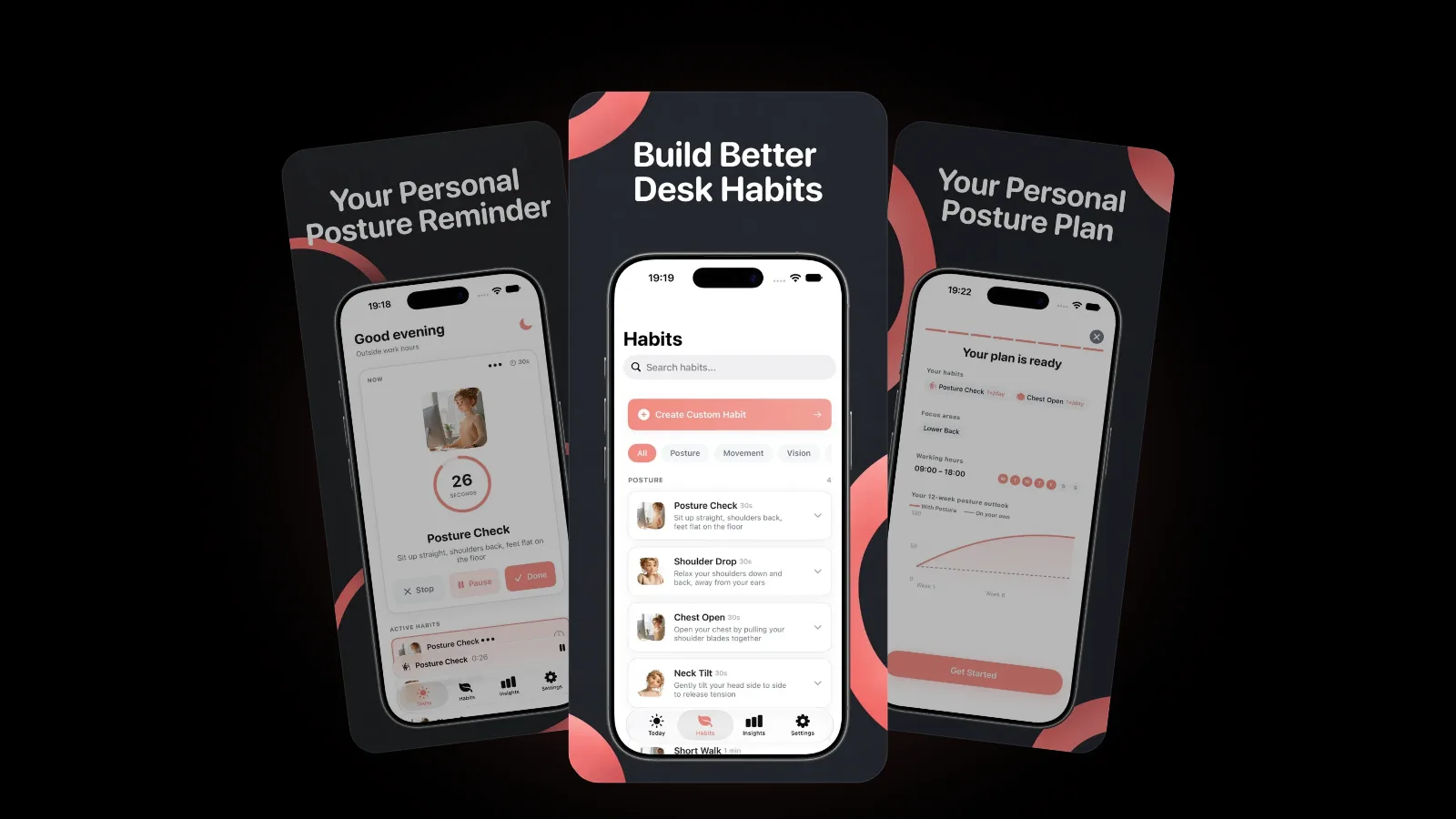
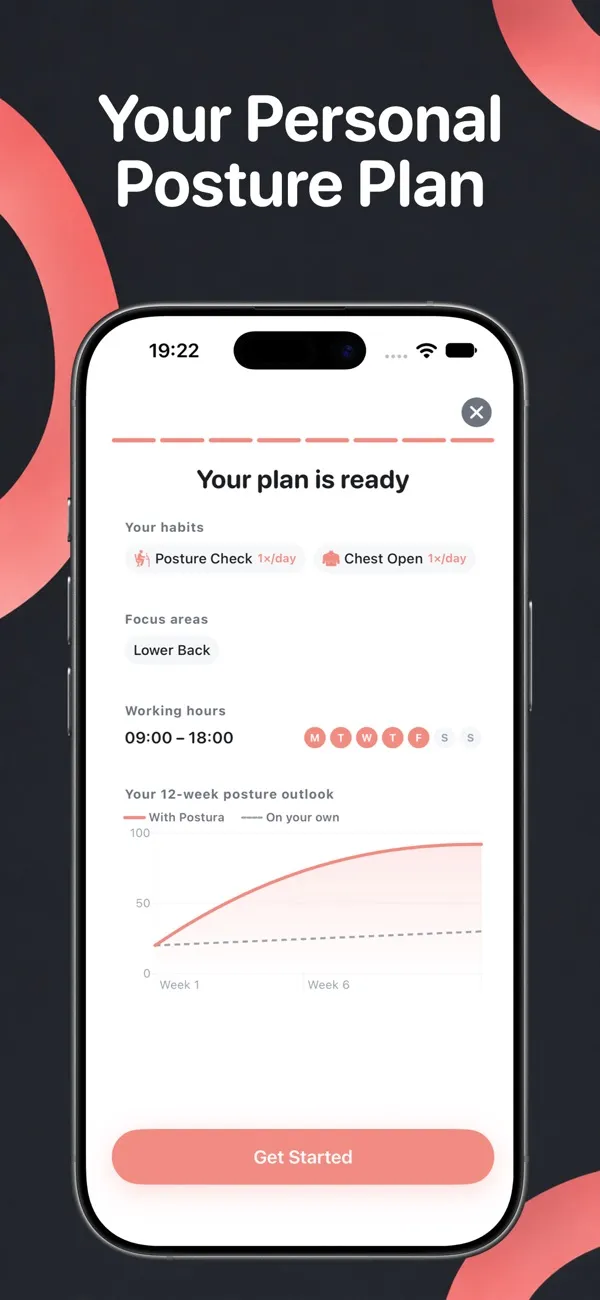
On iPhone, setup asks where you feel tension, such as your neck, shoulders, back, eyes or wrists, and how many hours you spend at a screen. It then builds a plan and recommends a matching habit for each focus area. Built-in habits include Posture Check, Neck Tilt, Shoulder Drop and Chest Open, and each one runs on a short timer, with your streaks and weekly trends tracked as you go.
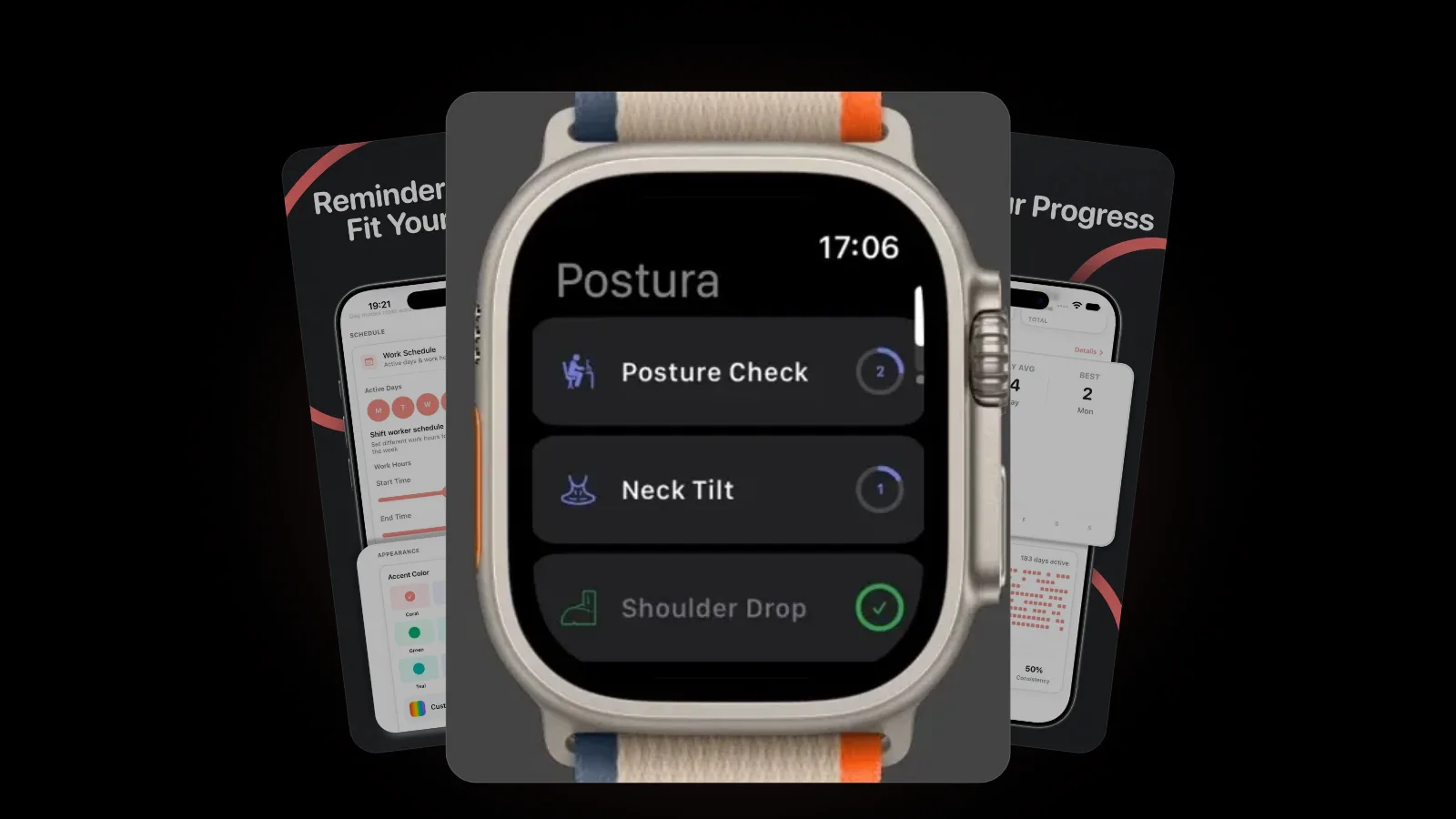
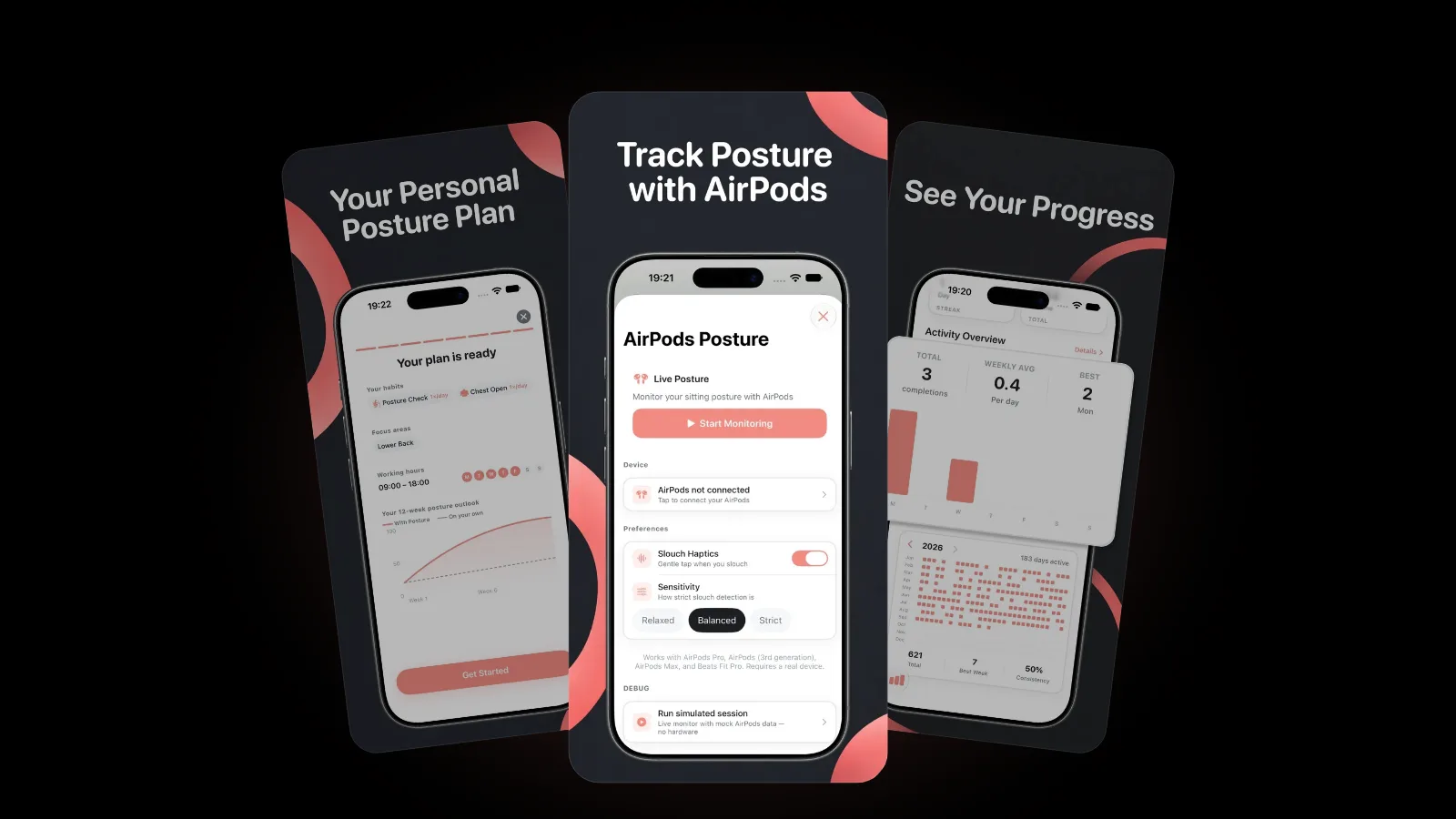
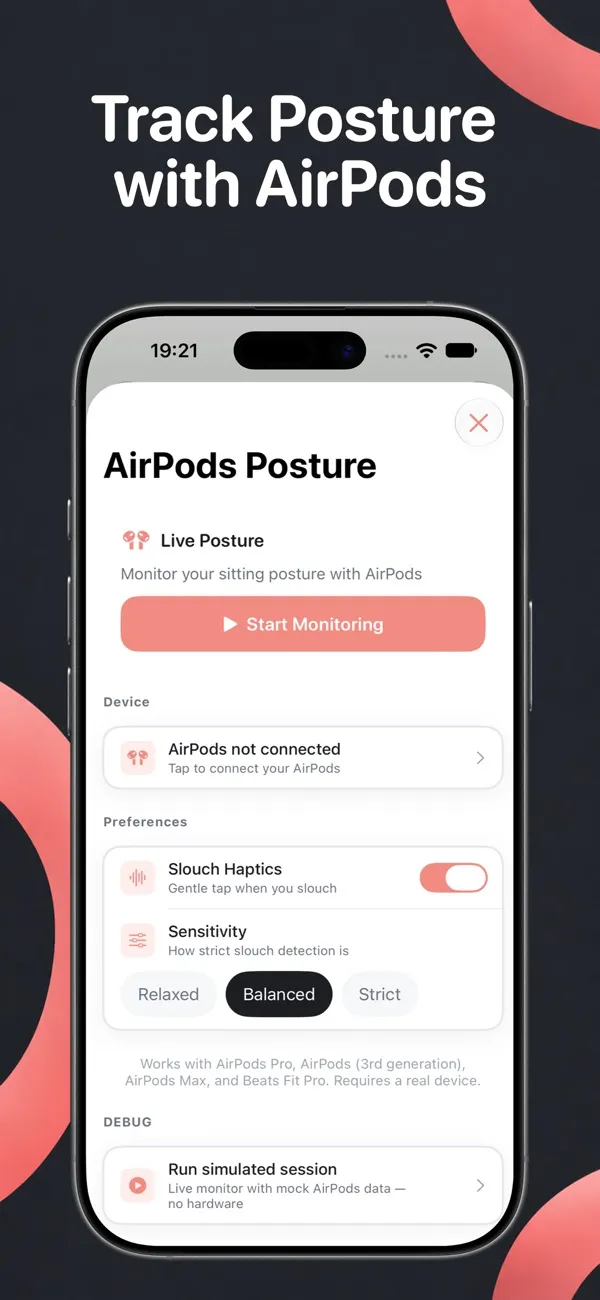
If you wear AirPods at your desk, Postura Pro can also notice when your head drifts forward and nudge you to sit back up. We explain how it works in our guide to AirPods posture tracking. Prefer a tap on the wrist? Here is how to set up a posture reminder on Apple Watch.
FAQ
Is text neck the same as tech neck?
Yes. They are two names for the same habit of looking down at a screen with your head bent forward. The 2023 European Spine Journal review searched for both terms and found that posture was the defining feature in almost every definition.
Is looking down at your phone bad for your neck?
Not on its own, as far as current research shows. Studies so far have not found that the posture causes neck pain. The NHS concern is holding your neck in one position for a long time, so the fix is changing position often.
How long does neck pain from screens last?
The NHS says most neck pain only lasts a few weeks. See a GP if it does not go away, if painkillers do not help, or if you have pins and needles or a cold arm.
Can an app fix tech neck?
No app can fix neck pain, and Postura does not claim to. A reminder app helps with the part most people struggle with: remembering to raise the screen, reset your posture and move during the day.
Get started
Postura is free to download on the App Store and on Google Play, with an optional Pro subscription. It reminds you to check your posture, stretch your neck and shoulders, rest your eyes and move, during the hours you choose. Postura is not a medical app; it is a gentle way to build better desk habits. See everything it does on the Postura page or read more Postura articles.