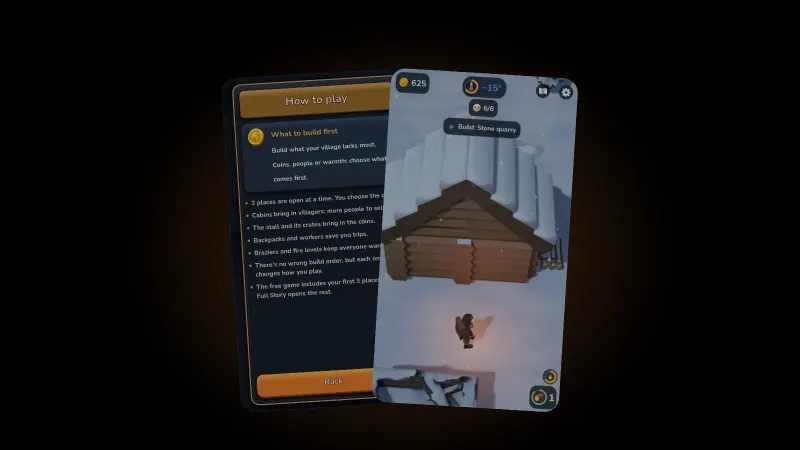
EmberFrostiPhone tips9 min read
iPhone gets hot when playing games? Why, and what helps
Your iPhone gets hot when playing games? What Apple calls normal, the warning signs that are not, and the iPhone and in-game settings that cut the load.

An iPhone gets hot when playing games because a game keeps the processor and graphics chip busy and the screen lit for long stretches. Apple lists graphics-intensive games among the normal causes of a warm iPhone. It only becomes a problem when the phone dims its screen, slows charging or shows a temperature warning.
We make EmberFrost, a cozy 3D winter survival game for iPhone, so frame rates and battery life are part of our job. This guide keeps to what Apple's own support pages say, sorts the iPhone settings by what they change, then opens up one game's Battery saver.
Is it normal for an iPhone to get hot while gaming?
Yes. Apple's support article If your iPhone or iPad gets too hot or too cold, dated May 2026, lists using "graphics-intensive or processor-intensive apps, games, or features" among the things that make a device feel warmer, along with wireless charging and streaming high-quality video. Apple calls these conditions normal and says the device will cool when you finish the activity. Its rule of thumb is short: if your device doesn't display a temperature warning, you can keep using it. The same article says iPhone is designed for use where the surrounding air is between 0 and 35 °C (32 to 95 °F), and it warns against leaving a device in a car on a hot day or in direct sunlight. So a phone that feels warm in your hand after twenty minutes of play is expected. A phone that dims its screen, stops charging or shows a warning is asking you to stop.
Why do games heat an iPhone more than other apps?
A game asks the phone for a fresh picture many times a second, for as long as you play. A page of text sits still until you scroll, so the graphics chip has little to do. A 3D game redraws the whole scene 30 or 60 times a second, and a ProMotion screen can show up to 120. Each frame means working out the light, the shadows, the snow and every character again.
Add a bright screen and half an hour without a break, and the warmth adds up. Nothing is wrong with the phone; it's doing a lot of work, and work turns into heat.

We ran into this while making EmberFrost. An iPhone 15 Pro we tested on ran hot drawing all 120 frames a second its screen allows, so the game now stops at 60. On larger screens it also keeps the 3D world within the pixel count of an iPhone 11 screen, while text stays sharp at full resolution.
When is the heat a problem?
Heat turns into a problem when the iPhone starts protecting itself. Apple says that when the inside of the device gets warmer than its normal operating range, it tries to regulate its temperature, and you might notice these changes:
- Charging, including wireless charging, slows or stops.
- The display dims or goes black.
- Cellular signal might weaken as the radios enter a low-power state.
- The camera flash or other camera features might be switched off for a while.
- Some apps run with lower frame rates or longer processing times. In a game, that can look like stutter.
Past a certain point the iPhone shows a temperature warning screen. Apple's steps: turn the device off, move it somewhere cooler and out of direct sunlight, and let it cool down. Apple also warns that using a device in very hot conditions "can permanently shorten battery life", and it lists playing a graphics-intensive game in heat or direct sunlight for an extended period among the things to avoid.
Which iPhone settings help a hot phone?
Settings that make the phone do less work help. Settings that make a game smoother don't. If you want to know how to stop your phone overheating while playing games, start at the top of this table, ordered roughly by how much work each setting removes:
| Setting | Where to find it | What Apple says it does |
|---|---|---|
| Low Power Mode | Settings, Battery (Power Mode on iPhone 15 or later), or Control Center | Caps ProMotion screens at 60 frames per second, dims the display, turns off some visual effects and Background App Refresh; switches off at 80% |
| Limit Frame Rate | Settings, Accessibility, Motion | Caps ProMotion screens at 60 frames per second |
| Screen brightness | Control Center | "Dim the screen or turn on Auto-Brightness to extend battery life" |
| Adaptive Power | Settings, Battery, Power Mode (iPhone 15 Pro or later) | Can lower brightness, limit background activity and adjust performance |
| Battery usage | Settings, Battery | Shows how much battery each app used |
| Game Mode | Control Center, Game Overlay | Gives the game top CPU and GPU priority for smoother frame rates |
Sources: Apple's iPhone User Guide pages Save battery life with Power Modes, Customize onscreen motion and Understand your iPhone battery usage and health, plus Use Low Power Mode, Use Game Mode and Apple's Maximizing Battery Life and Lifespan page.
Does Low Power Mode affect gaming? On a ProMotion iPhone it caps the screen at 60 frames per second, and Apple notes the phone "might perform some tasks more slowly". Limit Frame Rate gives the same cap without the other changes, and Apple mentions no 80% switch-off for it.
Game Mode is the one people get wrong. Apple's page says it prioritizes your game for "smoother, more consistent frame rates" and better responsiveness. It says nothing about heat or battery. Treat it as a smoothness feature, not a cooling one.
Which in-game settings make the biggest difference?
The settings inside a game decide how much work each frame takes and how many frames there are. Look for these, in this order:
- Frame rate. Going from 60 to 30 halves the number of frames drawn every second. Start here.
- Resolution or render scale. Drawing the 3D world at 75% of the width and height means about 56% of the pixels.
- Shadows. Smaller or shorter shadows are cheaper to draw.
- Effects and particles. Snow, smoke, splashes and sparks all cost work in every frame.
- A battery saver preset, if the game has one, which usually bundles the four above.
Breaks help too. Apple says the device cools when you finish the activity, and our guide to healthy gaming habits covers how often to rest your eyes.
Does charging or a case make it worse?
Apple lists wireless charging among the normal causes of a warm iPhone, so playing while it charges stacks two of them. Apple's guide page Understand Thermally Limited Charging says a phone that gets too warm may slow or stop charging until it cools, sometimes with "Charging On Hold" on the Lock Screen. It also says to remove your case if your iPhone tends to heat up while charging.
Apple's battery page adds that charging inside "certain styles of cases may generate excess heat", and it calls 16 to 22 °C (62 to 72 °F) the ideal comfort zone. Its case advice is about charging, not play, so a case on its own isn't the first thing to blame.
How does EmberFrost's Battery saver work?
Battery saver is one switch in EmberFrost's settings that trades a little of the look for less work every frame. It drops the game to 30 frames per second and lightens the 3D world, while text and buttons keep the screen's full resolution, so nothing gets harder to read. You'll find it behind the gear button on the play screen.
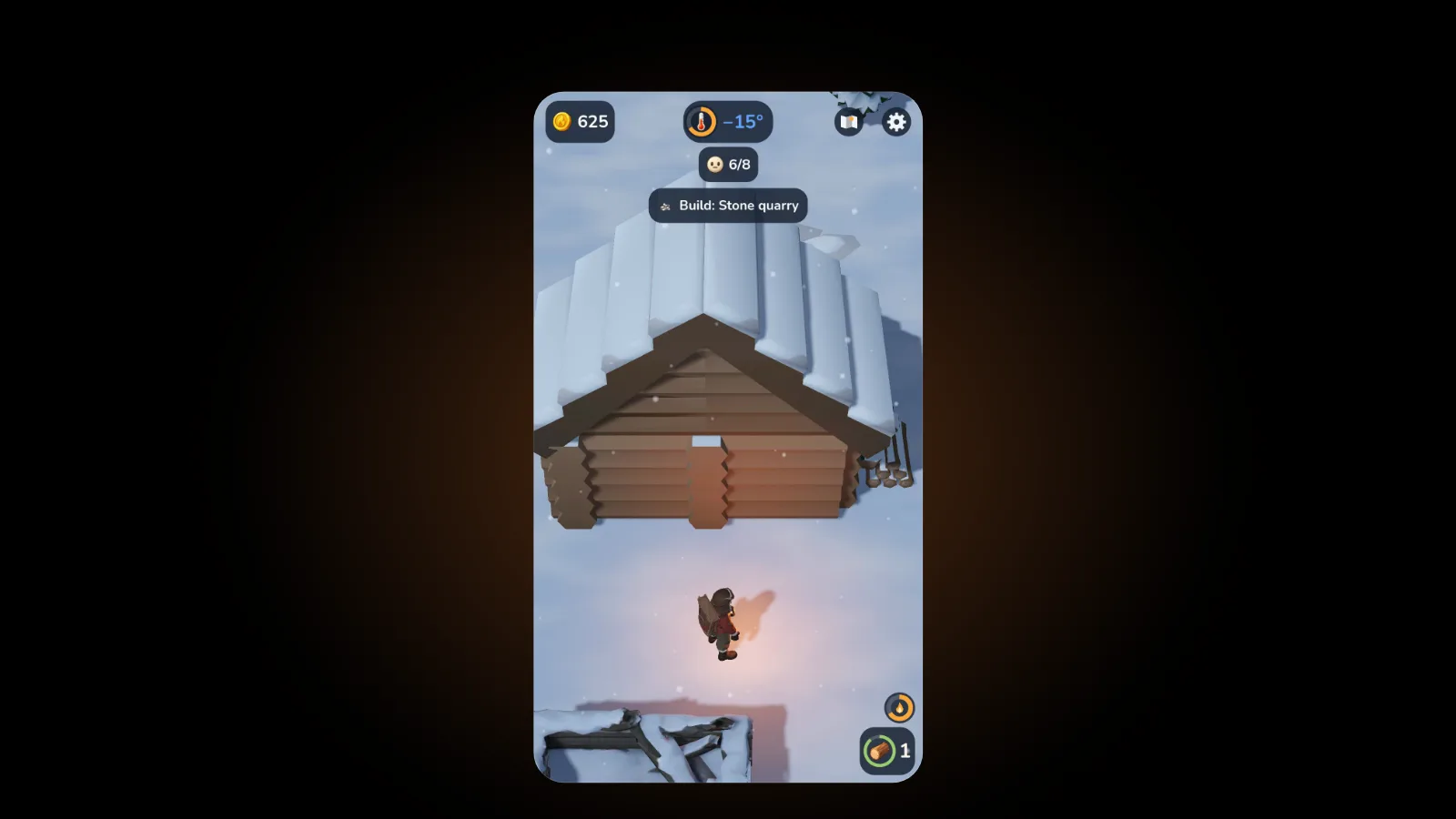
| Standard | Battery saver | |
|---|---|---|
| Frames per second | 60, or 30 if you choose | 30 |
| 3D resolution | Set for your screen | 75% of that in width and height |
| Sun shadow | Full size and distance | Smaller, reaching 60% as far |
| Small effects: ice cracks, splashes, drips, slide marks | All of them | About half |
| The hero's footprints | All of them | Half |
| Calm snowfall | On | Off |
Storms still show with Battery saver on, because you need to see one coming. More on that in our guide to EmberFrost snowstorms.
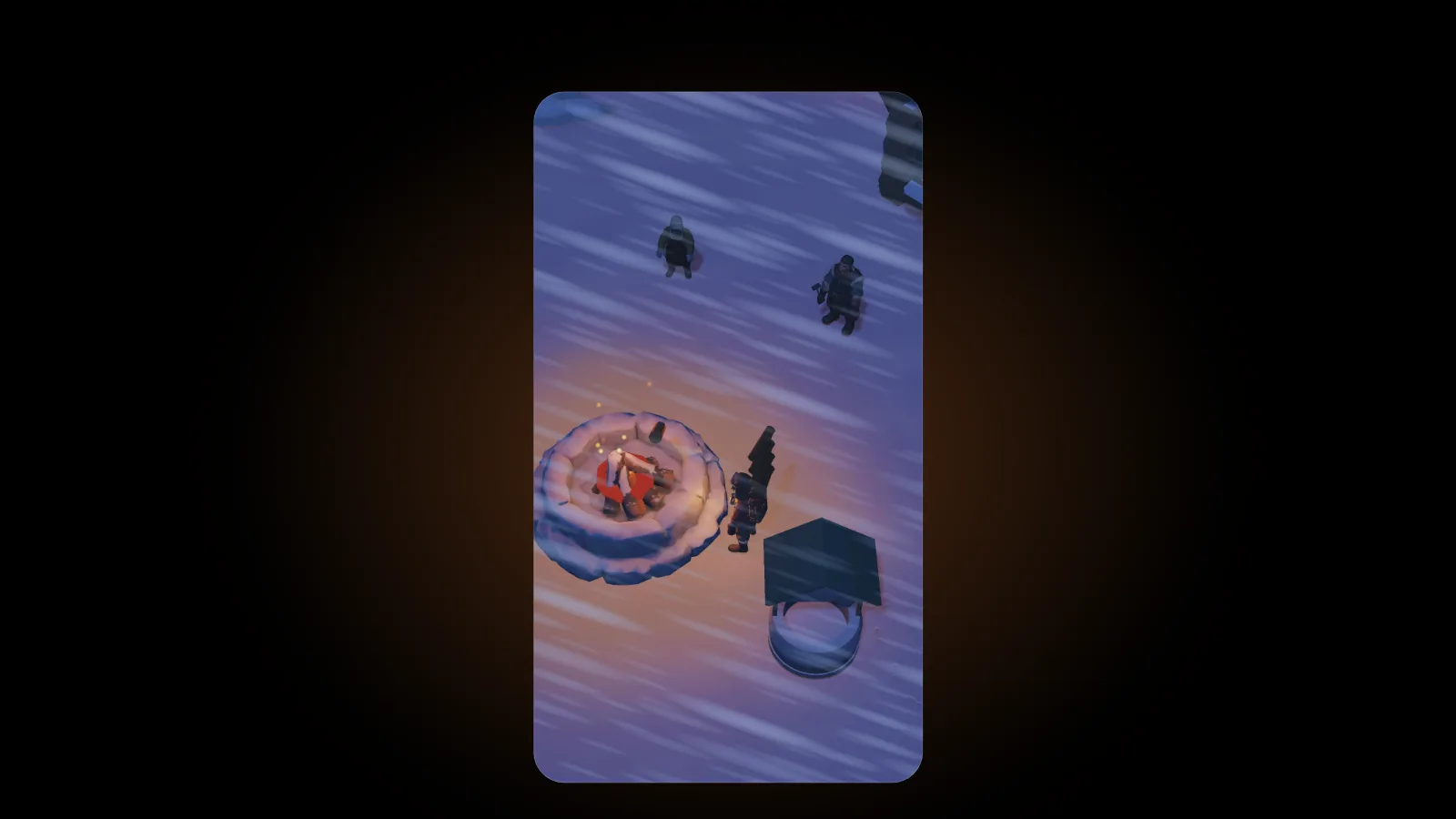
Three more details keep the work down. Opening the settings pauses the game, and while a panel holds it paused it drops to 30 frames a second. When you leave the app, nothing keeps running: in the game's own words, "While the game is closed, time stands still: nothing burns." And it saves every 30 seconds and whenever you leave, so if Apple's warning screen tells you to switch the phone off, you lose very little.
EmberFrost plays fully offline, so Airplane Mode works too; our post on offline games for iPhone covers that. It plays in portrait with one thumb, a good fit for the short sessions in our one-handed games guide. Handing the phone to a child? Our parents' guide covers purchases, ads and stopping at any time, and the settings guide walks through every switch.
To be clear, EmberFrost is a 3D game. On a hot day or after a long session, it can warm a phone like any other. Battery saver gives the phone less to do; it can't promise a cool phone.
FAQ
Why does my iPhone get hot when I play games?
A game keeps the graphics chip and processor busy, redrawing the whole scene 30 to 120 times a second, with the screen lit the whole time. Apple lists graphics-intensive games as a normal cause of warmth. If no temperature warning appears, you can keep playing.
Does Low Power Mode affect gaming on iPhone?
On ProMotion iPhones, it limits the display to 60 frames per second, and Apple says some tasks might run more slowly. It also dims the screen and turns off some visual effects. It switches itself off once the phone charges to 80%.
Should you play games while your iPhone is charging?
Apple lists wireless charging and graphics-intensive games as separate causes of warmth, so doing both at once adds up. If the phone gets too warm, charging may slow or pause. Apple suggests removing the case if your iPhone heats up while charging.
Does Game Mode stop an iPhone from overheating?
No. Apple describes Game Mode as giving your game top priority on the CPU and GPU for smoother frame rates and lower Bluetooth latency. Its support page doesn't mention heat or battery at all.
Get started
Download EmberFrost: Survival Tycoon on the App Store. It's free to start, plays offline and has no ads. Read more on the EmberFrost game page, or browse every EmberFrost post.