EmberFrostGuide8 min read
EmberFrost settings: every option and what it changes
EmberFrost settings explained row by row: what Battery saver lowers, what stays on with Hints off, how to change language or mode, and how saving works.
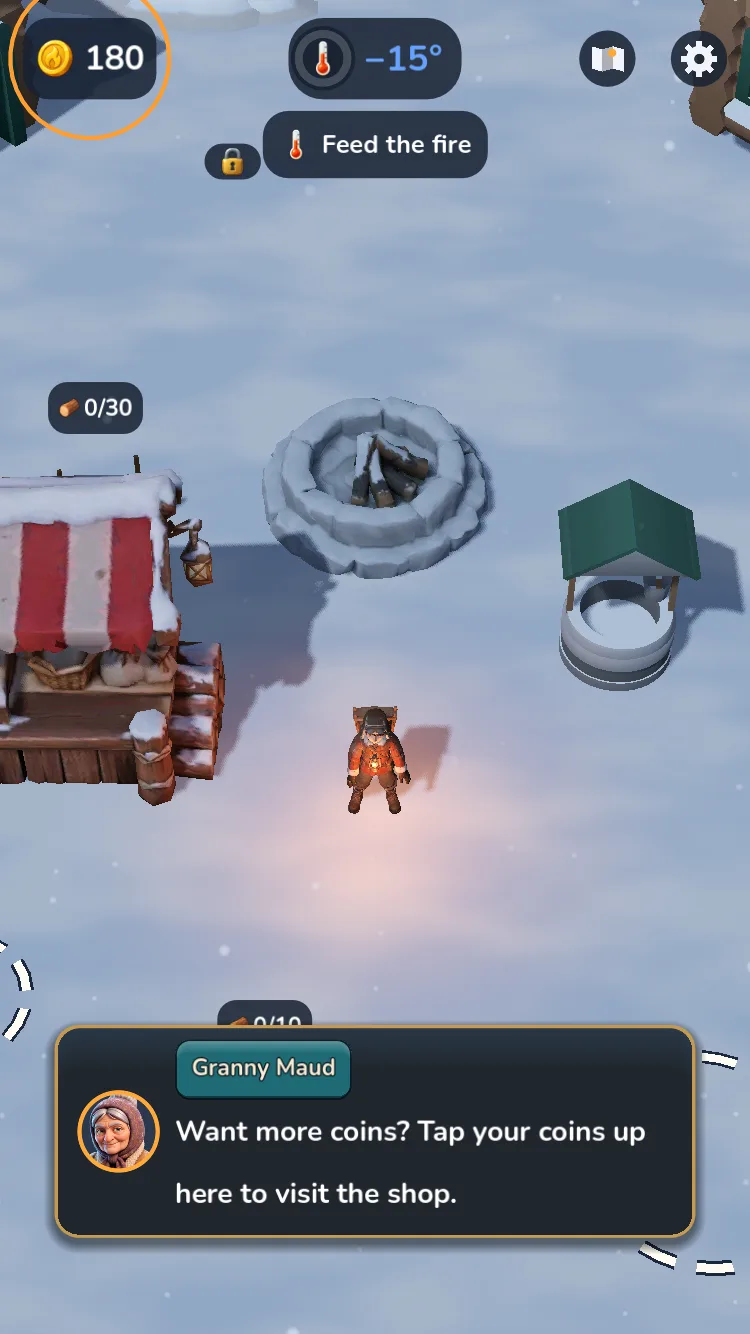
EmberFrost's settings open from the gear at the top right of the play screen, or from Settings on the main menu. They hold volume, vibration, frame rate, Battery saver, difficulty, hints, the guide arrow and the language. Almost every choice belongs to the device, not to a save slot, so all three slots share them.
We make EmberFrost, so this reference reads straight from the game's own files: the labels are the words on screen, and the numbers come from its settings data.
Where are the settings in EmberFrost?
In a game, tap the gear at the top right of the screen; the map button sits right beside it. From the main menu, tap Settings. The game pauses while the settings are open, so nothing burns down while you read. Rows are grouped into four sections: Sound, Display, Game and About. Game holds the rows about play itself, such as Hints, Language, Coin shop and Achievements, while About links to the game website, the Privacy Policy and the Terms of Use. The same screen is where you save by hand and leave for the main menu. One rule explains most surprises: settings live on the device, not in a save. Turn the music down in one slot and the other two slots hear the same. The single exception is Difficulty, because the mode is saved with each game and shown on its save slot. That's also why every new game asks you to pick a mode.
| Row | What it changes |
|---|---|
| Music | The score, in five steps from off to full |
| Sound | Effects and every voiced line, in five steps |
| Vibration | The game's haptic taps |
| Frame rate | 30 or 60; 60 by default where the device holds it |
| Battery saver | 30 fps with lighter 3D and effects |
| Show the day | A sun or moon and the day number; off by default |
| Difficulty | Normal or Hard for the current game |
| Hints | Granny Maud's tips; on by default |
| Guide arrow | An arrow to the main goal; off by default |
| Pause on the map | Stops the game while the map is open; on by default |
| Language | All text and voices, in 21 languages |
| Save game, Main menu | Save now, or save and leave |
What do the sound settings do?
Music and Sound each have five steps: off and four volume levels, so you can turn one down without muting it. Music covers the score. Sound covers the effects, such as the fire's crackle and the wind, and every voiced line too, because the voices follow the Sound row.
Turn Sound off and Granny Maud, Lily, Bram, your Ember Keeper and the narrator go silent with it. The story still moves on by itself: each line of a story card waits for its reading time, at least four seconds, and a tap skips ahead.
Want the voices but not the music? Set Music to off and leave Sound up.
Vibration switches the game's haptic taps on or off. On iPhone, the game also respects silent mode, so a silenced phone stays quiet.
Should you use Battery saver or 30 fps?
Pick 30 fps if you only want a cooler phone, and Battery saver for the biggest cut. Frame rate offers 30 or 60, with 60 as the default where the device can hold it. Battery saver locks the game at 30 and draws a lighter picture on top, for heat and battery.
What Battery saver lowers:
- Frames: 30 a second instead of 60.
- The 3D view: drawn at 75% of its size in each direction. Buttons and text stay sharp.
- Shadows: lower detail, ending at 60% of the usual distance.
- Effects and footprints: about half of each.
- Calm snowfall: turned off.
- Menus: a calmer launch torch with no flicker or sparks, and thinner smoke and snow on the main menu.
In our own performance test, run at an iPhone 11's screen size on a desktop computer, Battery saver drew 44% fewer 3D pixels than the 60 fps setting and made 23% fewer draw calls.
What doesn't change? The game itself. The simulation keeps 60 steps a second at every frame rate, so the fire, storms and villagers behave exactly as before. Behind a paused menu and in the background, the game drops to 30 fps anyway.
As of October 2026, Apple's support page Use Low Power Mode to save battery life on your iPhone or iPad says Low Power Mode "reduces display brightness" and "turns off some visual effects". That's the phone's switch and Battery saver is the game's, so you can use both. For why phones warm up at all, see why an iPhone gets hot playing games.
How do you change the difficulty or the language?
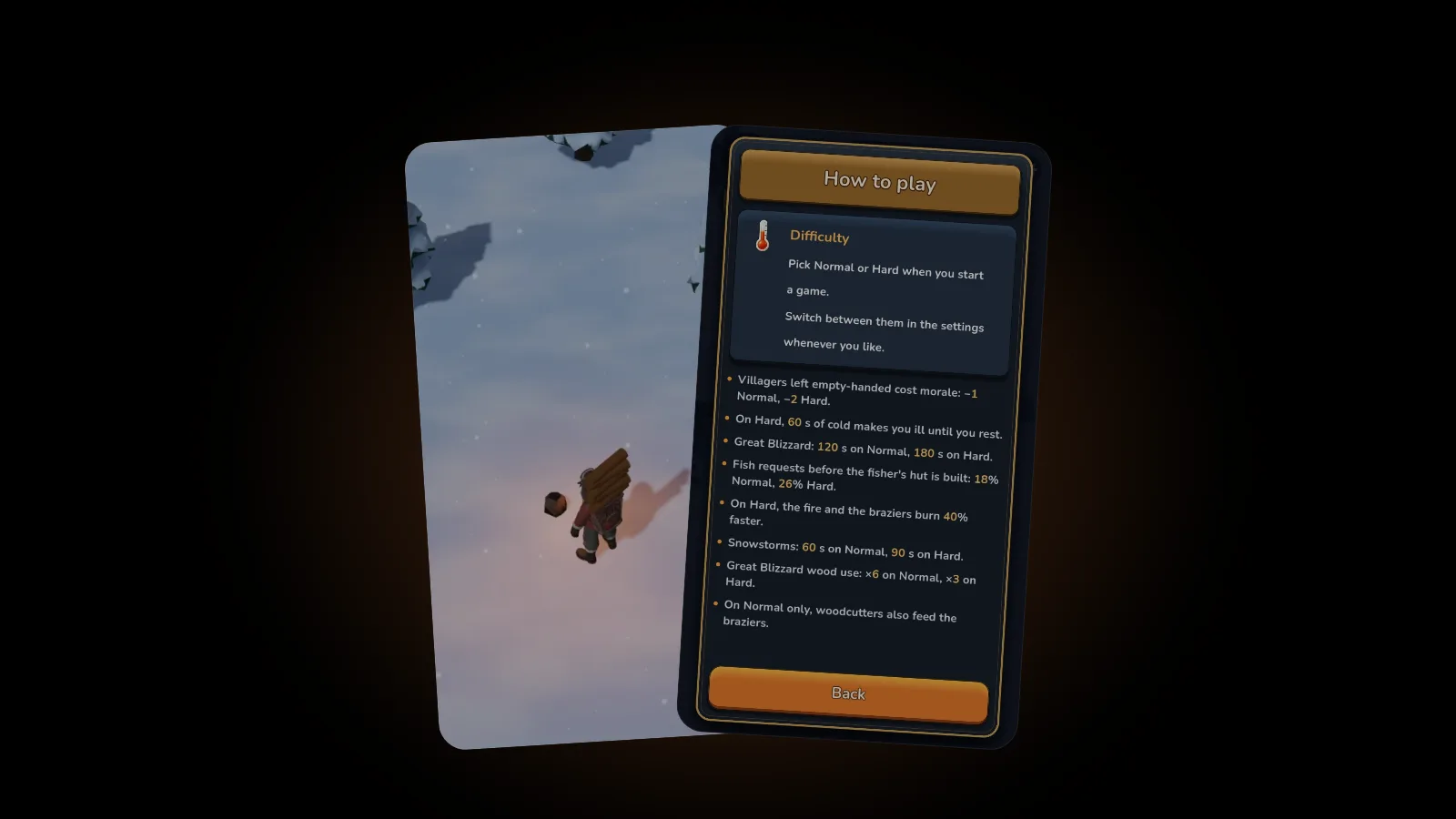
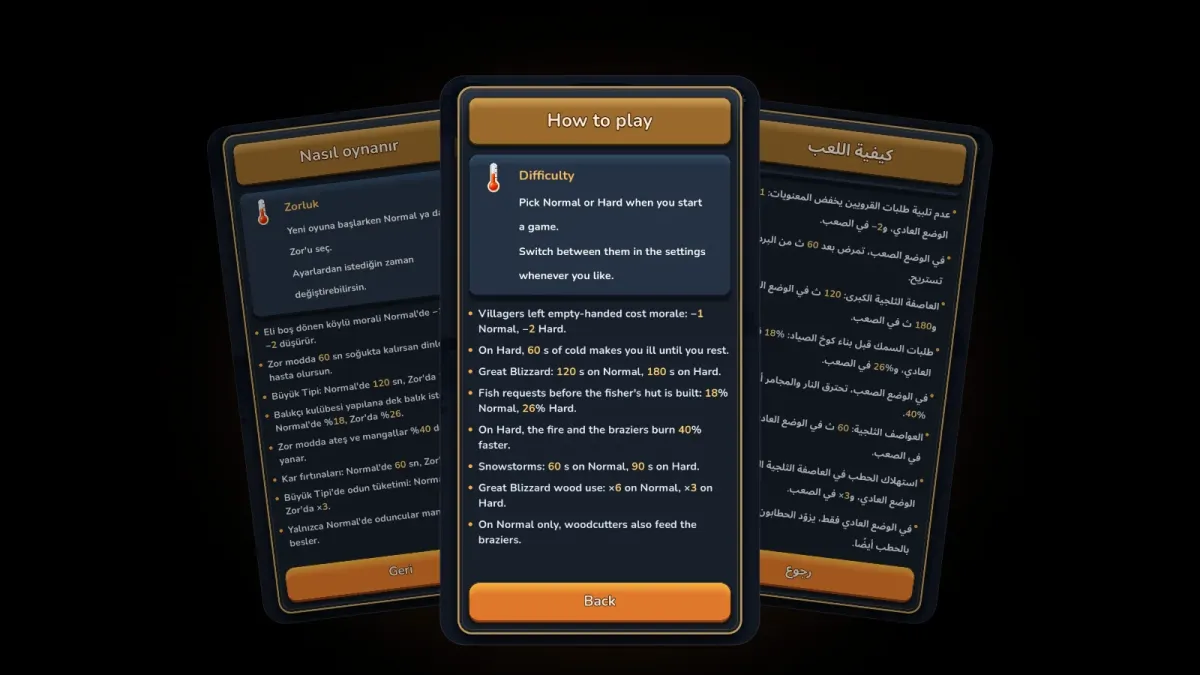
Tap Difficulty and pick Normal or Hard. You can switch either way at any time, and the game confirms: "Difficulty changed. It applies from now on." Your village, coins and progress stay. The fire's pace changes at once, while a storm that's already blowing keeps its mode and the next one uses the new one. Every rule that differs is in our guide to Normal vs Hard in EmberFrost.
Language opens its own page; the settings list shows only the language in use. By default the game uses your device's language when it's one of the 21: English, German, French, Spanish, Portuguese (Brazil and Portugal), Japanese, Turkish, Swedish, Norwegian, Danish, Finnish, Russian, Ukrainian, Hindi, Arabic, Thai, Chinese (Simplified and Traditional), Korean and Indonesian.
The change is live: every line switches at once, names included, with no restart, and the story is voiced in all 21. Arabic reads right to left.
What happens when you turn Hints off?
Hints, described in the game as "Granny Maud's tips while you play", is on by default. Turn it off and, once the opening is over, Granny Maud stops explaining new things the first time they appear. The opening runs up to serving your first villager at the stall, so the basics are always taught.
What goes quiet with Hints off:
- Her first-time hints, such as "Braziers burn wood too. Keep them fed."
- Her helper announcements, such as "Build the fisher's hut and a fisher will fish for you!"
- The stall crates' hints, such as "The fish crate is ready. Fill it and villagers buy fish!"
What always plays:
- Safety lines: the warning that the fire is fading, and "Someone is freezing! Feed the fire, quick."
- The village tour at the start, and the map's guided tour the first time you open it.
- The story scenes and the narrator's cards.
- Lily's visits and Bram's lines.
- The Great Blizzard's warnings.
A hint skipped while Hints is off counts as said, so switching it back on won't replay it. Our EmberFrost parents' guide suggests leaving Hints on for a young player's first sessions, and the EmberFrost characters guide introduces the people whose lines you keep.
What do Guide arrow and Pause on the map do?
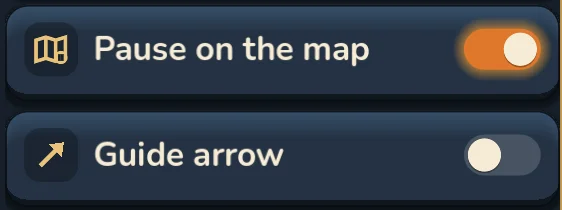
Guide arrow is off by default. For the first two to three minutes, an arrow leads you through a fixed opening, one step at a time. After that, with the switch off, the goal chip and the characters guide you. Switch it on and the arrow keeps pointing at the goal the chip names. Either way, a place you tap on the map gets an arrow until you arrive.
Pause on the map is on by default, so the game stops while the map is open. Turn it off and the village keeps living while you look, fire included.
Show the day, off by default, adds a sun or moon and the day number beside the population and morale. For the map itself, read our EmberFrost map guide.
What are Save game and Main menu for?
Save game writes your game into its slot right now and confirms with "Saved"; the autosave keeps running as before. Main menu saves first, then takes you back to the menu, where you can load another of your three slots or start a new game.
The other rows open pages rather than changing anything:
- How to play: each topic with the numbers behind it.
- Village progress: every place in the order it opens, built, priced or locked.
- Full Story: the one-time purchase that unlocks the rest of the game.
- Coin shop: appears only once the forge is built. The packs are optional.
- Achievements: your count, such as 3 / 10, plus a Game Center button when you're signed in. Our EmberFrost achievements guide covers each one.
FAQ
How do I turn off tips in EmberFrost?
Open the settings and switch Hints off. After the opening, Granny Maud's first-time tips and helper announcements go quiet. Warnings about a fading fire or a freezing villager, and the story itself, still play.
Does Battery saver change the gameplay?
No. It caps the game at 30 frames a second and draws the 3D view, shadows and effects lighter, but the simulation still runs 60 steps a second, so everything behaves the same.
Do settings carry over between save slots?
Yes. Volume, vibration, frame rate, hints, language and the other switches belong to the device, so all three slots share them. Difficulty is the exception: each game keeps its own mode.
Can I change the language without restarting?
Yes. Pick one on the Language page and every line changes at once, names included. EmberFrost has 21 languages, all of them voiced.
Get started
EmberFrost: Survival Tycoon is free to start on the App Store. Set it up your way, then read more on the EmberFrost game page or browse all our EmberFrost posts.