EmberFrostGuide9 min read
EmberFrost map guide: read the village and pick your goal
How to use the EmberFrost map: the gestures, what bright places, locks, ticks and dots mean, how to set a goal, and the two settings that change it.
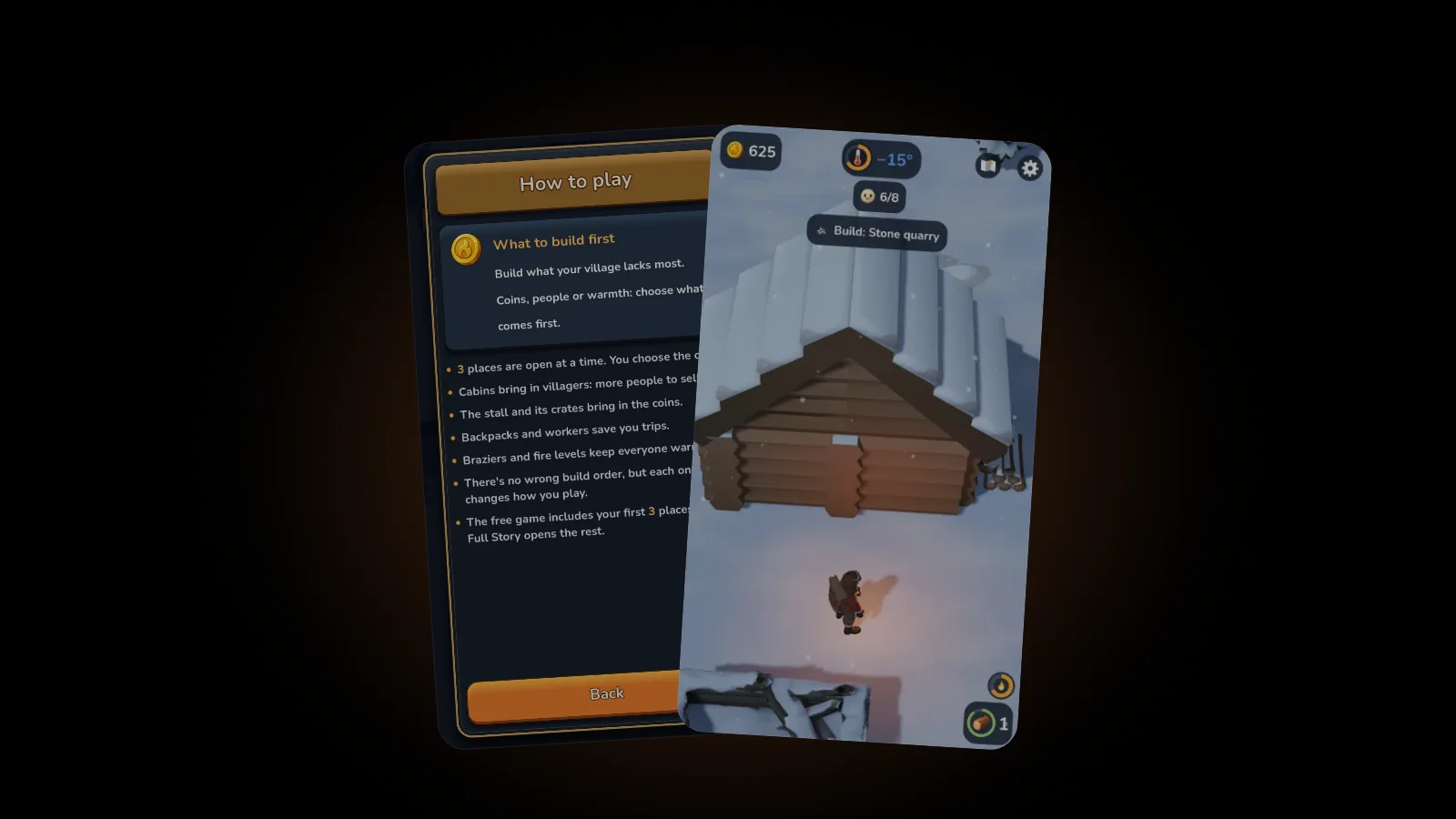
The EmberFrost map is the overview you open with the button beside settings. It shows the whole village from above: bright places with a price can be built now, grey places with a lock open later, and a tick marks what is built. Tap a place to make it your goal, and an arrow leads you there.
This guide covers what the map in EmberFrost shows and how to plan with it: gestures, legend, dots, goals and two settings. Every detail comes from the game's How to play pages and design notes. New to Tamarisk? Start with the beginner's guide.
How do you open the map in EmberFrost?
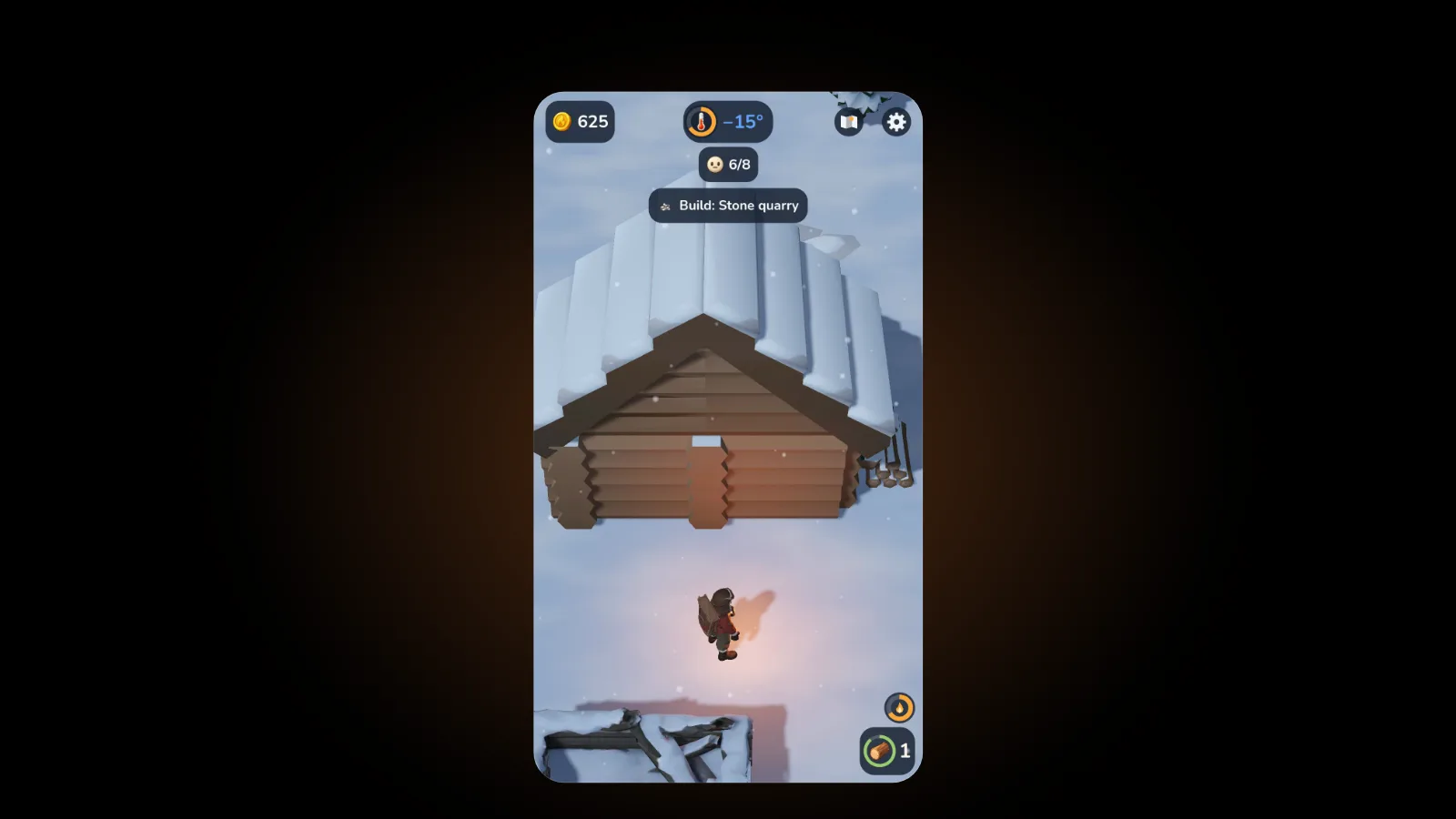
Tap the map button at the top right of the play screen, next to the settings gear. It's there from the first second of a new game, but dimmed, with a small lock. It unlocks during the opening steps, once you've fetched wood, lit the fire and built it up: Granny Maud says "Tap the map button to see the whole village.", the button pulses and the goal chip reads "Open the map". Open it once and that step is done. From then on you can open it almost any time you like, and since EmberFrost has no corner minimap, this button is your only overview. The first time it opens, Granny Maud gives a short voiced tour, one idea at a time, while the camera glides slowly to each thing she names and rings it. Gesture steps wait until you try the gesture. A tap moves her on, Skip ends the tour, and it plays once per game.
The tour plays even with Hints switched off, since it's part of the opening. Open the map during a storm, or in the quiet right after a build, and it opens plain; the tour waits for next time. In Arabic the layout mirrors, so the map and settings buttons sit at the top left.
How do you move around the map?
The map opens on the whole village, tilted to fit the screen. Four gestures do everything, and the tour teaches zoom first, because at the full view there's nowhere to drag yet:
- Pinch to zoom. Two fingers zoom in to look closer and back out to see more.
- Drag to move. One finger slides the view once you've zoomed in.
- Double tap a place to look closer. The camera glides in on it, and up close an open place shows its name, what it does and its price.
- Tap the map button again to return. Moving works too, and the camera locks back onto your hero. On Android, the system back closes the map as well.
Names step aside when they'd crowd each other, so a zoomed-out map shows fewer labels. Zoom in and the rest appear.
None of this is new to iPhone players. As of October 2026, Apple's Human Interface Guidelines on gestures list double tap ("Zoom in; zoom out if already zoomed in") and zoom ("Zoom a view; magnify content") among the standard gestures. Playing with one hand? Drag and double tap need one finger, which is why our guide to one-handed games for iPhone calls double tap the one-thumb way to zoom.
What do bright places, locks and ticks mean?
Every place in the village sits on the map in one of three states. Bright places with a price are on offer and can be built now. Grey places with a lock open later, and they show no name until they're offered. A tick marks a place you've already built.
| What you see | What it means | What to do |
|---|---|---|
| A bright place with a price | On offer: you can build it now | Tap it to make it your goal |
| A grey place with a lock, no name | It opens later | Nothing yet: it gets a price as earlier places are built |
| A place with a tick | Already built | Nothing: it's working for you |
Only 3 places are open at a time, and you choose which comes first. Build one and the next place in line gets its price. The first time a place gets a price, the camera glides over to show it and back, and you can cancel that glance by moving.
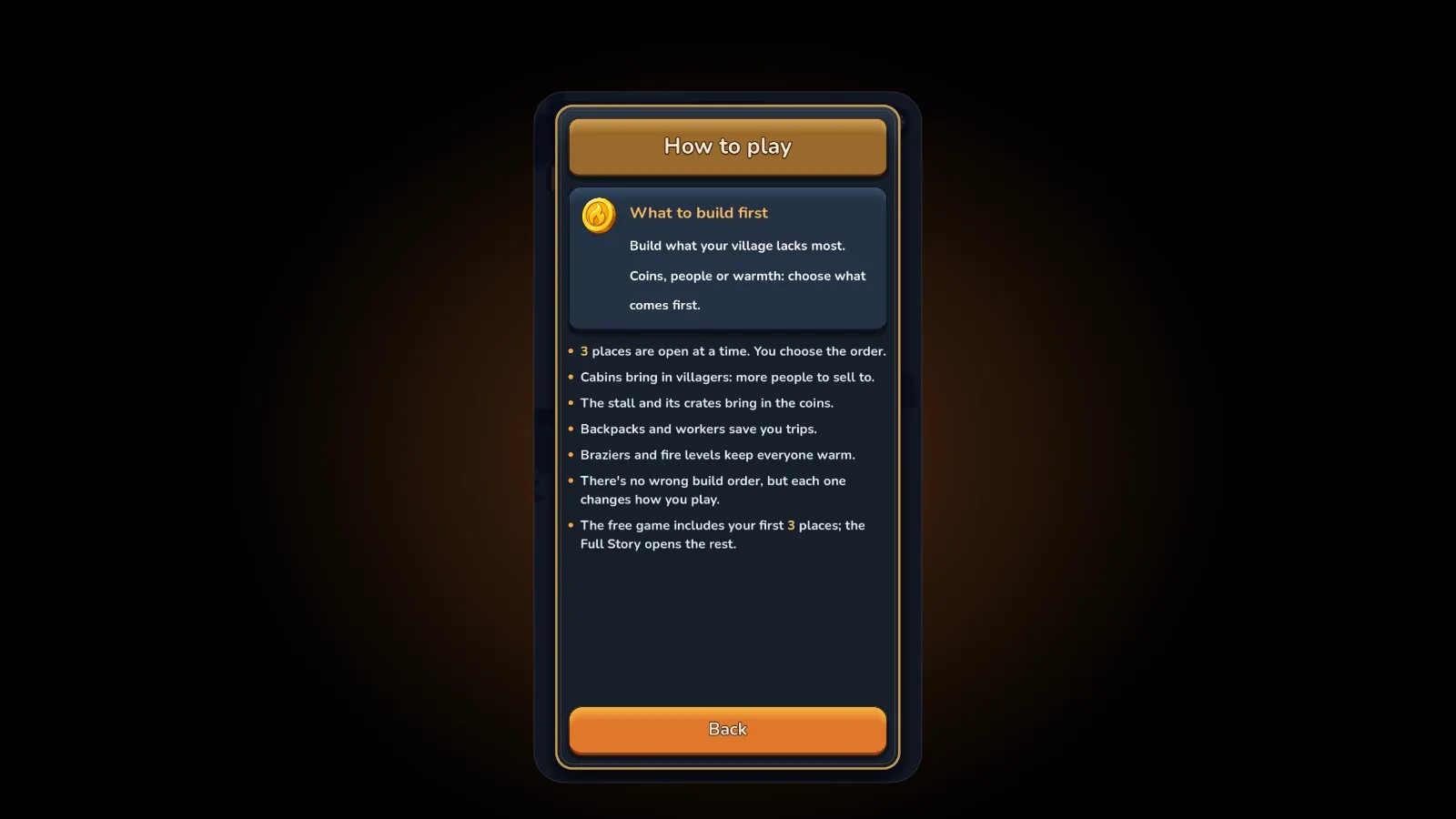
The How to play page adds a line worth keeping: the order you build in shapes your village. Which three to pick is a topic of its own, covered place by place in the EmberFrost build order.
What do the dots and the fire icon show?
The map also shows what the village is doing right now. Dots are your workers and the villagers waiting at the stall, and the fire icon shows how much fuel the main fire has left. Under the goal chip, a small pill reads "x/y built", the same count your save slot shows.
The sled shows where it really is: where you left it, with you while you pull it, or at its site. Once the sled is built, its site keeps a plain dot, so you never see two sleds. And as Granny Maud says on the tour: "Wood comes from the forest. Fish and stone lie further out."
Read them together before you set off. Is the fire icon low and the lake your next stop? Feed the fire first, because a fire left without wood burns down to embers. Several dots waiting at the stall? Sell before the long walk. How fast the fire burns, and how far each level warms, is in our guide to EmberFrost fire levels.
How do you set a goal and follow the arrow?
Tap a place on the map and it becomes your goal. An arrow then leads you there until you arrive, whatever your Guide arrow setting says. That's the map's real job: you look at the whole village, decide where to go next and let the arrow handle the walking.
The goal chip under the top bar is the game's own suggestion, and it always says what it's for. It reads "Build: Cabin 1" when you can afford the next place, says how many more coins you need and for which place when you can't (626 more for the Fisher's hut, say), and switches to "Feed the fire" when the fire runs low.
A planning routine that works at any stage:
- Open the map after each build, when the next place in line gets its price.
- Check the fire icon and the dots at the stall.
- Weigh the bright places against what the village lacks most: coins, people or warmth.
- Tap the one you want and follow the arrow.
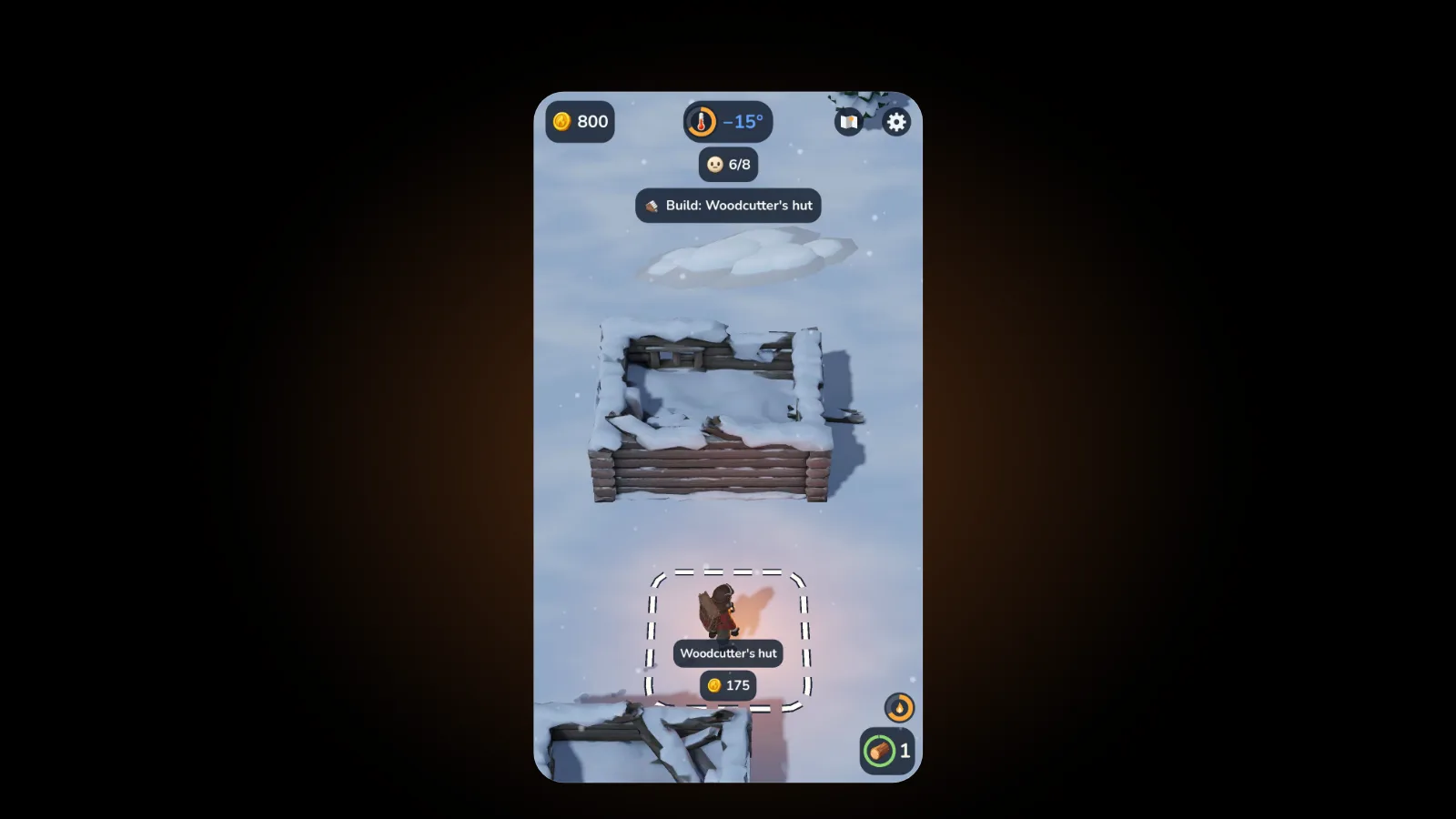
- Stand in its dashed zone, and your coins flow in as you have them.
Does the game pause while the map is open?
Yes, by default, so you can plan without the fire burning down behind your back. The setting is Pause on the map, in the settings under Game, and it's on from the start. Turn it off and the village keeps going while you look.
The row below it, Guide arrow, decides what happens once the opening is over. In the first few minutes, one arrow walks you from fetching wood to serving your first villager. After that, Guide arrow is off by default: the game stops pointing, but a place you pick on the map still gets its arrow. Switch it on and the arrow follows the goal chip's main goal, and it never hops to whatever is nearest.
Which should you pick? If you like to plan, leave Guide arrow off and use the map: every destination is your call. If you'd rather follow along, switch it on. Our EmberFrost settings guide covers the rest of the settings screen.
How is the map different from Village progress?
The map shows where things are. Village progress, a row in the settings, shows the whole plan: every place in the order it opens, each with a picture, its name, what it does and its state. Built places keep their tick instead of disappearing, and places you can buy now or next show their price in coins.
Locked rows say what they're waiting for. The forge reads "Opens after: Stone quarry", the lookout tower "Opens when all else is built", and others "Opens as earlier places are built". Places that haven't been offered yet can show as ???. The fire levels and the forge sit where they're first offered, and the screen shows your play time too.
| The map | Village progress | |
|---|---|---|
| Where | Map button, top right | Settings, under Game |
| Shows | Where each place is, and what the village is doing now | Every place in order, with what it does |
| Locked places | A lock and no name | What each one waits for, or ??? |
| Live status | Workers, waiting villagers, fire fuel, the sled | Built, a price or a lock |
| Best for | Choosing where to go next | Seeing what comes later |
Use both: Village progress to decide what you're saving for, the map to get there.
FAQ
Why is the map button locked in EmberFrost?
Every new game starts with it dimmed and locked. It opens during the opening steps, right after you've built up the fire: Granny Maud tells you to tap it and the button pulses. Open the map once and it stays unlocked for the rest of that game.
Can you see the map tour again?
Not in the same game. Granny Maud's tour plays once per game, and Skip ends it. The same ideas live in How to play, on the pages called The map and Reading the map, so you can look them up at any time.
Can you build a place from the map?
No. Tapping a place makes it your goal, not a purchase. You still follow the arrow there and stand in its dashed zone so your coins flow in. The map is for choosing; the building happens in the village.
Why don't locked places show their names?
A locked place on the map shows only its lock. Its name appears once it's offered or built. To see what comes later and what each place waits for, open Village progress in the settings, where some places not yet offered can show as ???.
Get started
EmberFrost: Survival Tycoon is free to start on the App Store. Find out more on the EmberFrost game page, or browse every EmberFrost post.