PosturaPosture9 min read
How to stop slouching: why you do it and how to break it
How to stop slouching without relying on willpower: why you slouch, what the evidence says about pain, and the cues that catch you before it sets in.
To stop slouching, stop relying on willpower. Slouching is your body's low-effort default when your attention is on a screen and nothing reminds you to move. Remove the triggers that pull you forward, add a cue that catches you, like a timed check or a tap, and then move instead of holding yourself rigidly upright.
Below: why you slouch, what the evidence says about whether it's bad for you, and how to build cues that actually catch you. At the end, we show how Postura does that with reminders on iPhone, Apple Watch and Android, and with AirPods on iPhone. This is general information, not medical advice. If you have pain that doesn't settle, numbness or weakness, see a doctor or physiotherapist.
Why do you slouch?
You slouch because it takes less effort and because nothing tells you you're doing it. When you settle into a slump, your muscles do less work, so after a while in one position your body drifts there on its own. Meanwhile your attention is on the email, the spreadsheet or the video, not on your back. Leeds Community Healthcare NHS Trust, in its physiotherapy advice on mid and upper back problems, says "there is no one correct posture" and "we all use different postures and positions." It adds that our posture can also reflect how we feel. So slouching isn't a character flaw or a sign of laziness. It's a comfort default plus a missing cue. That's why telling yourself to sit up straight rarely lasts. The instruction works for a minute, then your focus goes back to the task and the default wins again. Change what pulls you forward and add a cue from outside your head, and you no longer depend on remembering.
Two things make the default stronger: a setup that draws you toward the screen, and long stretches without a break. Both can be fixed.
Is slouching actually bad for you?
Less than most people assume. The same Leeds physiotherapy page says "sitting for long periods is not dangerous as our spines are strong and robust", and adds that regular movement and more activity are good for your health generally.
In 2019, a viewpoint in the Journal of Orthopaedic & Sports Physical Therapy, "Sit Up Straight": Time to Re-evaluate, looked at the common belief that spinal pain comes from sitting, standing or bending "incorrectly." Its authors wrote that these beliefs persist despite the absence of strong evidence to support them, and that "a large posture industry has flourished" around products claiming to correct posture and prevent pain.
So does slouching cause back pain? The evidence that slouching on its own causes pain is weak. What many people feel is stiffness after holding one position for a long time. Leeds Community Healthcare says regular stretches and changes in position can reduce stiffness. The issue is staying put, not the slump itself.
There's a smaller line of research on mood. In 2015, a randomized trial in Health Psychology, Do slumped and upright postures affect stress responses?, taped 74 people into a slumped or upright seated posture for a stressful speech task. Those sitting upright reported higher self-esteem, better mood and lower fear. In 2017, a trial in the Journal of Behavior Therapy and Experimental Psychiatry with 61 people with mild to moderate depressive symptoms suggested an upright posture may increase positive affect and reduce fatigue. Its authors called the study preliminary. Both are small, short lab studies. Treat them as interesting, not settled.
What makes you slouch at a desk or on your phone?
Usually, something that pulls you toward a screen. A low laptop screen, a chair set too low or a phone in your lap each make leaning forward the easiest option. The UK Health and Safety Executive's good posture guidance for screen work covers most of the fixes:
| Trigger | What it does | What helps |
|---|---|---|
| Screen too low or too far away | You lean in and your head follows | Top of the screen level with your eyes, about an arm's length away (HSE) |
| Laptop on the desk all day | The screen sits low, so you look down | A separate keyboard and mouse, with the screen raised on a riser (HSE) |
| Screen or keyboard off to one side | You twist to use them | Screen and keyboard central, so you don't twist your back (HSE) |
| Chair too low for the desk | Your shoulders hitch up to reach the keys | Sit high enough that you don't need to shrug (HSE) |
| Phone in your lap | Your head drops to read it | Raise it closer to eye level and put it down between tasks |
| Hours without a break | Your body settles into its easiest slump | Change position often and get up after 30 minutes (Leeds Community Healthcare) |
For the full chair, screen and keyboard setup, see how to sit at a desk properly. If your phone is the main culprit, our guide to tech neck explains why screens pull your head forward.
How do you catch yourself slouching?
With a cue from outside your head. The moment you slouch is exactly the moment your attention is somewhere else, so you can't rely on noticing. These cues work well at a desk:
- Timed checks. A prompt at set points in your workday, such as once an hour. It doesn't know whether you're slouching, but it makes you look.
- A tap on the wrist. The same prompt on a watch, so you notice it without picking up your phone.
- Live feedback. A sensor that notices when your head drops forward and taps you right then.
- Anchor moments. Tie a quick check to something you already do: sending an email, ending a call, sitting back down with a coffee.
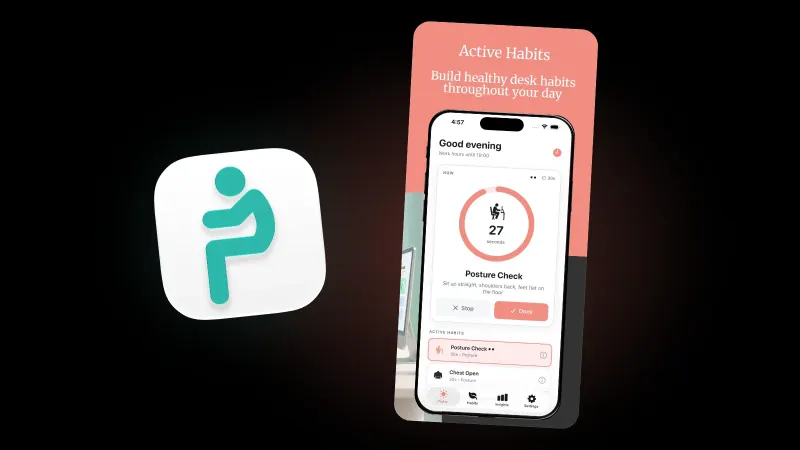
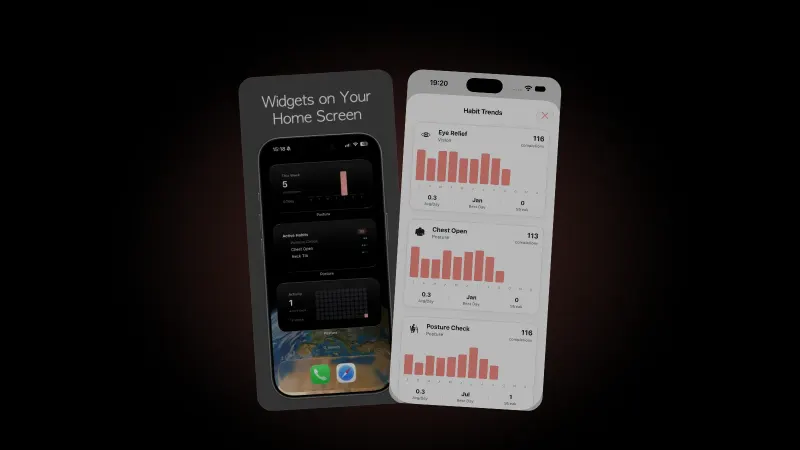
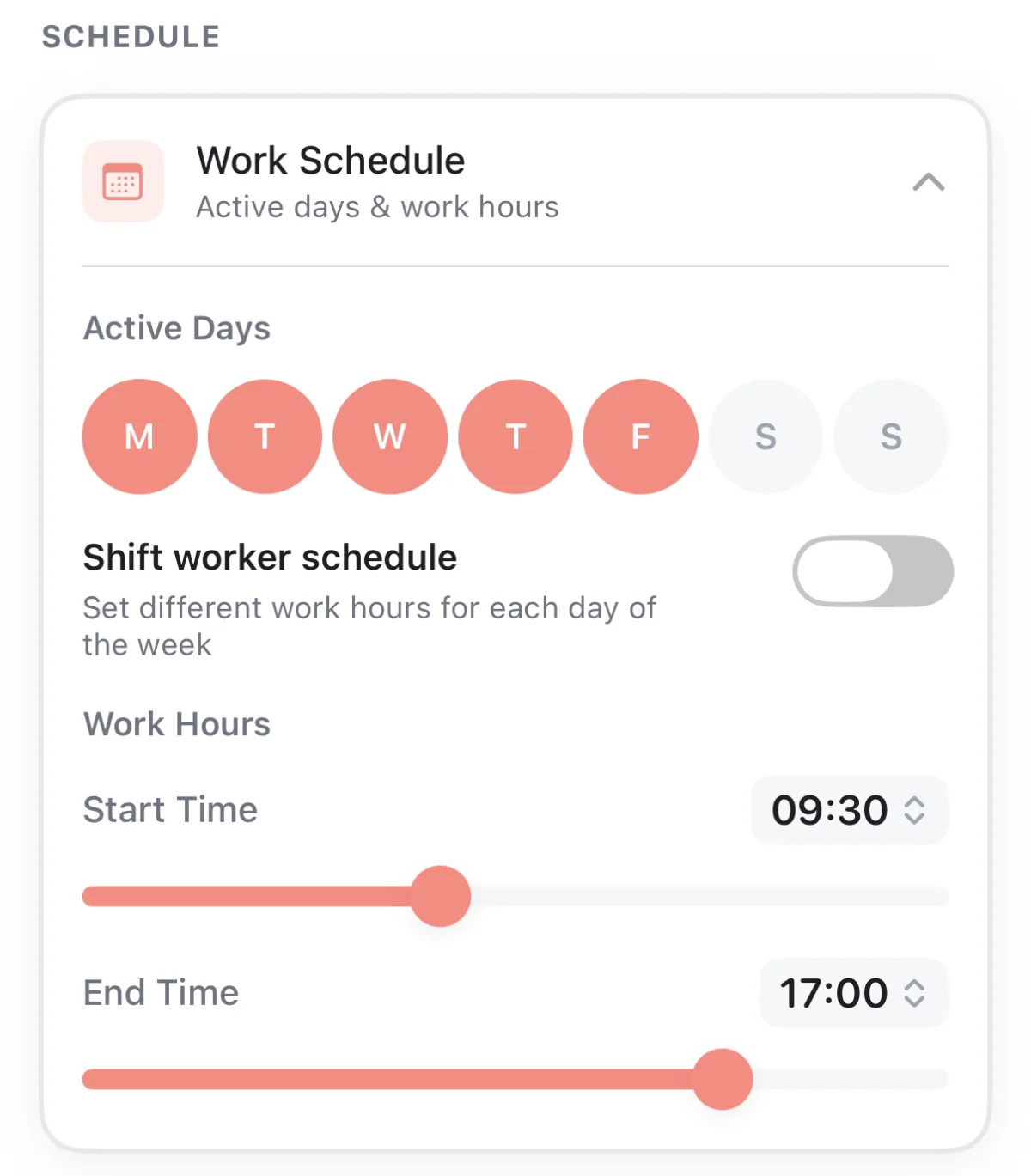
In Postura, the first two are free. Posture Check reminders arrive only within the work hours and active days you set, and the habit asks you to "sit up straight, shoulders back, feet flat on the floor" for 30 seconds. On iPhone, the Apple Watch app brings the same habits to your wrist. Our guide to a posture reminder on Apple Watch walks through the setup.
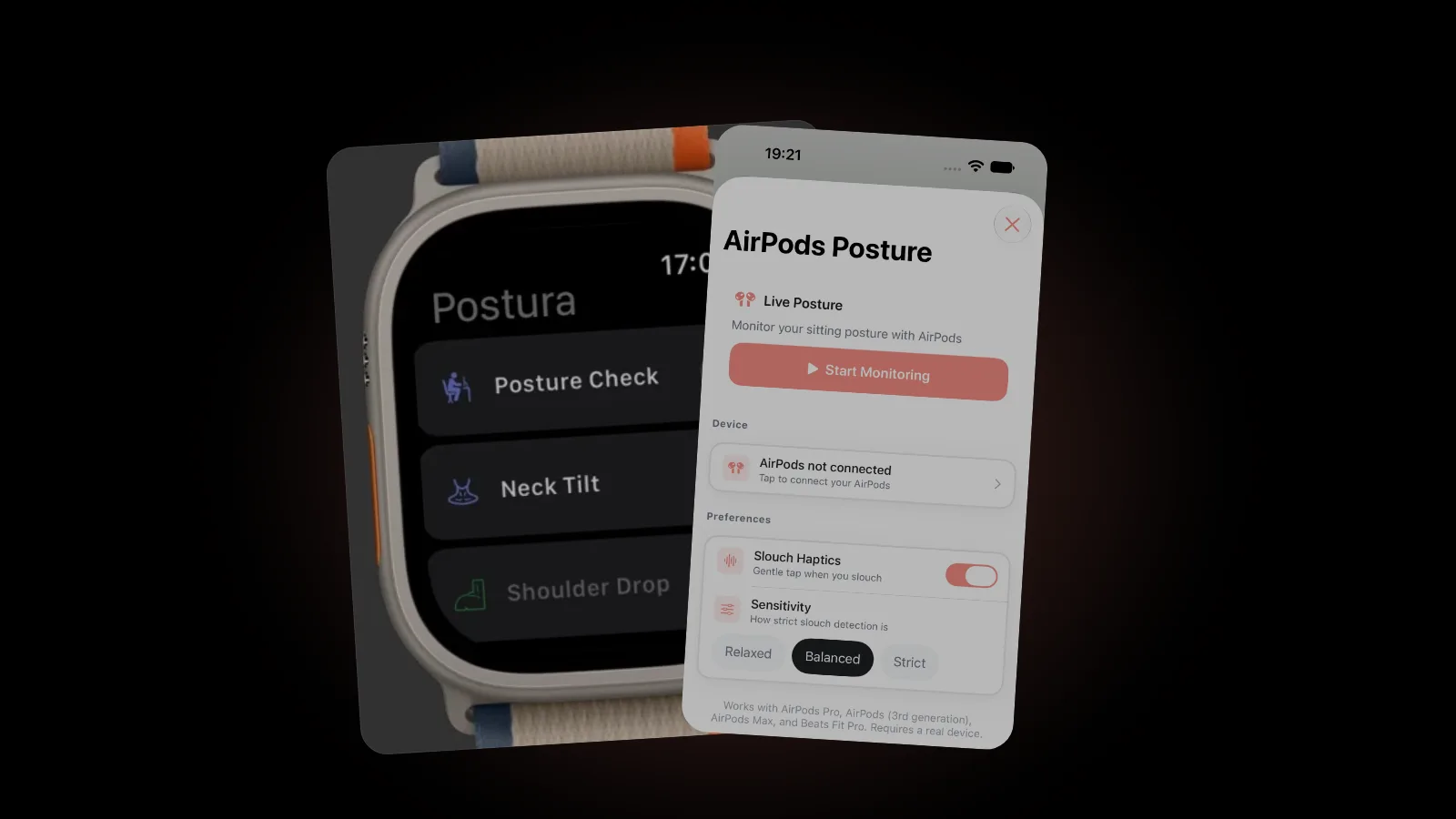
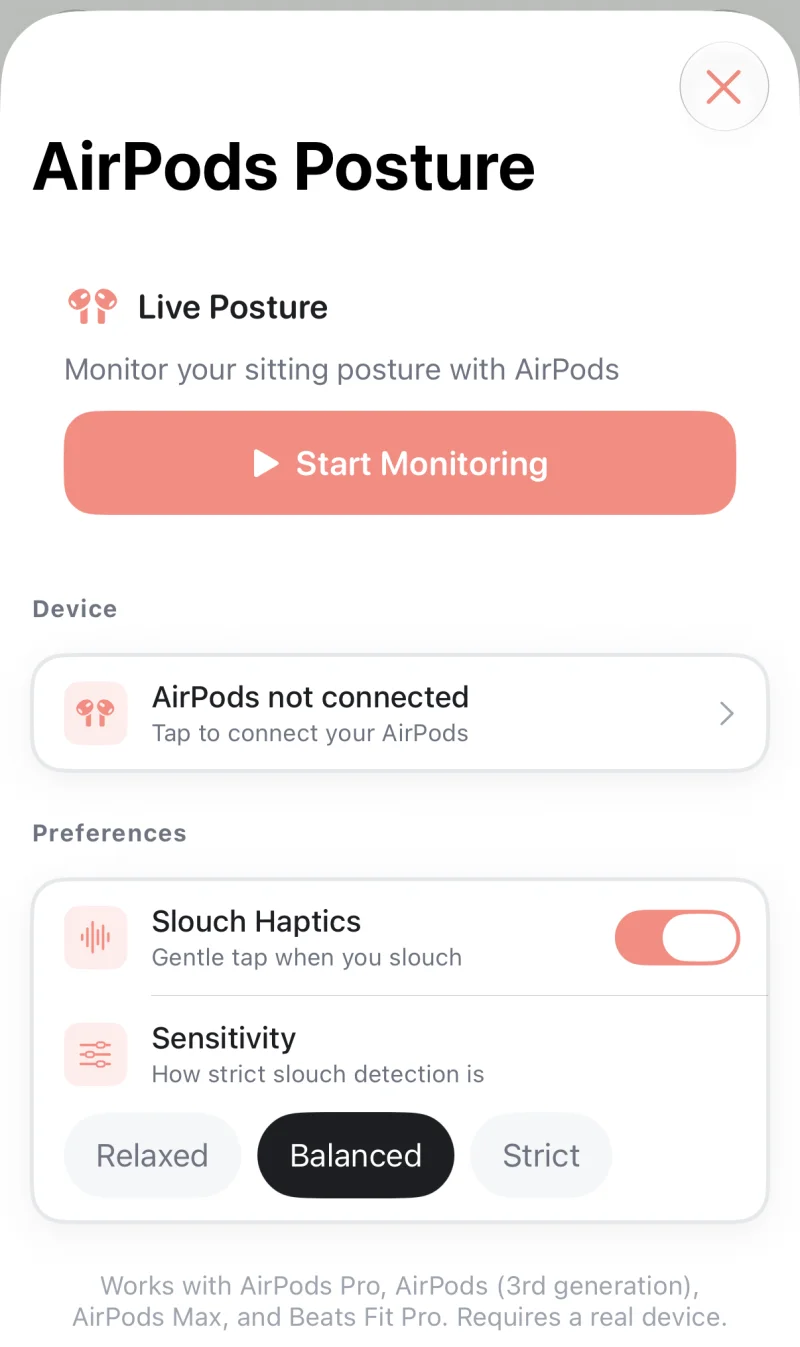
Live feedback is part of Postura Pro, on iPhone only. It works with AirPods 4, AirPods Pro, AirPods (3rd generation), AirPods Max and Beats Fit Pro, and needs Motion and Fitness access. You first calibrate by sitting upright and looking straight ahead, then choose Relaxed, Balanced or Strict sensitivity. Slouch Haptics adds a gentle tap when you slouch. With an alert score set, Postura shows a banner and taps you when your score stays below it, at most once a minute. Monitoring keeps running as you move between Postura's tabs but pauses while Postura is in the background, so it suits focused desk sessions. Setup includes a short session to try it. For how head tracking works and what it can't see, read our guide to AirPods posture tracking.
Should you sit up straight all day?
No. Holding yourself rigidly upright for hours is just another fixed position, and the official advice is about movement, not bracing. Leeds Community Healthcare says to "change position as regularly as you can, and get up and move around after 30 minutes." HSE's guidance on work routine and breaks says breaks should let you get up and move around, "or at least stretch and change posture." It also says short breaks taken often beat longer ones taken rarely: 5 to 10 minutes every hour is better than 20 minutes every 2 hours.
So when a cue catches you, don't clamp into a stiff pose. Sit back so the chair supports you, let your shoulders drop away from your ears, lift your eyes to the screen, then carry on. Is it upright? Roughly. Is it rigid? No.
Movement does the rest. Postura's Neck Tilt, Shoulder Drop and Stand Up habits turn a reminder into a 30 second reset instead of a posture you have to hold. If your shoulders have settled forward over months, our guide to rounded shoulders covers the stretches and upper back exercises NHS physiotherapy teams suggest.
How long does it take to stop slouching?
Think weeks to months, not days. Slouching less is a habit change. In 2024, a systematic review and meta-analysis in Healthcare, Time to Form a Habit, pooled 20 studies with 2,601 participants. It advises expecting "at least two to five months" to build automaticity in a new health habit, rather than the commonly cited 21 days. It also notes that simple, repetitive behaviors with clear cues are easier to automate, and a 30 second posture check fits that description. Our guide on how long it takes to form a habit covers the research in more depth.
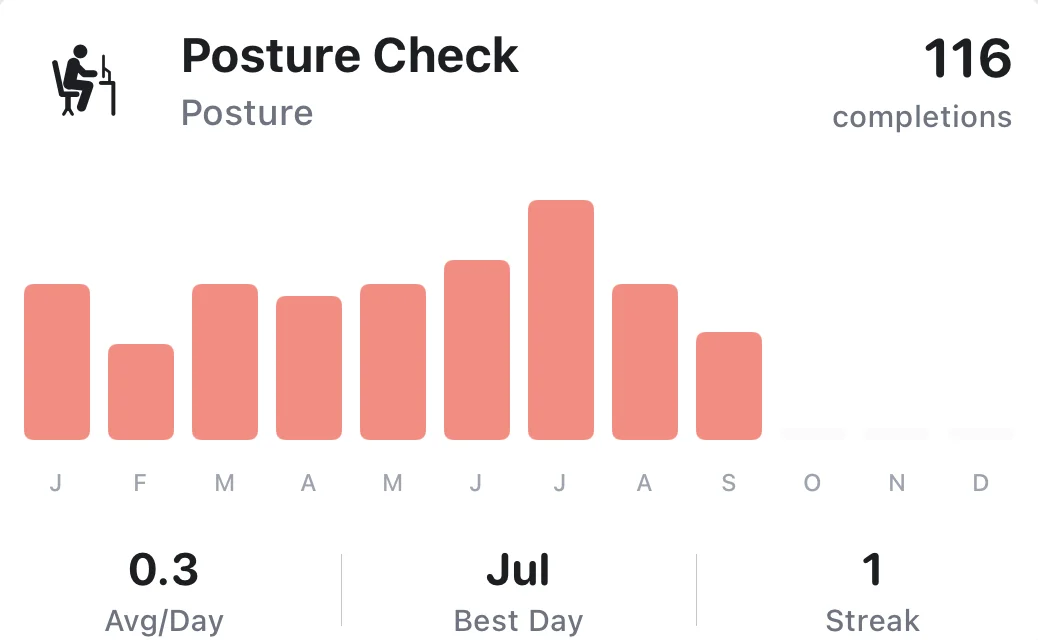
Until then, measure the cue, not the posture. Count the checks you complete. That number rises long before slouching starts to feel rare.
FAQ
Is it bad to slouch sometimes?
No. Physiotherapists at Leeds Community Healthcare NHS Trust say there is no one correct posture and that we all use different positions. Slouching for a while is normal. The problem is staying in any one position for hours, so change position regularly and get up and move after about 30 minutes.
Does slouching cause back pain?
The evidence that slouching on its own causes back pain is weak. A 2019 viewpoint in the Journal of Orthopaedic & Sports Physical Therapy said common beliefs about posture and spinal pain lack strong evidence. Long, unbroken sitting can leave you stiff, though. If pain persists, see a doctor or physiotherapist.
Can you train yourself to stop slouching?
Yes, but through setup and cues more than willpower. Fix the triggers that pull you forward, then add a prompt such as a timed check, a wrist tap or AirPods feedback. A 2024 review of 20 habit studies suggests expecting at least two to five months before a new health habit feels automatic.
Can Postura detect slouching on Android?
No. Live AirPods posture coaching is part of Postura Pro and works on iPhone only. On Android, Postura gives you posture, stretch, eye and breathing reminders that follow your working hours, with habit timers and progress tracking. There is no Wear OS app.
Get started
Postura is free to download on the App Store and on Google Play, with an optional Pro subscription that adds live AirPods posture coaching on iPhone. It reminds you to check your posture, drop your shoulders, stretch and rest your eyes during the hours you choose. Postura is not a medical app; it is a gentle way to build better desk habits. See everything it does on the Postura page or read all our Postura articles.