PosturaPosture9 min read
How to check your posture: a wall test and a desk check
How to check your posture at home with a wall test, a side-view photo, a 30-second desk check and the hour test, plus when to see a doctor instead.
To check your posture at home, stand with your back against a wall, take a side-view photo of yourself working, run a 30-second check at your desk and notice how your body feels after an hour of sitting. Treat each one as noticing, not diagnosing: NHS physiotherapy advice says there is no "correct" posture.
This guide covers the four checks, what each can and can't tell you, and how to repeat them. It ends with how Postura, our app for posture reminders and stretch breaks, turns the check into a 30-second habit. This is general information, not medical advice.
How do you check your posture at home?
You can check your posture at home with four quick self-checks using a wall, a phone and a chair. The wall test shows how your head, shoulders and back line up when you stand tall. A side-view photo shows how you really sit when you aren't trying. A desk check compares your setup with guidance from the UK Health and Safety Executive. The hour test asks how your neck, shoulders and back feel after a long stretch of sitting. Use all four to notice, not to diagnose. Leeds Community Healthcare NHS Trust's posture page opens with "There is no 'correct' posture." A 2019 viewpoint in the Journal of Orthopaedic and Sports Physical Therapy, "Sit Up Straight": Time to Re-evaluate, points to the absence of strong evidence for the common belief that spinal pain comes from sitting, standing or bending "incorrectly." So the useful question isn't "is my posture right?" It's "am I comfortable, and do I move enough?"
Here's what each check is for, and where it stops.
| Check | Time | What you notice | What it can't tell you |
|---|---|---|---|
| Wall test | About a minute | How your head, shoulder blades and bottom meet the wall | Whether your posture is good or bad |
| Side-view photo | Two minutes | How you sit when you aren't posing | What causes any pain |
| Desk check | 30 seconds | Screen, keyboard, shoulders and feet | Whether one position suits you all day |
| Hour test | Through the day | Stiffness or aches that build while you sit | A diagnosis |
How do you do the wall test?
The wall test is a popular home check, not a clinical test, and it has no pass or fail result. Here is the common method:
- Find a plain wall. Stand with your back to it, heels a little way out from the wall.
- Let your bottom and shoulder blades touch the wall. Stand as you normally would.
- Look straight ahead. Does the back of your head rest on the wall without tipping your chin up?
- Feel the gap behind your lower back. Slide a flat hand in and notice the space.
- Notice the effort. Does this feel easy, or are you straining to hold it?
You may see posture tips that turn the gap behind your neck or lower back into a pass mark in inches. We couldn't find an authoritative source for those numbers, so we don't give one. Clinicians do measure a related distance, from the back of the head to a wall, but for specific conditions. A 2004 study in the Journal of Rheumatology compared occiput-to-wall and tragus-to-wall distance in ankylosing spondylitis, an inflammatory condition of the spine. A 2017 study in Archives of Physical Medicine and Rehabilitation tested wall measures of forward flexed posture in Parkinson disease. Those are clinical tools, so the gap you find at home isn't a score.
What the wall test is good for is a before and after. Do it today, then again in a few weeks, and notice whether standing tall feels easier. If it has become much harder over months, or it hurts, mention it to a GP or physiotherapist.
What can a side-view photo tell you?
A side-view photo shows how you sit when you aren't thinking about it. A mirror can't, because most of us straighten up the moment we see our reflection.
- Set it up. Ask someone to take it, or prop your phone side-on to your desk and use the self-timer.
- Don't pose. Take it after 20 minutes of normal work.
- Take a second one. Sit back and relax your shoulders, then take another to compare.
- Look at a few things. Where is your head compared with your shoulders? Are your shoulders rounded forward? Is your lower back against the chair?
- Repeat later in the day. The Leeds page notes that "Posture can offer insights into a person's emotions, thoughts and body image," so a tired afternoon may look different.
Don't hold the photo up against an ideal outline. The same page says: "There are natural variations in spinal curvatures and there is no single spinal curvature strongly associated with pain." If your head has drifted towards a low screen or a phone, our guide to tech neck covers what helps. If your shoulders sit forward, see our guide to rounded shoulders.
How do you check your posture at your desk?
Give your desk a 30-second look against the UK Health and Safety Executive's good posture guidance. It's a glance, not a full setup.
- Screen: is the top level with your eyes, about an arm's length away?
- Keyboard: is it just below elbow height?
- Shoulders: are they relaxed? HSE says to sit high enough that you don't need to shrug.
- Feet: are both flat on the floor? South Tees Hospitals NHS Foundation Trust's posture advice adds that your knees should be level with your hips.
If any answer is no, the fix is usually the setup, not willpower. Our guide to how to sit at a desk properly goes through it step by step.
Which signs suggest your posture needs attention?
How you feel matters more than how you look in a photo. The signs worth acting on are stiffness or aches in your neck, shoulders or back that build while you sit and ease when you move, needing to shrug your shoulders to type, and shifting around to get comfortable.
That's the hour test. After an hour at your desk, scan from your neck down, then stand up and notice whether anything eases. If moving helps, take it as a cue to change position more often. The Leeds page says "Sitting down for more than 30 minutes in one position is not dangerous," and that moving and changing positions can be helpful.
Some signs are about your health, not your posture. NHS Lothian's Neck Matters leaflet says to phone 111 as soon as possible if you have:
- clumsiness in your hands, or numbness, pins and needles or weakness that is getting worse, in one or both arms
- problems with your balance or walking since your neck pain started
- neck pain that comes with a severe headache
Outside the UK, contact your doctor or local urgent care line. The same leaflet suggests talking to a healthcare professional if your neck pain hasn't improved within six weeks.
What should you do with the results?
Change one thing, then move more. The Leeds page puts it plainly: "It is safe to adopt more comfortable postures."
Start with the setup, since it's a one-off change. Then break up long sits. HSE's guidance on work routine and breaks says "5 to 10 minutes every hour is better than 20 minutes every 2 hours," and that breaks should let you get up and move, "or at least stretch and change posture." Last, reset whenever you catch yourself slumped: sit back and relax your shoulders.
Making those resets automatic is a habit question, and our guide to how to stop slouching covers it.
How often should you check your posture?
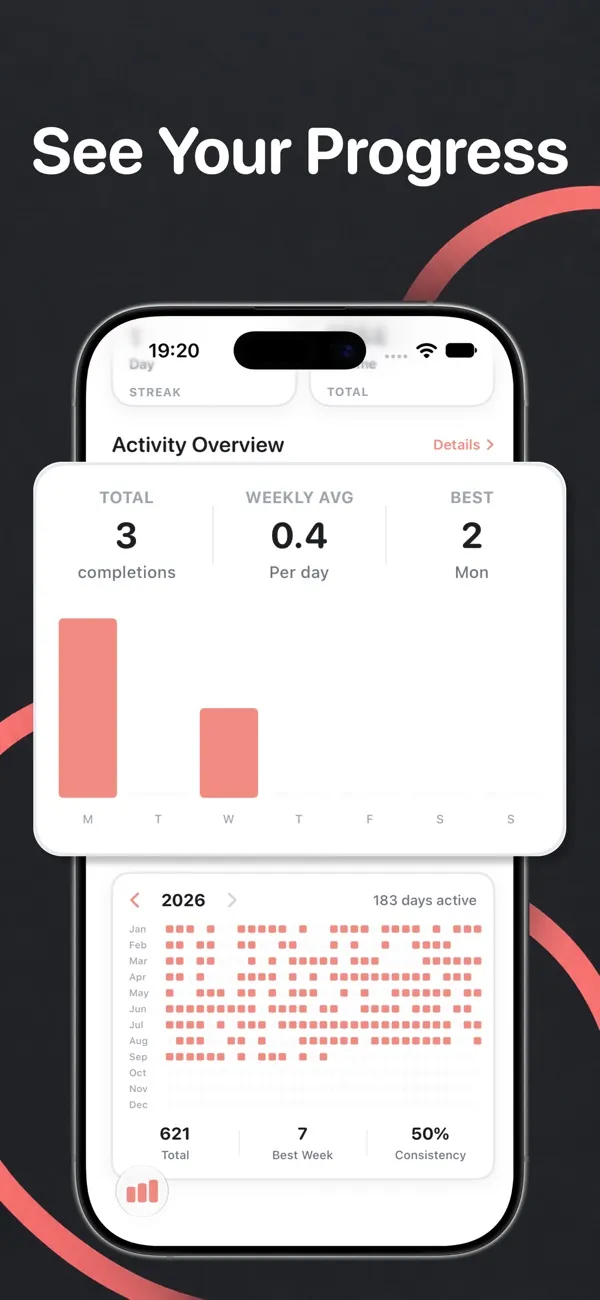
There's no official schedule for posture checks. A practical rhythm is to repeat the wall test and side-view photo every few weeks, glance at your desk whenever your setup changes, and do a quick in-the-moment check a few times a day. That last one is the easiest to forget.
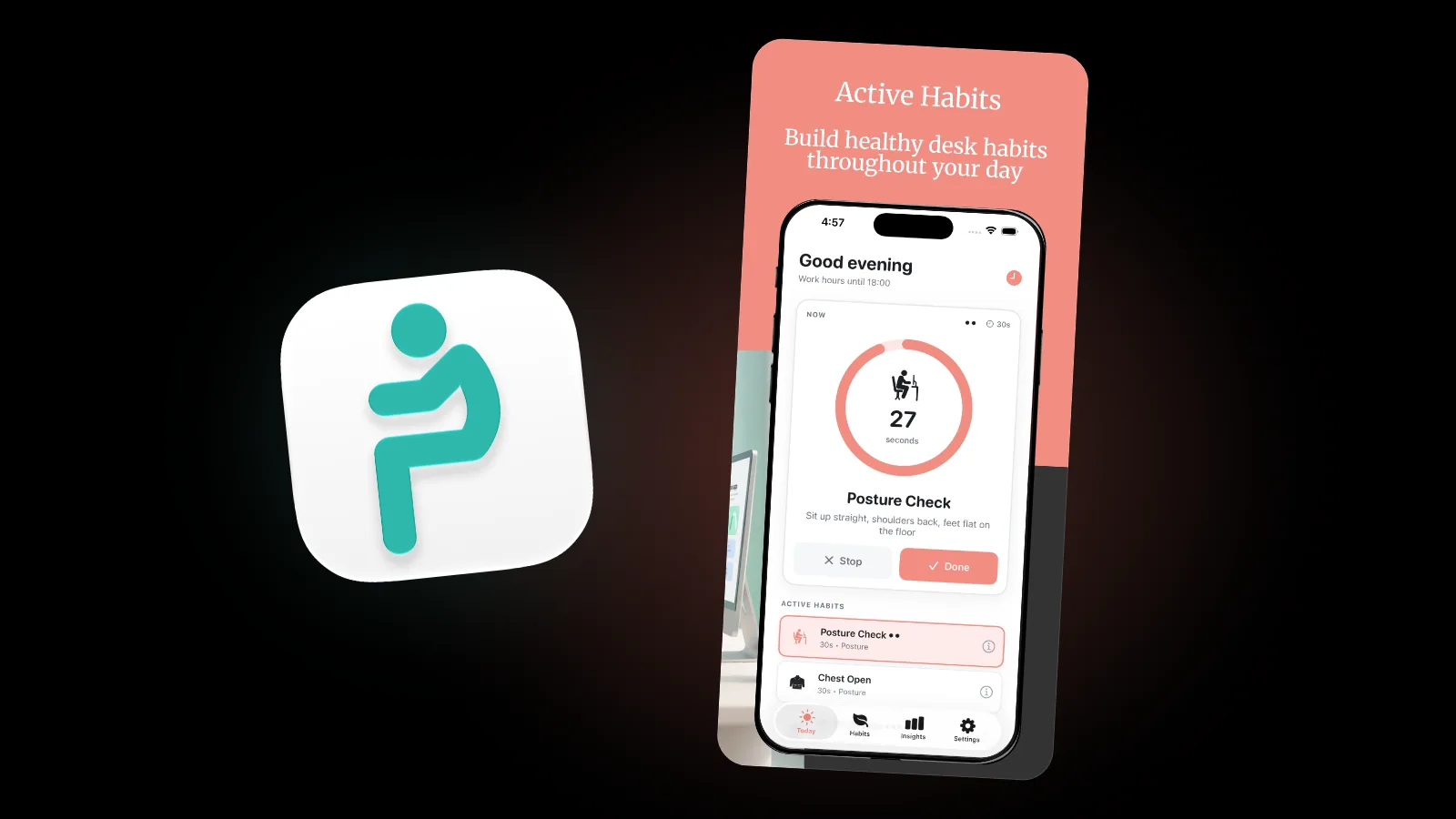
That's what Postura's Posture Check is for. It's a 30-second habit with a built-in timer and one instruction: sit up straight, shoulders back, feet flat on the floor. We treat it as a reset, a moment to notice how you're sitting and shift, not a pose to hold all afternoon.
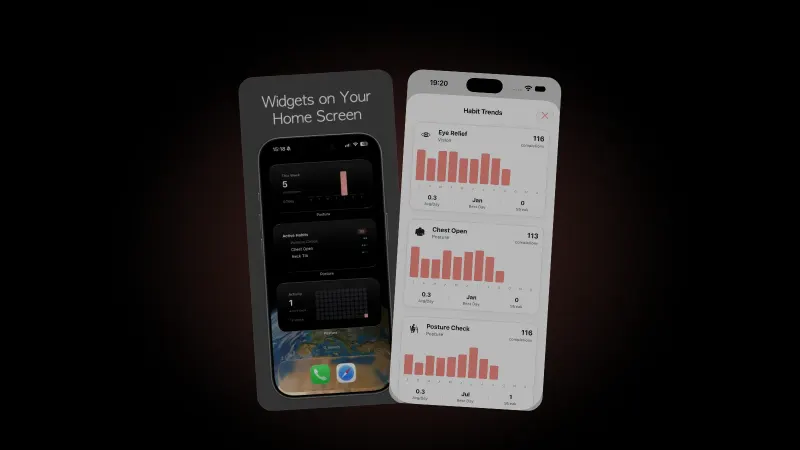
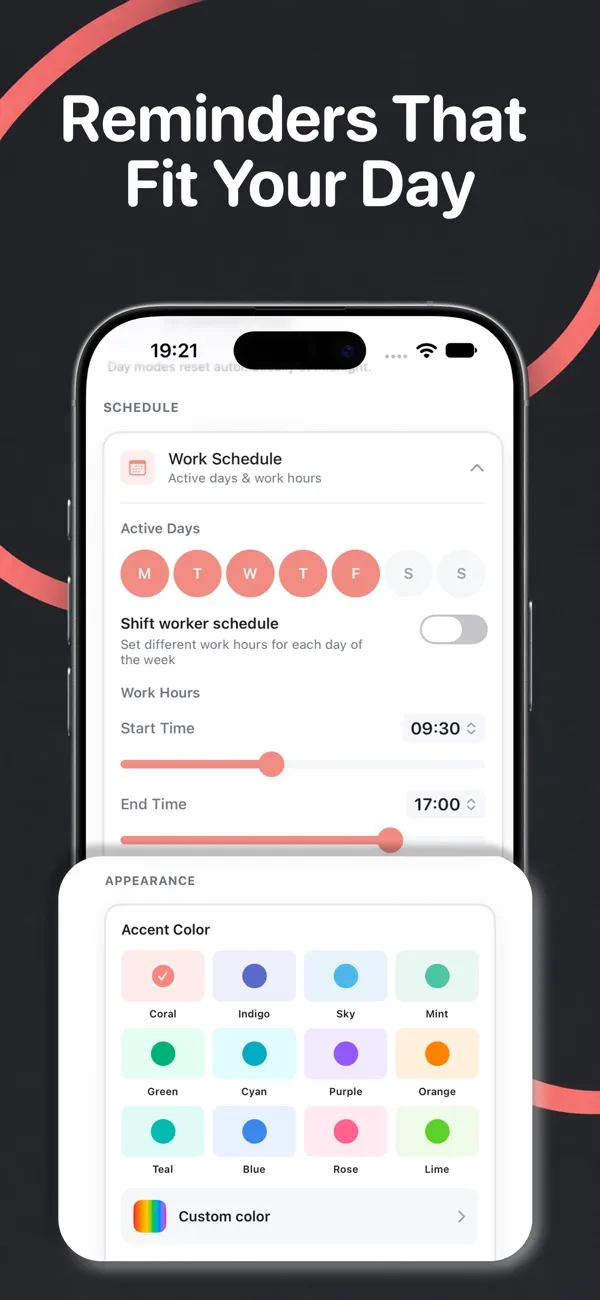
Reminders arrive only inside the work hours and active days you set. You pick a reminder intensity: Gentle sends up to 4 reminders a day, Balanced up to 6 and Active up to 9. Each habit also gets its own priority, Off, Low, Normal or High, so posture checks can come up more often than other habits. Reminders pause once you've reached the day's goal.
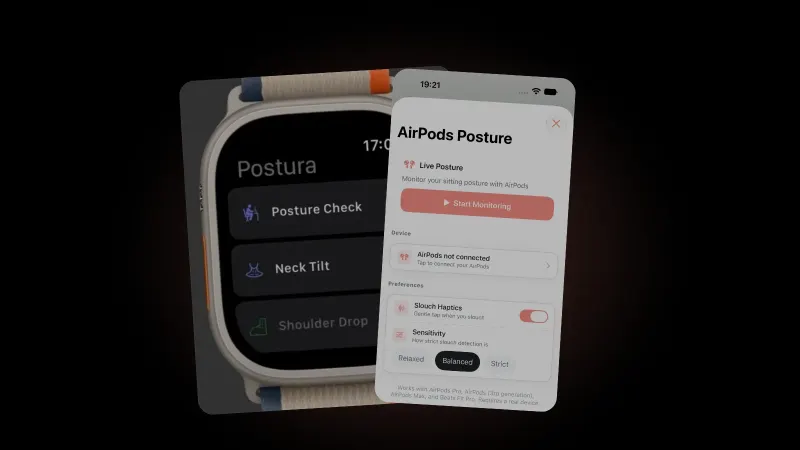
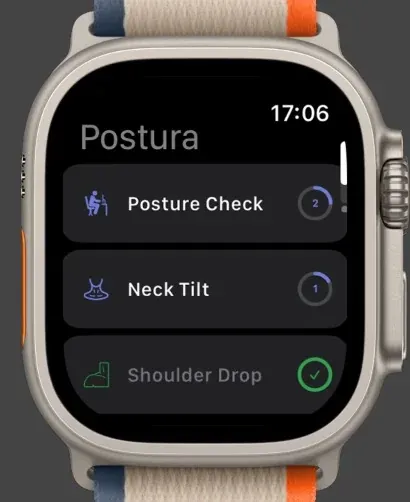
On Apple Watch, you can run each habit's timer from your wrist.
If you wear AirPods at your desk, Postura Pro on iPhone can also monitor your posture live; see our guide to AirPods posture tracking.
FAQ
What is the wall test for posture?
It's a home check where you stand with your bottom and shoulder blades against a wall and notice whether the back of your head rests there comfortably. It has no pass mark. Clinicians use related wall distances to track specific conditions, such as ankylosing spondylitis and Parkinson disease.
How can you tell if you have bad posture?
Pay attention to how you feel rather than how you look. Stiffness or aches that build while you sit and ease when you move are a cue to change position more often. Leeds Community Healthcare NHS Trust says there is no "correct" posture, so a photo alone can't label yours bad.
Does bad posture cause back pain?
Not in a simple way. Leeds Community Healthcare NHS Trust says there is no strong evidence that one optimal posture exists, or that avoiding "incorrect" postures will prevent low back pain. Comfortable postures vary between people, and moving and changing position can be helpful.
How often should you do a posture check?
There's no official number. A quick reset a few times a day fits well alongside regular breaks, which HSE says work better short and often. Repeat the wall test and a side-view photo every few weeks to compare.
Get started
Postura is free to download on the App Store for iPhone and Apple Watch, and on Google Play for Android, with an optional Pro subscription. It reminds you to check your posture, stretch, rest your eyes and breathe, during the hours you choose. Postura is not a medical app. See everything it does on the Postura page or read more Postura articles.