PosturaEye health8 min read
Dry eyes from screens: why you blink less and what helps
Dry eyes from screens start with blinking: about 15 times a minute normally, 5 to 7 at a screen. What to change at your desk and when to see a doctor.
Dry eyes from screens come mostly from blinking less. The American Academy of Ophthalmology says people normally blink about 15 times a minute, but only about 5 to 7 times a minute while using a computer. Fewer blinks spread fewer tears, so your eyes start to sting, feel gritty or water. Full blinks, regular breaks and moister air help.
This guide covers why it happens, what to change at your desk and when to see an eye doctor. We also show how Postura, our app for posture checks and screen breaks, can remind you to look away and blink. This is general information, not medical advice.
Why do screens make your eyes dry?
Screens dry your eyes because concentrating on them slows your blinking, and blinking is what keeps the surface of the eye wet. The American Academy of Ophthalmology (AAO) explains in What Is Dry Eye? that "when you blink, tears spread over the eye," keeping its surface smooth and clear. Its list of causes includes looking at a computer screen for a long time, along with reading and other activities that reduce blinking. The UK College of Optometrists, in its dry eye leaflet, says a normal tear film lasts more than 10 seconds between blinks. If it breaks up sooner, sensitive nerves on the front of the eye are exposed and the eye waters, which the leaflet says is common when you forget to blink at a computer. A 2021 study from the University of Auckland adds that blinks become both less frequent and less complete during screen use, which leaves the tear film less stable.
If your eyes feel dry after screen time, these are the symptoms the AAO lists for dry eye:
- Stinging or burning
- A scratchy or gritty feeling, as if something is in your eye
- Blurred vision, especially when reading
- Red or irritated eyes
- Lots of tears
Watery eyes can still be dry eyes: the AAO explains that irritated eyes make extra tears.
How much less do you blink at a screen?
Roughly half to two thirds less. In 2024, the AAO's guide to computers, digital devices and eye strain said humans normally blink about 15 times a minute, but studies show "we only blink about 5 to 7 times in a minute while using computers and other digital screen devices."
Over 20 minutes at your desk, that adds up:
| Situation | Blinks per minute | Blinks in 20 minutes |
|---|---|---|
| Normal | About 15 | About 300 |
| Using a computer or other screen | About 5 to 7 | About 100 to 140 |
That is roughly 160 to 200 fewer blinks every 20 minutes. Blinks can also be partial, when the lids do not fully meet: in the Auckland study, 54% of blinks were incomplete on average at the start among participants with dry eye symptoms. The AAO's advice: "Make a conscious effort to blink as often as possible."
Is it dry eye or eye strain?
Often both. The American Optometric Association lists dry eyes among the most common symptoms of computer vision syndrome, alongside eyestrain, headaches and blurred vision. Dryness is about the tear film and feels gritty, burning or stinging. Strain comes from the extra work of focusing on a screen. Breaks help both; for tired focus, see our guide to the 20-20-20 rule.
How do you stop dry eyes at the computer?
Blink often, slow down how fast your tears evaporate and look away regularly. Here is what the AAO, the American Optometric Association (AOA) and the College of Optometrists recommend.
| What dries your eyes | What helps | Who recommends it |
|---|---|---|
| Fewer, partial blinks | Blink often, on purpose | AAO, AOA, College |
| A screen set high | Look slightly down at the screen | AAO, AOA, College |
| Warm, dry air and draughts | Keep moving air off your face; consider a humidifier | AAO, College |
| Long sessions without looking up | Look into the distance regularly | AAO, AOA, College |
| Contact lenses on long screen days | Switch to glasses for a break | AAO |
| Eyes that still feel dry | Artificial tears | AAO |
Set the screen slightly below eye level
The College of Optometrists says keeping the top of your monitor level with your eyes, so you look down, "reduces the area of the eye exposed to the air" and can reduce how much of your tears evaporate. The AAO suggests sitting about 25 inches (right about at arm's length) away with your gaze slightly downward. The AOA puts the center of the screen 15 to 20 degrees below eye level. Our guide on how to sit at a desk properly covers the full setup.
Watch the air around your desk
Dry eyes at work often have an air problem too. The College of Optometrists says heating, draughts and air conditioning may make tears evaporate more quickly, and suggests avoiding draughts near your face. Both it and the AAO suggest a humidifier for dry, warm rooms. The evidence is thin: a 2022 review in Acta Ophthalmologica on preventing screen-related dry eye called for more research on humidity.
Contact lenses and artificial tears
The AAO says contact lens wearers on long screen days may find dry eye an ongoing problem. Its tips: wear glasses for a break, and never sleep in lenses, even "extended wear" ones. Artificial tears need no prescription, and the AAO says you can use them as often as you need; above six times a day, or with a preservative allergy, choose preservative-free drops. Curious about blue light? See whether blue light glasses work.
Take short breaks away from the screen
The AAO says to look up from the screen now and then at something in the distance. The 2022 review linked frequent breaks to fewer symptoms, though no study it found had tested the 20-20-20 rule itself. For ideas that take under a minute, see micro breaks at work.
Do blinking exercises help?
Possibly, but the evidence is limited. Small, short studies in people who already had dry eye found fewer symptoms and fewer incomplete blinks. We found no large, long-term trials in everyday office workers, so treat the exercises as a cue to blink fully rather than a proven treatment.
- 2021, four weeks. In Contact Lens and Anterior Eye, 54 people with dry eye symptoms did a ten-second cycle of blinking exercises every 20 minutes. Among the 41 who finished, symptoms improved and incomplete blinks fell from 54% to 34%. There was no control group.
- 2025, three days. In a randomized trial in The Ocular Surface, 100 people with dry eye used artificial tears five times a day, and about half also did blinking exercises. That group had better symptom scores, a more stable tear film and fewer incomplete blinks.
Routines varied, so there is no agreed version. A simple complete blink:
- Close your eyes gently until the upper and lower lids meet.
- Pause for a moment, then open them.
- Repeat a few times, then go back to work.
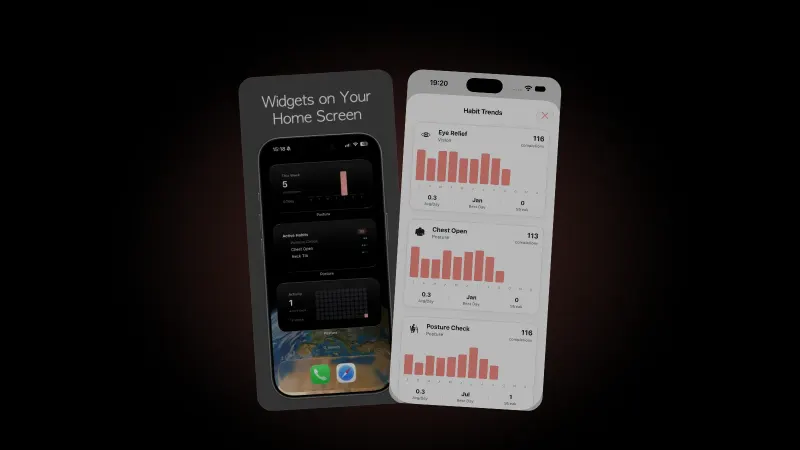
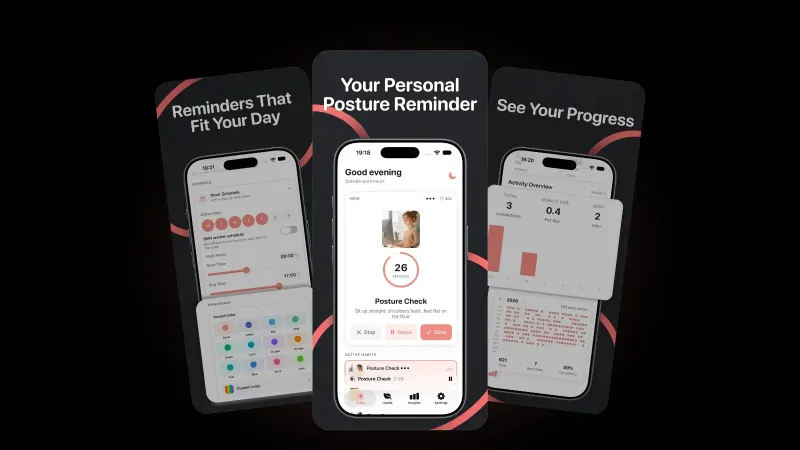
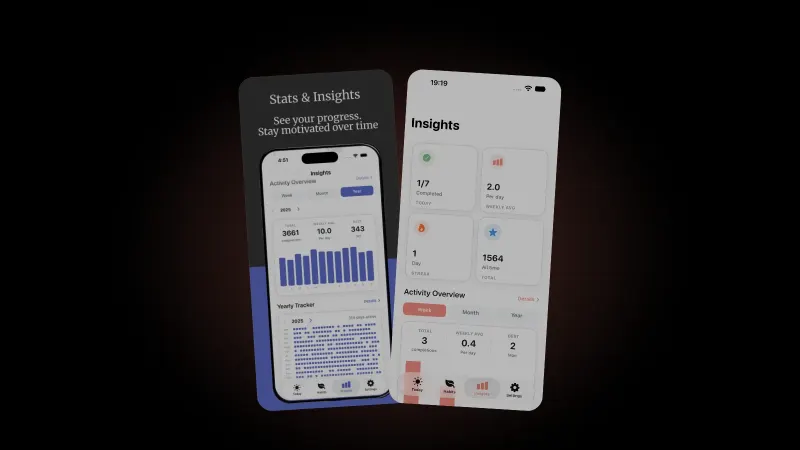
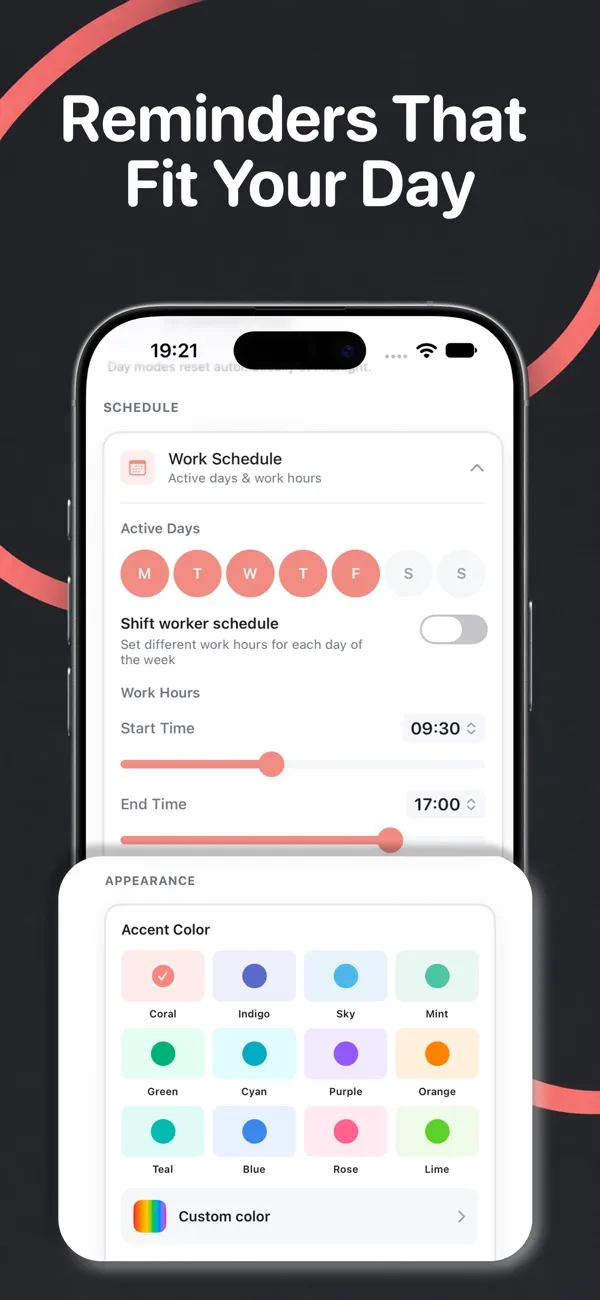
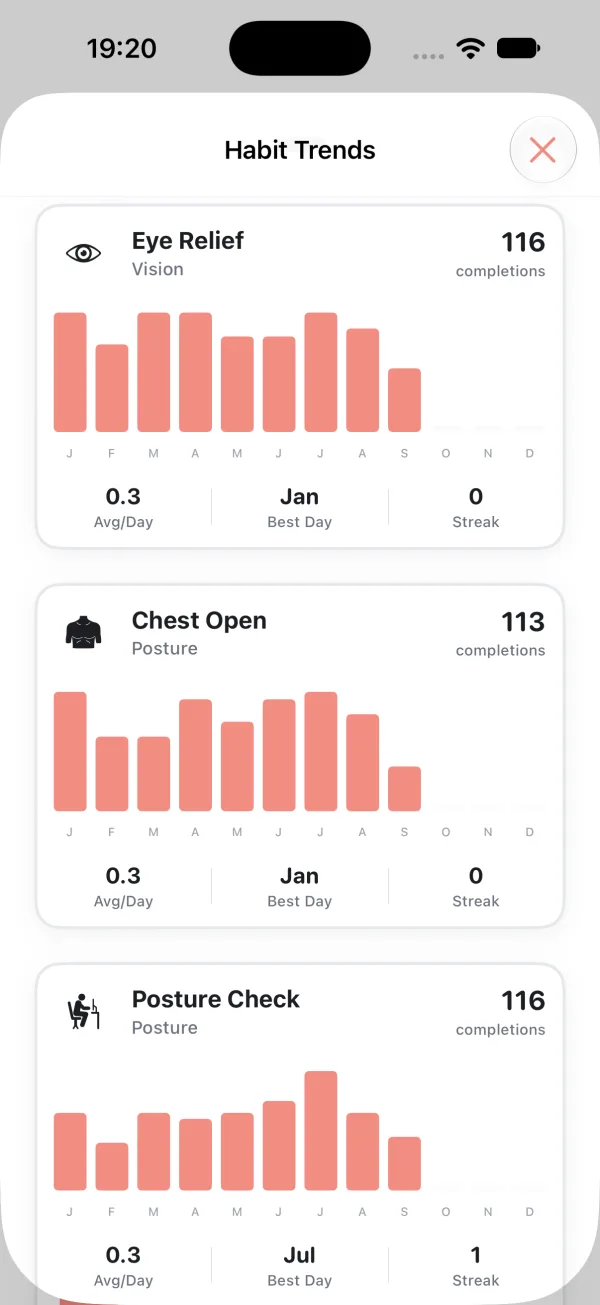
Postura turns this into habits with built-in timers. Screen Pause (15 seconds) asks you to "Look away from your screen and blink several times." Eye Relief (10 seconds) asks you to "Close your eyes for 10 seconds and breathe deeply." The 20-20-20 Rule (20 seconds) sits beside them, and reminders follow your working hours and active days. Habits need repetition; see how long it takes to form a habit.
When should you see an eye doctor about dry eyes?
See an eye doctor if dryness keeps coming back despite these changes. The AAO advises a visit when symptoms are:
- persistent or getting worse
- affecting your daily activities
- not relieved by over-the-counter lubricating drops
- accompanied by significant redness, pain or changes in your vision
The AAO adds that chronic dry eye can point to eyelid disease, autoimmune conditions or other problems. Some blood pressure, allergy, sleep and heartburn medicines can also cause dry eye, so tell your eye doctor what you take.
FAQ
Does air conditioning cause dry eyes?
It can make them worse. The College of Optometrists says high temperatures, central heating, draughts and air conditioning may make tears evaporate more quickly. It suggests avoiding draughts near your face and, for some people, a humidifier. An easy first step: point vents and desk fans away from your eyes.
Do phones and tablets dry your eyes too?
Yes. The AAO's figure of about 5 to 7 blinks a minute covers computers and other digital screen devices. The AOA links screen-related eye problems to prolonged computer, tablet, e-reader and cell phone use. Full blinks and regular breaks help on every screen.
Can staring at screens damage your eyes?
According to the AAO, the idea that long screen use permanently damages your eyes is not true, though your eyes can feel uncomfortable. The College of Optometrists says there is no evidence that looking at a computer screen harms your eyes, but it may make you blink less. Lasting symptoms still deserve an eye exam.
How often should I take a break from the screen?
The AOA recommends looking at something 20 feet away for 20 seconds every 20 minutes, and resting your eyes for 15 minutes after two hours of continuous computer use. A 2022 review linked frequent breaks to fewer dry eye symptoms. Use each break to blink fully a few times.
Get started
Postura is free to download on the App Store for iPhone and Apple Watch, and on Google Play for Android, with an optional Pro subscription. Screen Pause, Eye Relief and the 20-20-20 Rule sit alongside posture checks, stretches and breathing breaks, on a schedule you set. Postura is not a medical app; it is a gentle way to build better desk habits. See everything it does on the Postura page or read more Postura articles.