PlateRecipes8 min read
Video to recipe: turn a cooking video into written steps
Video to recipe: get a written recipe from a TikTok, YouTube or Instagram cooking video, check amounts and temperatures, and cook without rewinding.
To turn a cooking video into a recipe, first look for one the creator already wrote: the caption, the description, a pinned comment or a link to their site. If there isn't one, share the video to a video to recipe app or write it out while you pause. Then check amounts, temperatures and times before you cook.
We make Plate, an AI recipe keeper for iPhone that turns a shared video or link into a structured recipe. This guide is about getting one recipe out of one video: where the recipe hides, how to write it down by hand, how an app does it, and what to check before the pan goes on.
How do you turn a cooking video into a written recipe?
Turning a cooking video into a written recipe means pulling three things out of it: the ingredients with amounts, the steps in order, and the numbers that make it work, like heat, timing and doneness. Start with the text the creator published, because a recipe written in the caption, in the description or on their own site has the amounts they intended. If the video only shows and tells, you have two options. You can watch it once without stopping, then again with a notebook, pausing at each ingredient and every change of heat. Or you can share the link to a video to recipe app, which reads the post and returns a structured recipe with ingredients and numbered steps. Either way, finish with a check. Compare the amounts against the video, add anything said out loud but not written, and confirm doneness with a thermometer, because a video can show color but never the temperature inside the food.
Where is the recipe in a cooking video?
Often it isn't in the video at all. Before you start pausing and scribbling, check these places:
| Where to look | What you'll usually find | How much to trust it |
|---|---|---|
| Caption (TikTok, Instagram) | An ingredient list, sometimes the full method | Good when present; long recipes get cut short |
| Description (YouTube) | The full recipe or a link to it | Often the most complete |
| Pinned or first comment | Whatever didn't fit in the caption | Good, if the creator posted it |
| The creator's own website | The full recipe with exact amounts | The best source when it exists |
| On-screen text | Amounts flashed for a second or two | Accurate, but easy to miss |
| Narration | "A splash", "a good pinch", "until it looks right" | The vaguest; needs translating |
If you find a written version, use it, and save the link alongside it. If not, read on.
How do you write down a recipe from a video by hand?
It takes about two viewings and a bit of patience. This routine keeps it manageable:
- Watch once without stopping. Know where the dish is going before you take notes.
- List the ingredients first. Pause at each one and note the amount, even if it's "a handful".
- Write the steps as short commands. "Brown the beef." "Simmer 20 minutes." One action per line.
- Note every heat change and time. Fast cuts hide how long things cooked.
- Translate vague amounts. A "drizzle" becomes a tablespoon you can repeat next time.
- Keep the link with the recipe. You can rewatch a tricky technique and credit the creator.
Ten minutes for one recipe is fine. But what about the forty videos you've saved and never cooked? That's where an app earns its place.
How does a video to recipe app work?
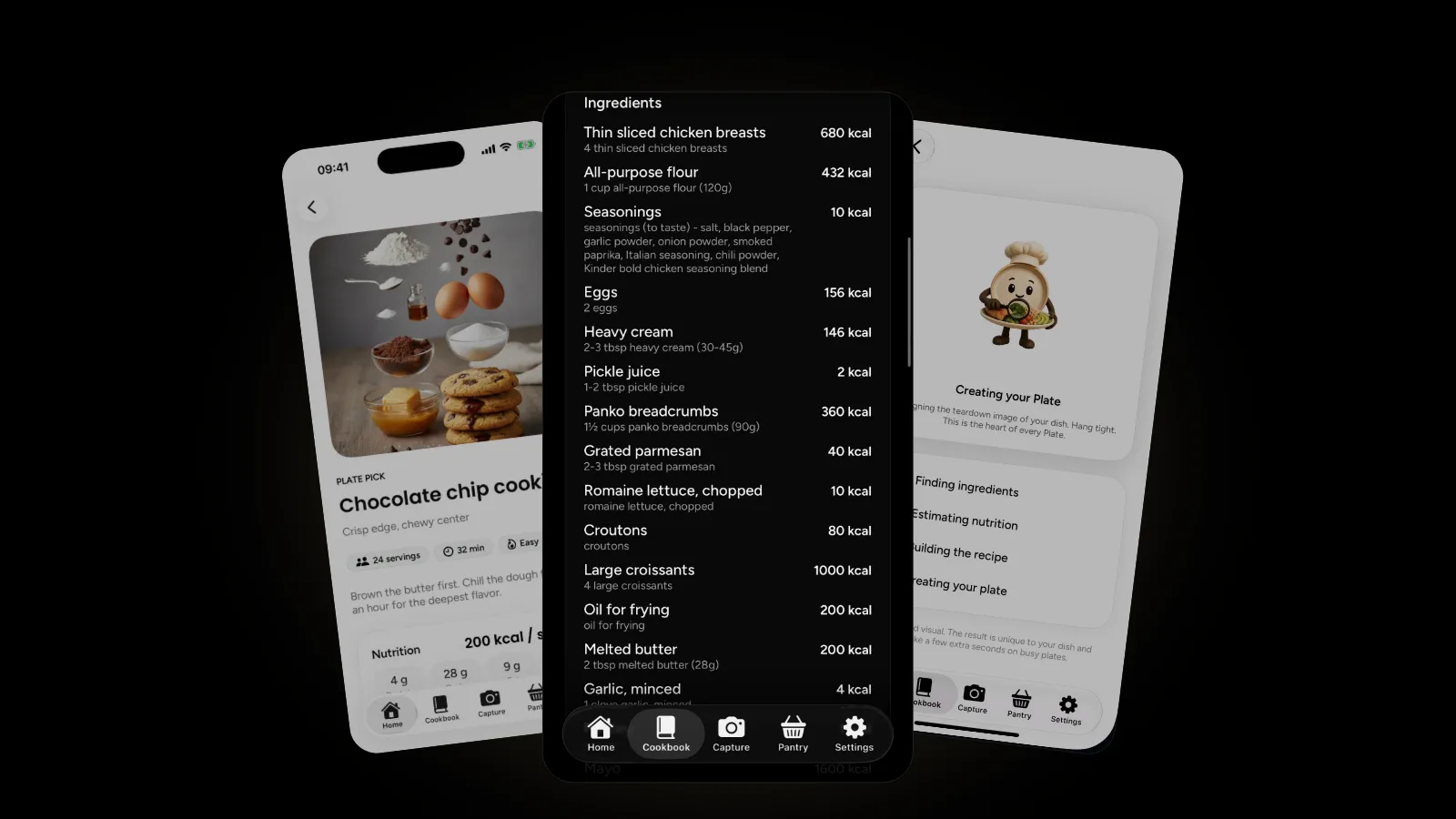
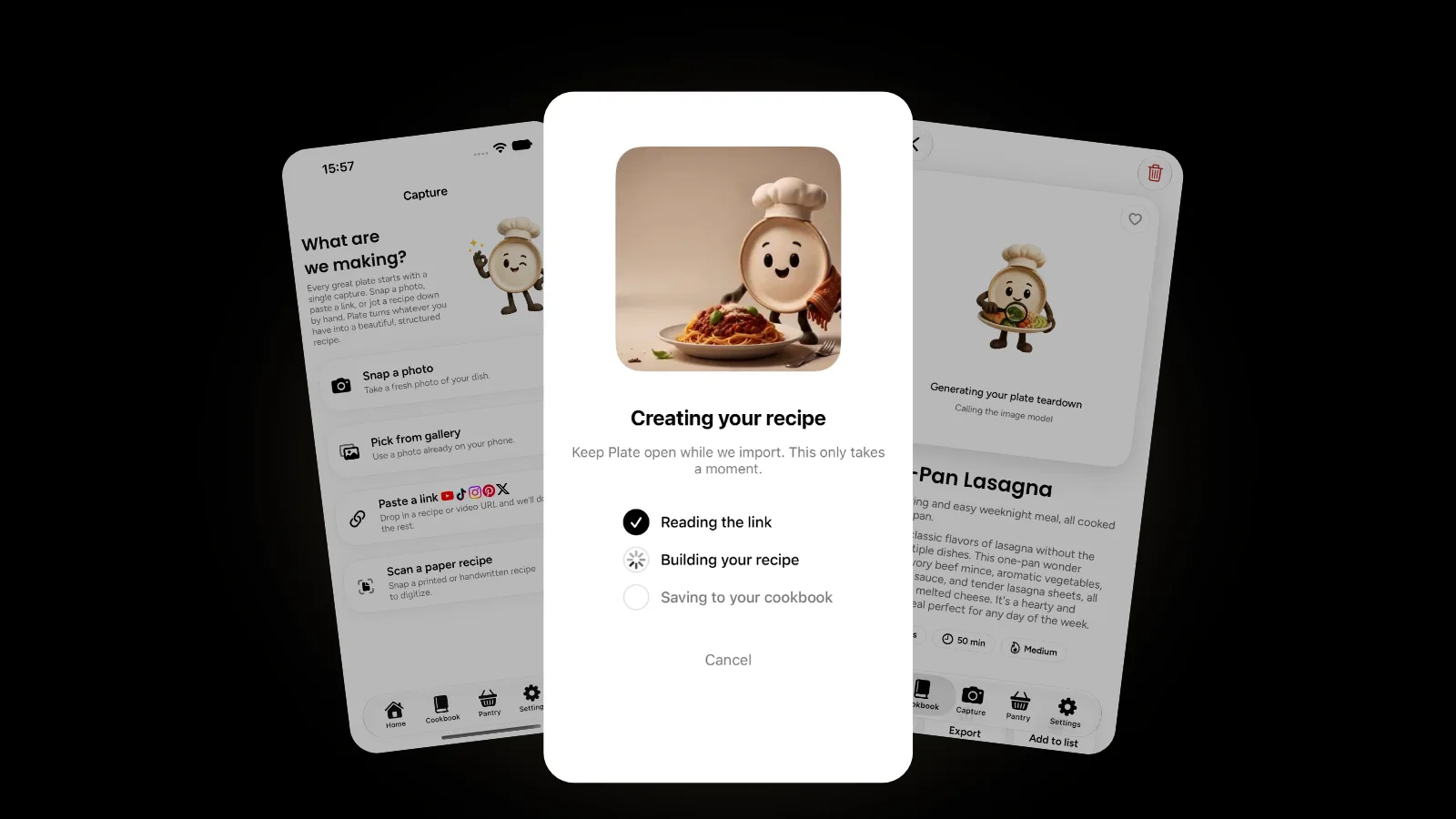
A video to recipe app takes a link, reads the post and writes a structured recipe. In Plate, you share a video or post from YouTube, Instagram, X, TikTok or Pinterest with the share sheet, or paste its link on the Capture screen. Plate reads it and builds a recipe with ingredients, steps and estimated nutrition, then saves it to your cookbook. If you took screenshots of a recipe from a video, Plate can also import straight from the screenshots in your camera roll.
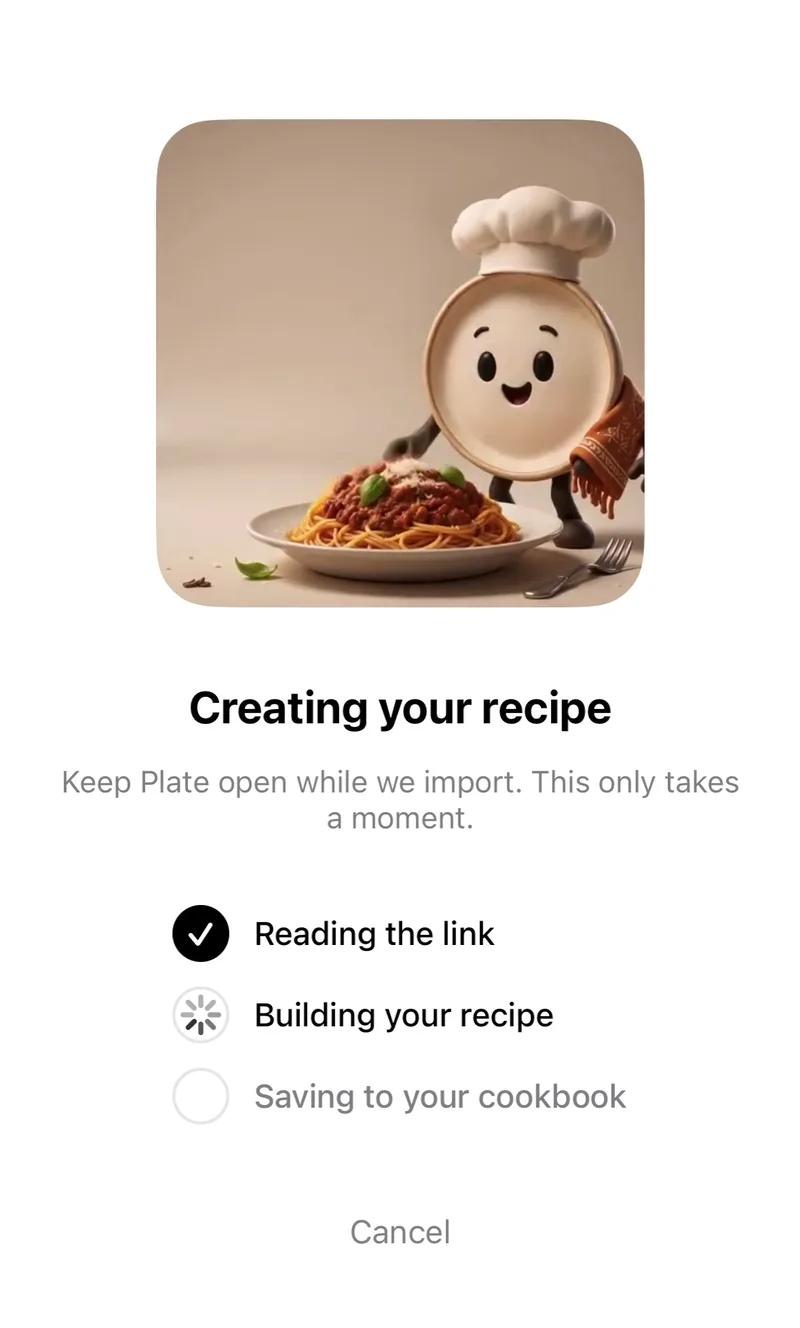
Plate can also render a teardown image of the dish, rebuilt with its ingredients floating above it, which makes a cookbook easy to scan by eye. From the finished recipe you can start cooking right away, open it in your cookbook or export it.
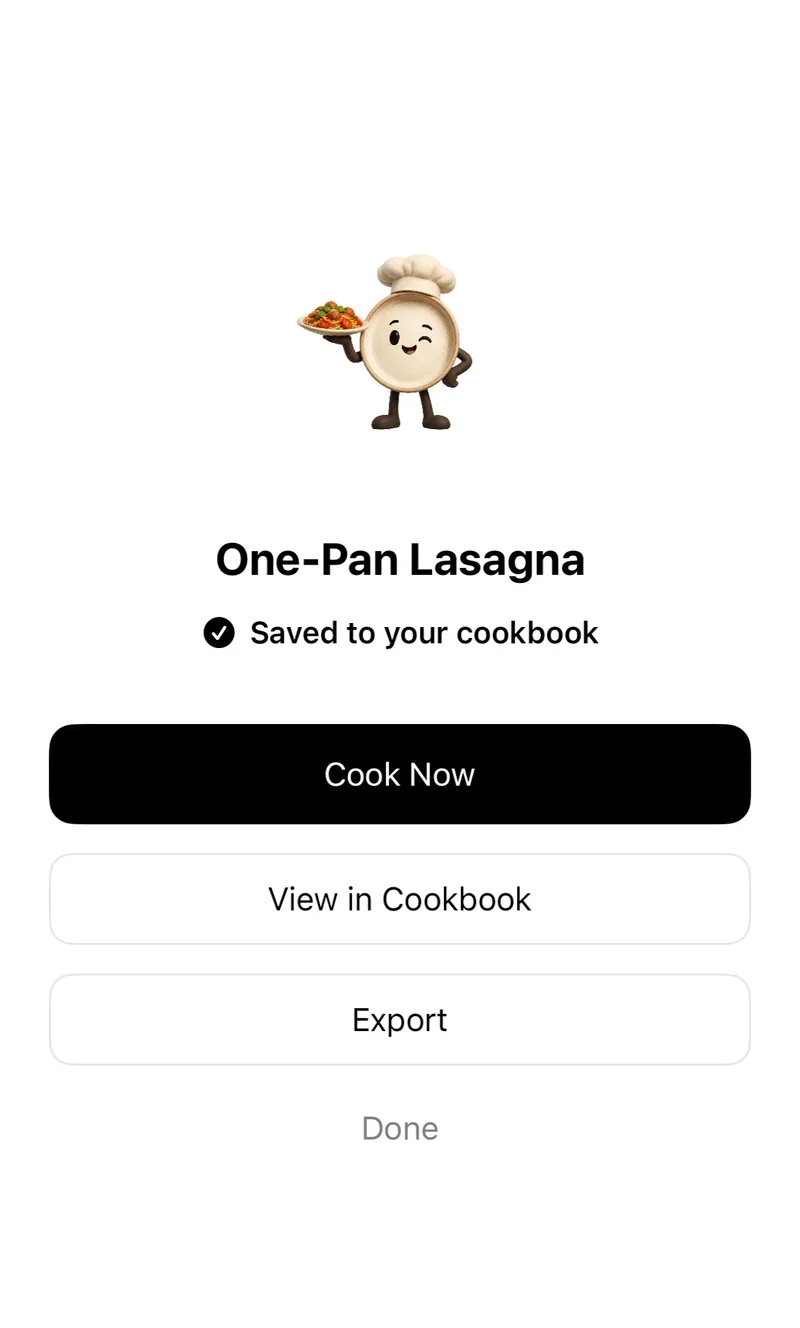
Your first recipe generation in Plate is free. Plate Pro unlocks unlimited AI recipe creation from photos, links and paper scans. The nutrition Plate shows is an AI estimate to help you cook thoughtfully, not medical or dietary advice; our guide to calculating calories in a recipe explains how those numbers are built.
What should you check before cooking from a converted video?
A written recipe from a video is only as good as what the video shared. Whether you wrote it yourself or an app did, run through this list:
- Amounts. Compare them against the video, especially oil, butter, sugar and salt.
- Servings. Videos rarely say how many a dish feeds. Set a number, then scale the recipe up or down if you need to.
- Steps that happened off camera. Preheating, resting, overnight chilling and soaking are easy to cut from a 60-second edit.
- Doneness. The CDC says "the only way to tell if food is safely cooked is to use a food thermometer." It lists 165°F for all poultry, 160°F for ground meats such as beef and pork, and 145°F for whole cuts of beef, veal, lamb and pork, followed by a 3-minute rest.
- Rinsing raw chicken. If a video washes raw chicken in the sink, skip that step. The CDC says raw chicken "is ready to cook and doesn't need to be washed first," and that washing it can spread germs to other foods, the sink and the counter.
- Allergens. Plate shows allergen warnings and dietary tags on every recipe, but check each ingredient yourself when you cook for someone with an allergy.
Why cook from the written recipe instead of the video?
Video is a good teacher. In 2018, a Pew Research Center survey of 4,594 US adults found that 51% of YouTube users say the site is very important for figuring out how to do things they haven't done before. Watching someone fold a dumpling beats reading about it.
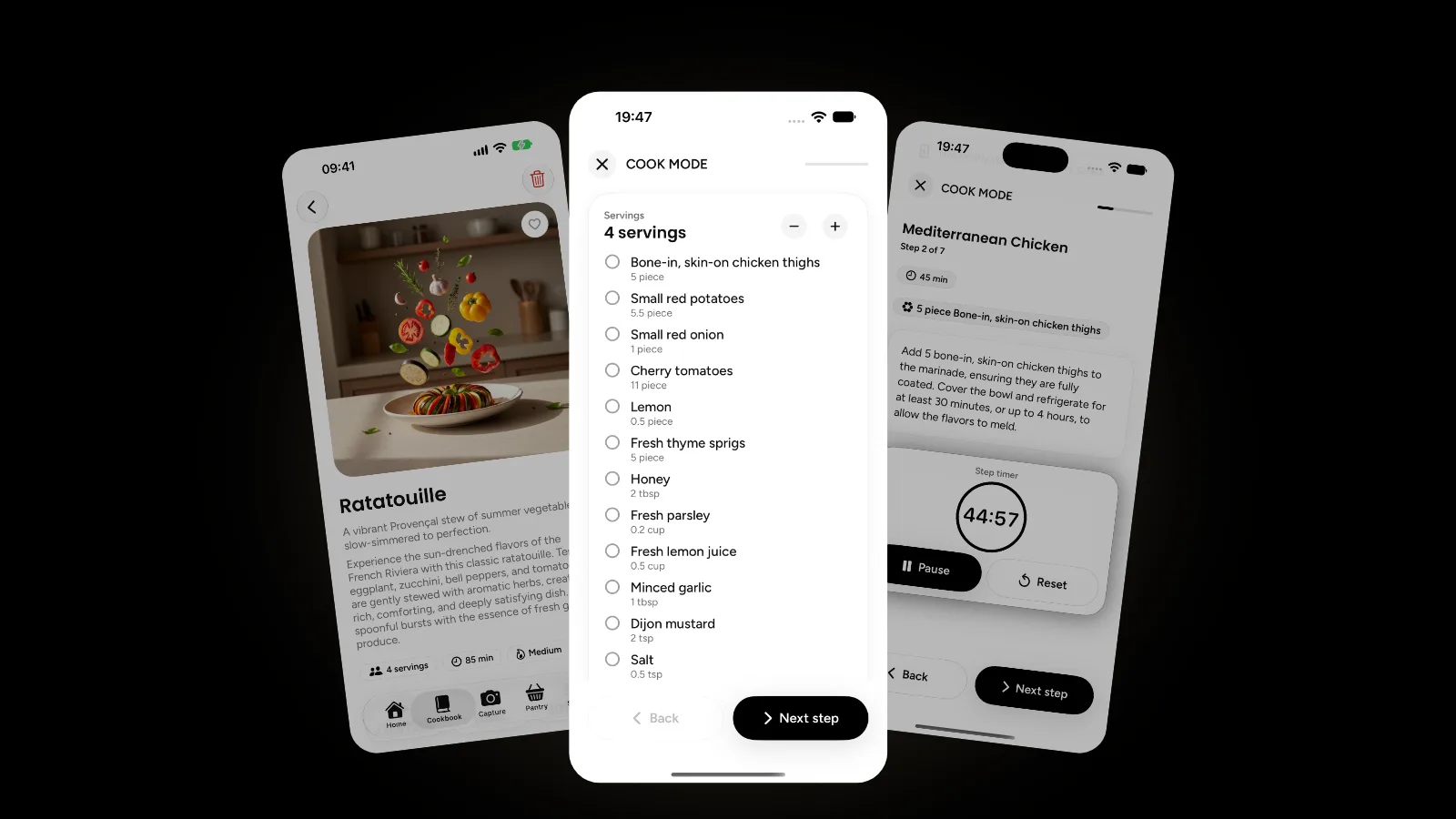
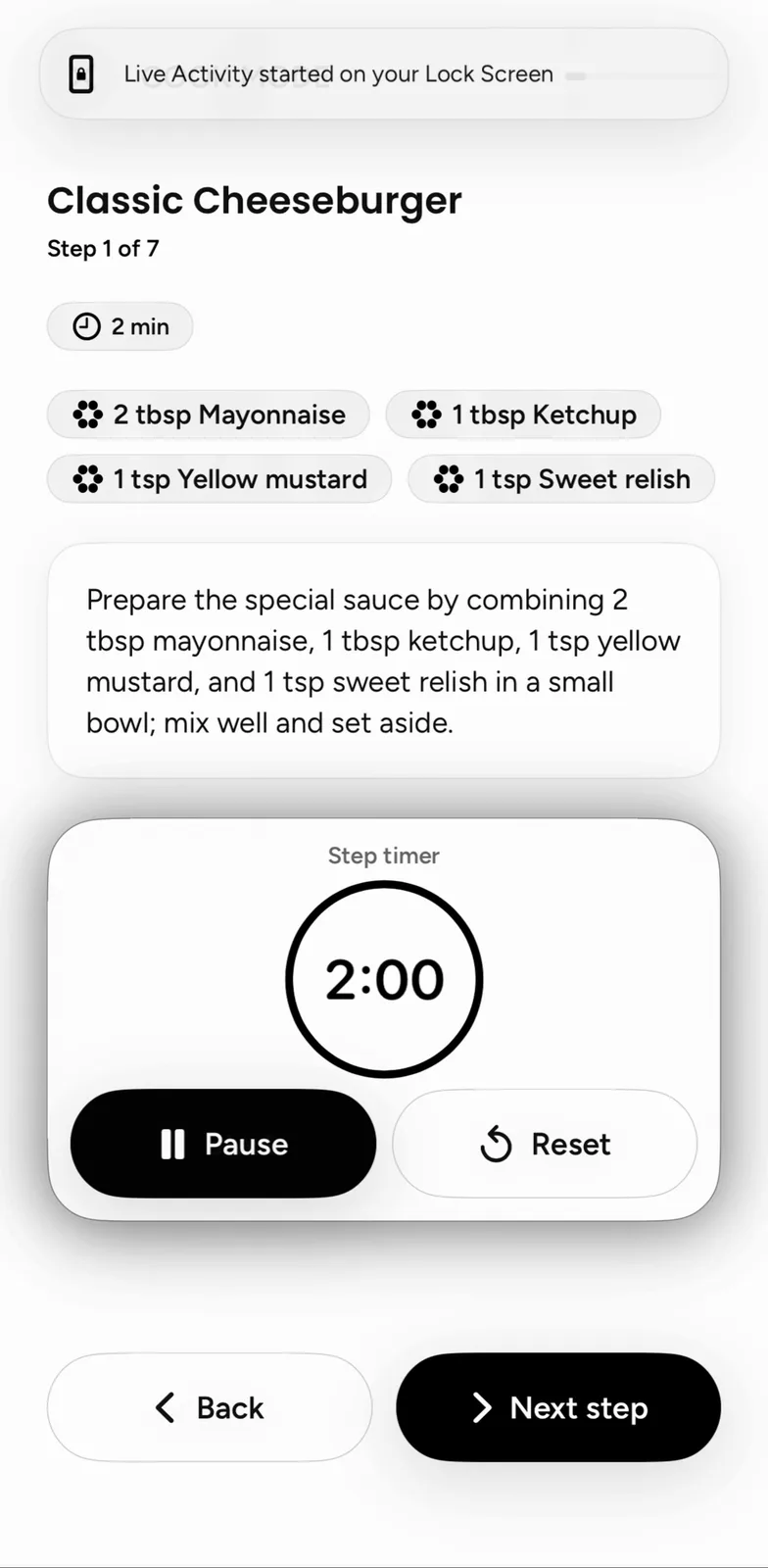
But a video runs at the creator's pace, not yours. Text waits. In Plate, Cook Mode walks you through one step at a time with built-in timers and a tickable ingredient checklist, and a Live Activity keeps the timer on your Lock Screen. With your hands full, you can ask Siri to open a recipe or search your cookbook.
Is it okay to save someone else's recipe from a video?
For your own kitchen, generally yes. The U.S. Copyright Office says "a mere listing of ingredients is not protected under copyright law," though a recipe accompanied by substantial literary expression, such as an explanation or directions, or a collection of recipes like a cookbook, may be protected. The respectful habit is simple: keep your written version for cooking, link back to the creator, and don't repost their video or wording as your own. This is general information, not legal advice.
Plate is private by design, with no feed, followers, likes or comments, so a recipe you save stays in your cookbook. If your real problem is forty saved videos spread across four apps, our guide to organizing recipes from TikTok, Instagram, web and paper covers the bigger cleanup. And when there's no video at all, only a dish in front of you, photo to recipe explains what a picture can tell an app. More guides are in the Plate category.
FAQ
How do I get the recipe from a TikTok video?
Check the caption, the pinned comment and the creator's profile link first, since many creators write the recipe there. If there's nothing written, share the TikTok to a video to recipe app like Plate, or pause and write it out, then check amounts and doneness.
Can I turn a YouTube cooking video into a recipe?
Yes. Look in the description first, where many creators post the full recipe or a link to it. Otherwise, share the video to Plate or paste its link on the Capture screen, and Plate writes the ingredients and steps into your cookbook.
What if the video has no written recipe at all?
Then the recipe lives in what the creator shows and says. Write it out over two viewings, or use an app, and treat the result as a draft. Check amounts, servings and temperatures against the video before cooking.
Which apps can I import cooking videos from in Plate?
Plate takes videos and posts from YouTube, Instagram, X, TikTok and Pinterest, through the share sheet or a pasted link, plus pages from recipe sites and screenshots from your camera roll.
Get started
Open the last cooking video you saved and get it into writing, by hand or by share sheet. Plate is free to start on the App Store, and the Plate page shows everything else it can do.