PlateRecipes9 min read
Why are recipe blogs so long? How to get just the recipe
Why are recipe blogs so long? Search, ads and reader questions. Here are 6 ways to skip to the recipe, print it without ads or save a clean copy.
Recipe blogs are long because one free page has three jobs: get found in search, make room for the ads that pay for it, and answer the questions readers would otherwise ask. To get just the recipe, tap Jump to Recipe, print from the recipe card, switch on Safari Reader, or save the recipe once to an app.
We make Plate, an AI recipe keeper for iPhone that turns a pasted recipe link into a structured recipe in a private cookbook. Here's why the story is there, what the copyright rumor gets wrong, six ways to reach the recipe and what you give up when you skip.
Why are recipe blogs so long?
A recipe blog post is long because a free recipe page has to earn its keep in three ways at once. It has to be found, so bloggers write detailed posts that help search engines understand the dish, and many believe longer pages rank better. It has to pay for itself, because free recipe sites commonly run on display ads, and ads need text to sit between. And it has to help the cook, so good posts explain substitutions, technique, storage and the mistakes made while testing. The personal story gets the blame, but it's often the smallest part. The recipe itself usually sits in a recipe card near the bottom of the page: one block with the ingredients, steps, servings and times. That card is built to be reached in one tap, printed on its own and read by recipe apps.
A recipe software maker says much the same. In 2024, Bootstrapped Ventures, maker of the WP Recipe Maker plugin, wrote that "detailed narratives help to keep people on the page longer," and that the extra text makes room for "ingredient substitutions, preparation techniques, and personal tips."
Ads are the other half. A fact-check covered below quotes the food site CulinaryLore: "food bloggers need to allow the physical space and format for ads and other promotions to appear." Recipe sites without ads exist, but a free one has to pay its bills somehow.
So is length itself the goal? Google says no. Its guide to helpful content asks site owners: "Are you writing to a particular word count because you've heard or read that Google has a preferred word count? (No, we don't.)" So length on its own isn't what Google asks for.
Is the long story really about copyright?
Mostly not. A popular explanation says bloggers add stories because a recipe can't be copyrighted without "substantial literary expression." In November 2021, Truth or Fiction rated that claim "Decontextualized." It traced the phrase to a copyright advocacy group's blog post, while digital media experts and food writers pointed to search ranking and ads instead.
The rule itself is short. The U.S. Copyright Office says "a mere listing of ingredients is not protected under copyright law." A recipe "accompanied by substantial literary expression in the form of an explanation or directions," or a collection of recipes as in a cookbook, may be protected. Keeping the ingredients and steps for your own kitchen is different from republishing someone's writing. This is general information, not legal advice.
What is the fastest way to skip to the recipe?
The fastest way to skip to the recipe is the Jump to Recipe button near the top of the post. No button? These six methods run from quickest to most lasting:
- Jump to Recipe. Bootstrapped Ventures describes it as "a clickable link placed at the top of a recipe post that scrolls readers directly to the recipe card, bypassing the intro text."
- The recipe card's Print button. It often sits beside Jump to Recipe and can open the recipe on its own page.
- Safari Reader. It strips the page down to its main text and images.
- Find on Page. In Safari, tap the Page Menu button, then the Search Document button, and type "ingredients".
- A browser extension. Safari on iPhone supports extensions, and some are built to show only the recipe.
- Save it once to a recipe app. A recipe clipper app keeps a copy, so you never scroll that page again.
| Method | Speed | Works when | What you keep |
|---|---|---|---|
| Jump to Recipe | One tap | The site added the button | Nothing, you stay on the page |
| Recipe card Print button | Two taps | The recipe card has one | A printout or a print page |
| Safari Reader | Two taps | Reader supports that page | A cleaner view to read or print |
| Find on Page | A few seconds | On almost any page | Nothing |
| Browser extension | Automatic after setup | The extension can read the page | Depends on the extension |
| Recipe app | Slowest once, instant after | The app can read the page | A lasting copy in your cookbook |
How do you print a recipe without the ads?
Start with the recipe card's own Print button. On sites that use WP Recipe Maker, its maker says that "when a visitor clicks the Print button on a recipe card, they land on a recipe-only page," where they can toggle images and adjust serving sizes.
No Print button? Use Safari Reader, then print:
- In Safari, tap the Page Menu button in the address bar, then tap Show Reader. Apple says Reader "formats a webpage to show just the relevant text and images" on supported websites.
- Tap the Share button, scroll down and tap Print, as Apple's AirPrint guide describes.
- Check the preview and choose which pages to print, so you skip the comments.
- Tap Print in the upper-right corner.
How do recipe apps pull out just the recipe?
Recipe apps can pull out just the recipe because many recipe pages already label it for machines. The labels come from schema.org, a shared vocabulary for structured data. Its Recipe type includes recipeIngredient, "an ingredient or ordered list of ingredients and potentially quantities used in the recipe," and recipeYield, the number of servings.
Why add those labels? For search. Google Search Central explains that with Recipe structured data, "Google can better understand your recipe and present it to users in interesting ways," including in Google Search results and Google Images. Its properties include recipeInstructions, "the steps to make the dish."
Here's the part most guides skip. The markup that helps a page show up in search also gives a recipe clipper a clean copy to read: ingredients in one labeled list, steps in another, servings in their own field. The clipper doesn't have to guess which paragraph is the story. The blogger has, in effect, already written a "just the recipe" version inside the page's code. Without markup, an app has to work the recipe out from the text, so check the result.
What do you lose when you skip the story?
Skip the story and you can also skip the parts that make a recipe work the first time. Before you jump, scroll the headings once and look for:
- Substitutions. Whether you can swap butter for oil, or use a different flour.
- Troubleshooting. Why the sauce split or the cake sank.
- Step photos. What the dough should look like at each stage.
- Storage notes. How long it keeps, and whether it freezes.
- Reader comments. Other cooks' results and the fixes they found.
A good habit is reading the whole recipe once before you start, the first step of mise en place. Skip the life story, but read the notes the first time you cook a dish.
How do you save a clean copy in Plate?
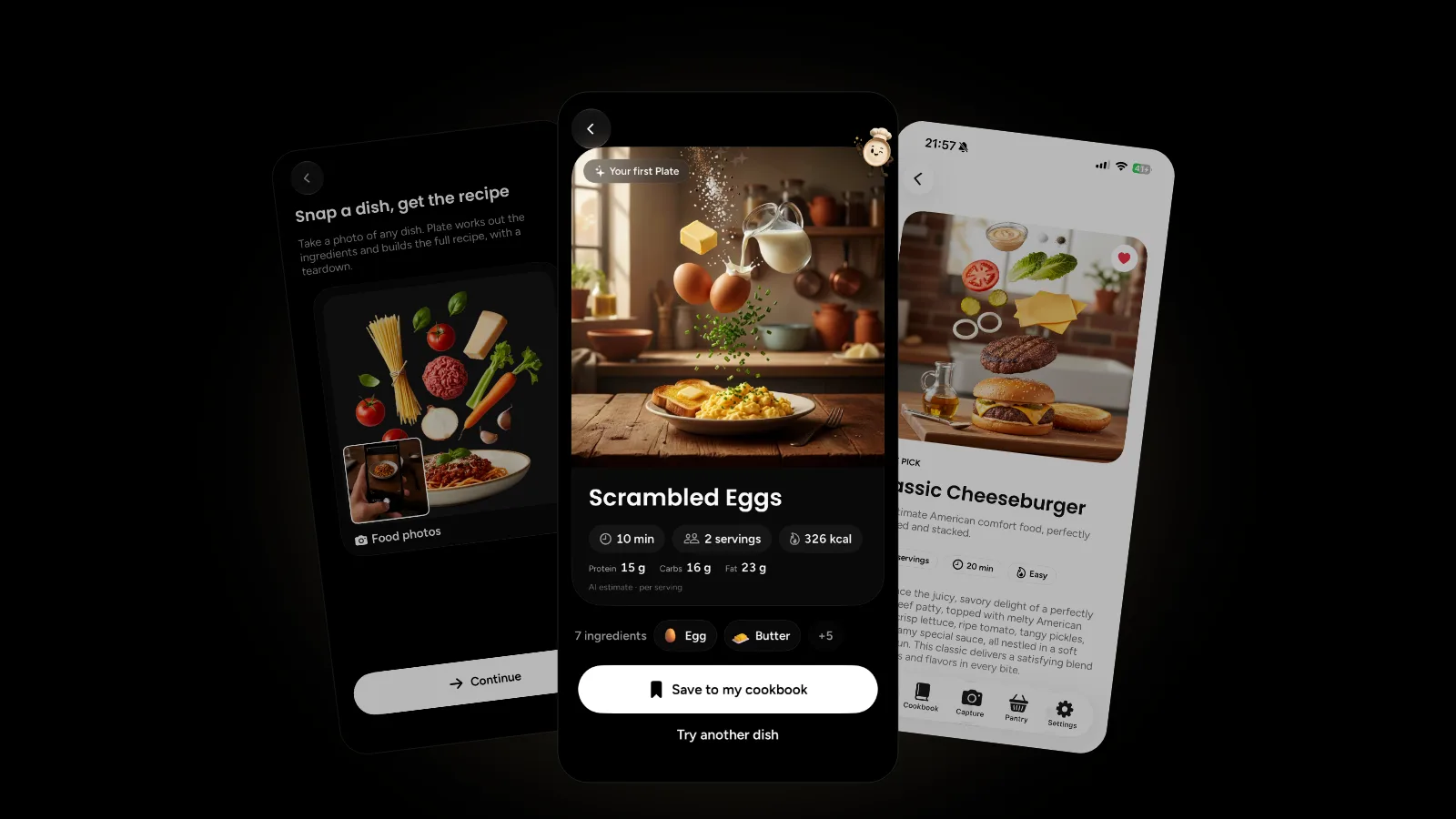
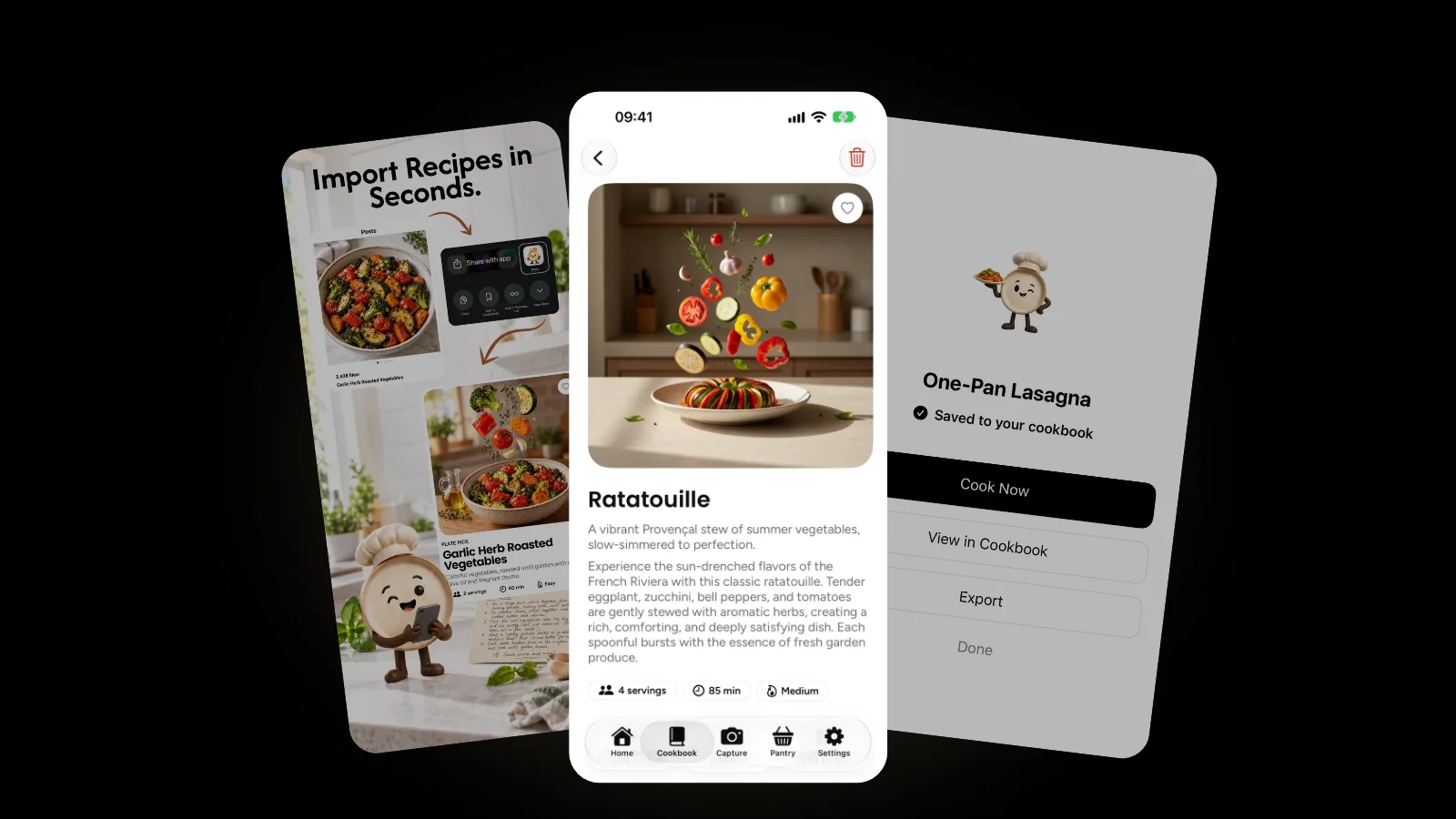
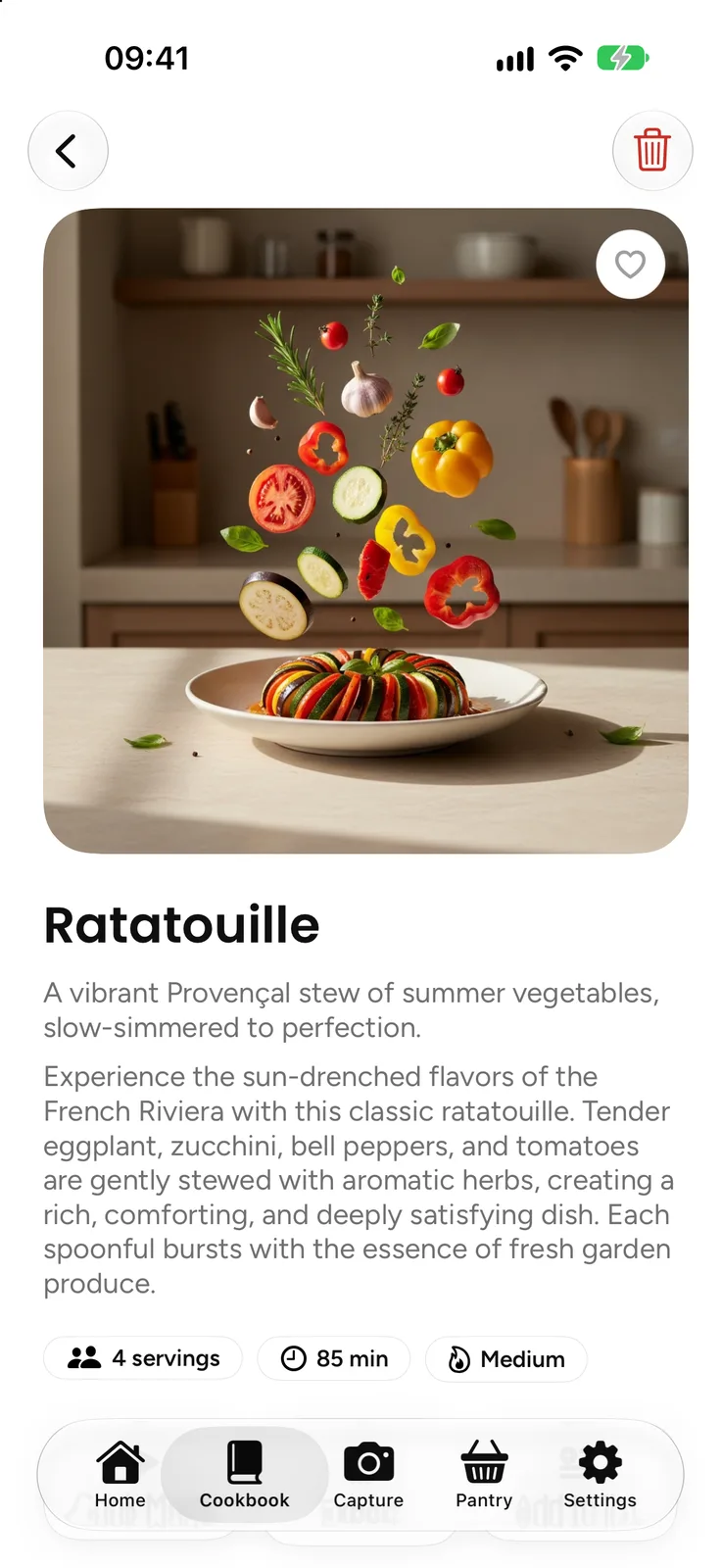
To save a clean copy in Plate, paste the recipe page's link on the Capture screen or share the page from Safari. Plate writes a structured recipe with ingredients, steps and per-serving nutrition estimates into your private cookbook.
- Copy the link, or pick Plate straight from Safari's share sheet.
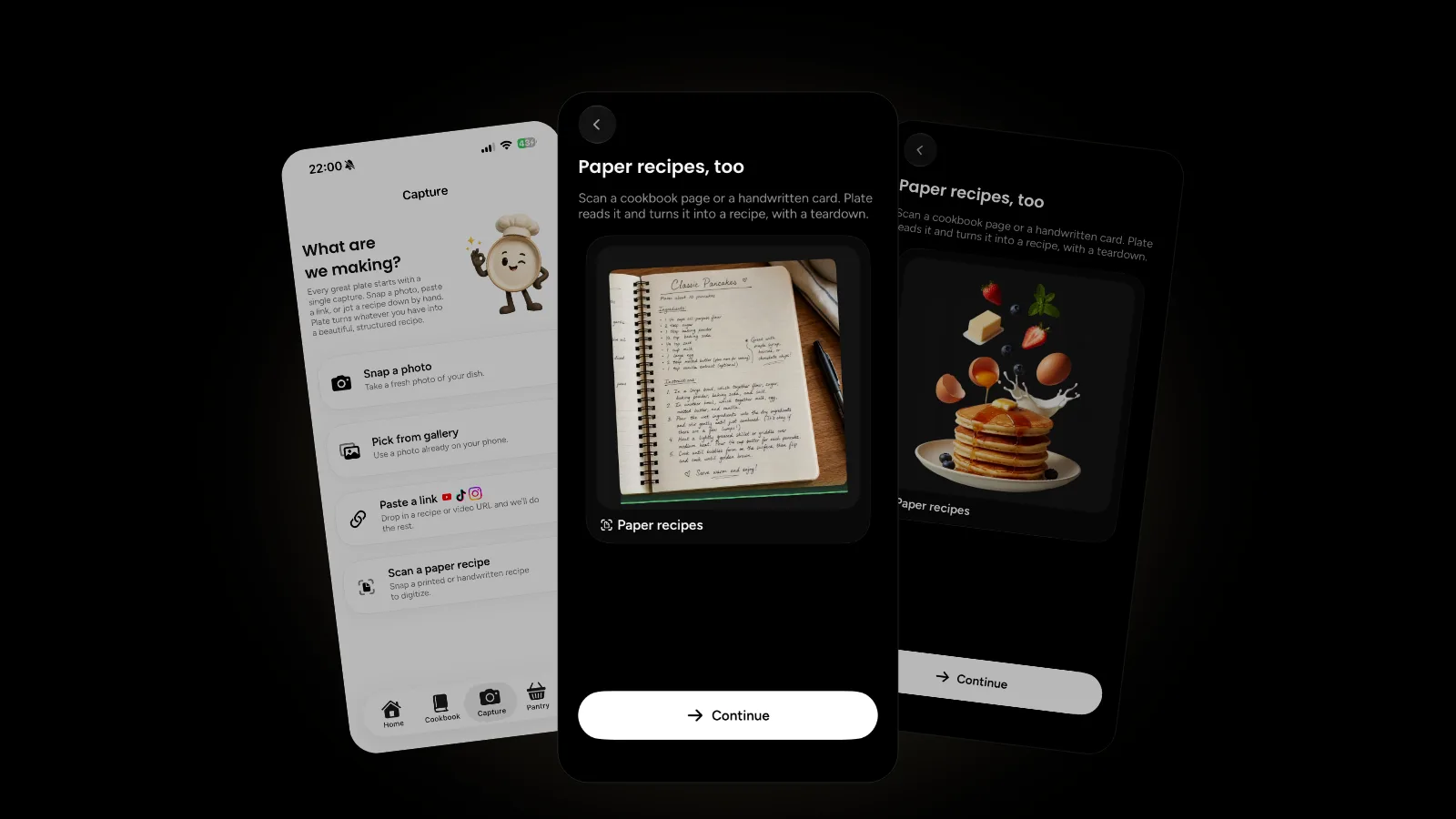
- Paste it in Plate. Open Capture and tap Paste a link, the first option.
- Let Plate build the recipe and save it to your cookbook.
- Keep the source link in your own notes, so you can return to the blogger's tips and credit them.
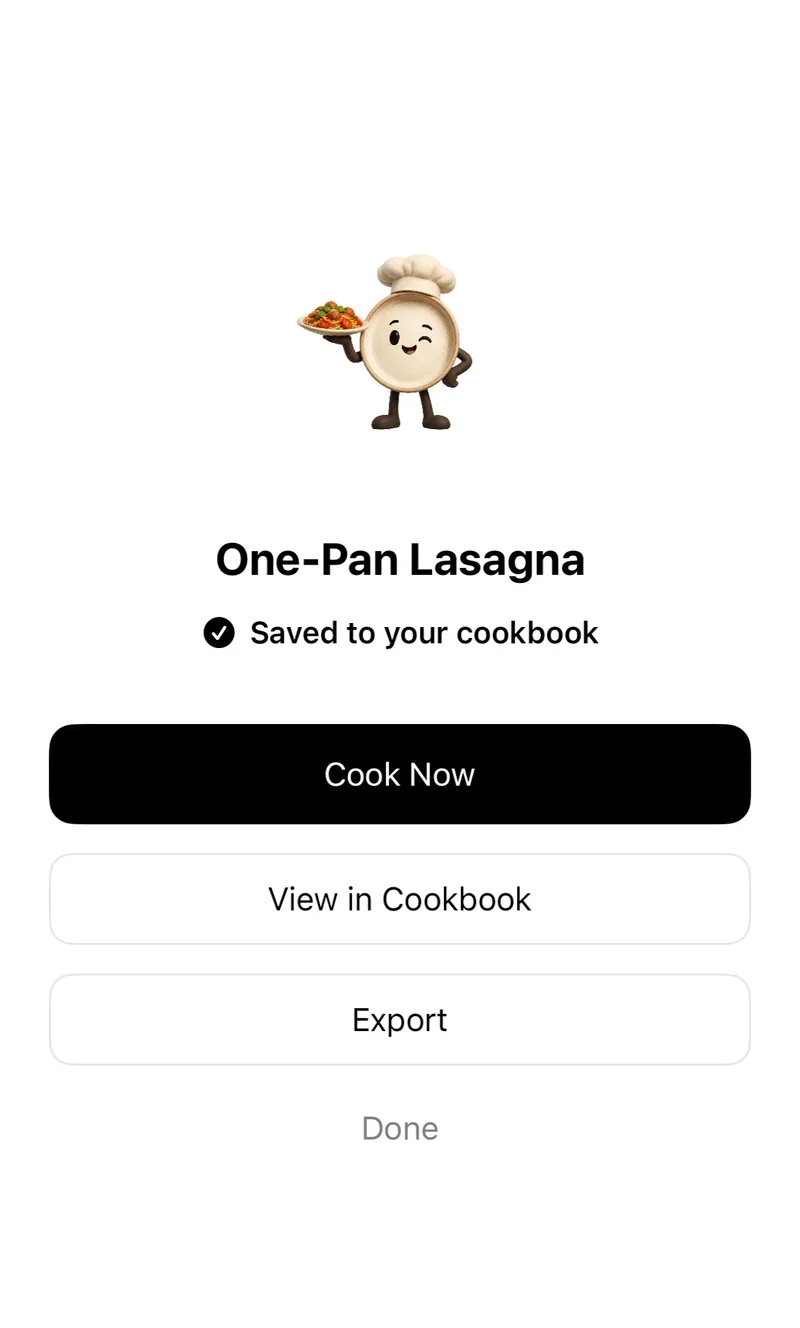
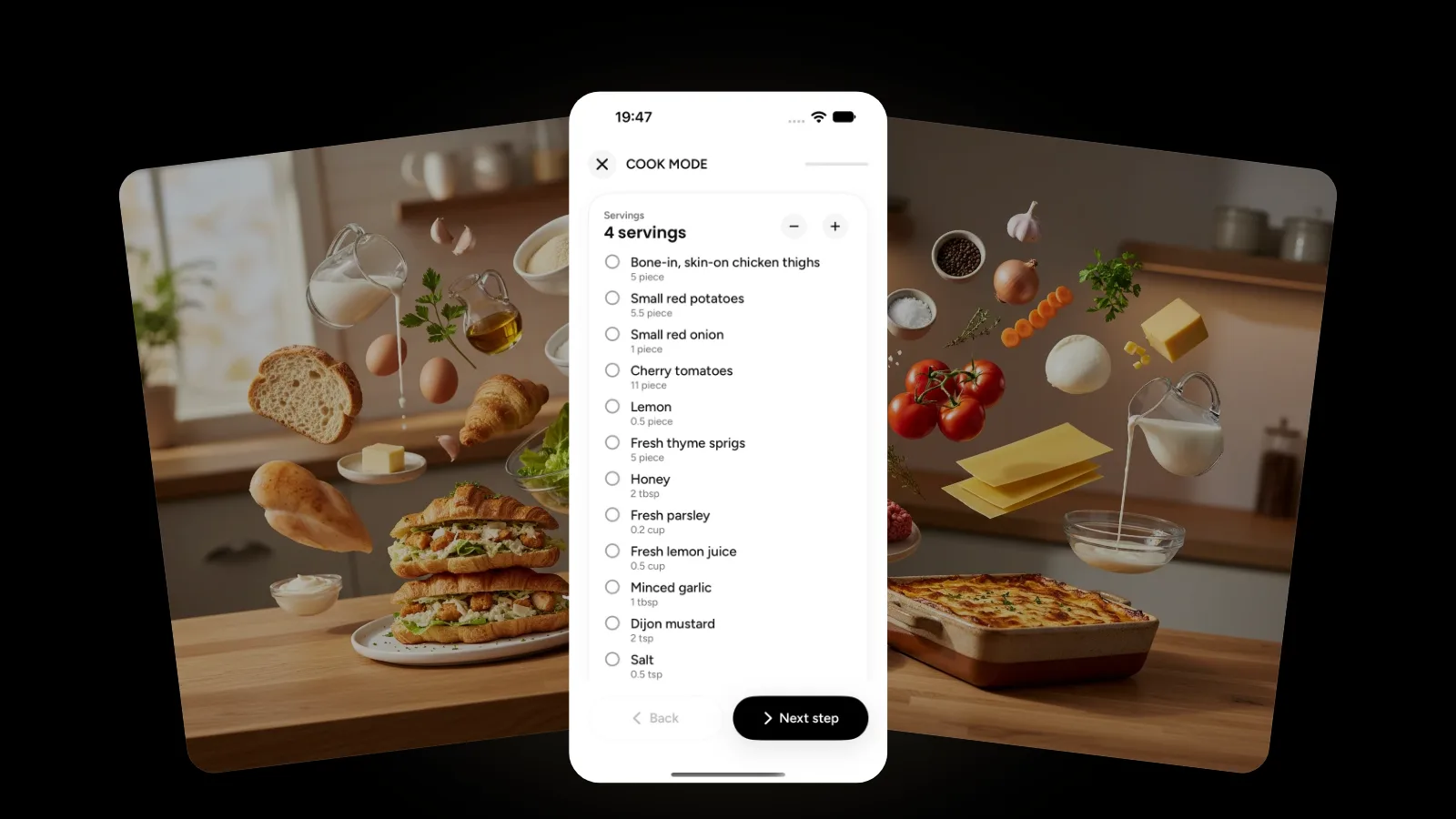
From there, Cook Mode walks you through one step at a time with timers and a tickable ingredient checklist, and you can scale the servings up or down while every amount recalculates. Plate has no ads and no ad trackers. Its nutrition numbers are AI estimates, not medical or dietary advice.
Paste a link takes cooking videos too: see turning a cooking video into a recipe. For bookmarks and screenshots scattered everywhere, read organizing recipes in one cookbook, or browse the Plate category.
A fair way to keep someone's recipe
Saving a recipe for your own kitchen is normal; reposting someone's writing or photos as your own isn't. Keep the link and support the cooks you learn from: visit their site, leave a rating or a comment, or buy their cookbook. The ads and stories you skipped paid for that free recipe.
FAQ
Why do recipe sites have so many ads?
Free recipe sites commonly earn money from display ads, which pay for the recipe you read for free. Longer posts leave more room for them. If the ads get in the way, the recipe card's Print button or Safari Reader gives you a cleaner view.
Is it legal to save a recipe from a blog for myself?
For your own kitchen, generally yes. The U.S. Copyright Office says a mere listing of ingredients isn't protected, though substantial written explanations or a cookbook may be. Keep your copy private, credit the source and don't republish the writing. This isn't legal advice.
Does Safari Reader work on every recipe site?
No. Apple describes Reader as available on supported websites, so some pages won't offer it. Then try the recipe card's Print button, search the page for "ingredients", or save the recipe to an app.
How do I save a recipe from a website to Plate?
Tap Paste a link, the first option on Plate's Capture screen, or share the page from Safari. Plate writes a structured recipe into your cookbook. Compare it with the original before you cook, and keep the source link yourself.
Get started
Next time a recipe page makes you scroll, try Jump to Recipe first, and save the dishes you'll cook again. Plate is free to start on the App Store, and the Plate page shows everything else it can do.