PosturaDesk habits9 min read
How long should you stand at a standing desk each day?
Experts suggest building up to 2 hours a day of standing and light activity at work, then 4. Here is a sit-stand schedule, desk setup and what to avoid.
Build up to about 2 hours a day of standing and light activity, such as light walking, during working hours, then work toward 4 hours. That is the advice of a 2015 expert statement in the British Journal of Sports Medicine. Spread the time across the day and switch often: standing still for hours brings problems of its own.
This guide covers what the research measured, how often to switch, how to set the desk height and a build-up plan for beginners. It ends with how Postura, our app for posture checks and stretch breaks, can remind you to stand up and walk. This is general information, not medical advice. If standing brings pain, swelling or numbness that does not settle, see a doctor.
How long should you stand at a standing desk?
Aim for a daily total, not one long stretch. In 2015, an international group of experts published a statement in the British Journal of Sports Medicine, The sedentary office, with guidance for desk-based jobs. Workers should first progress toward 2 hours a day of standing and light activity, such as light walking, during working hours. Later, they should build up to a total of 4 hours a day, scaled down for part-time hours. To get there, the experts suggest breaking up seated work regularly with standing work, sit-stand desks or short active standing breaks. Notice what those numbers include: walking counts, and the hours add up across the day. In an 8-hour day, 2 hours works out to about 15 minutes in every hour, and 4 hours is half the day. The authors are open about the limits. Their advice rests largely on observational studies and short-term trials, so they present it as initial guidance for future research to refine.
Is standing better than sitting at work?
Standing is not a cure on its own, but a standing desk does cut sitting time, at least in the first months. In 2018, a Cochrane review, Workplace interventions for reducing sitting at work, pooled 34 studies with 3,397 participants. Sit-stand desks reduced sitting at work by an average of 100 minutes per workday at up to 3 months, compared with ordinary desks.
The effect was smaller over longer follow-up: 57 minutes a day in two studies that ran 3 to 12 months. The authors rated the evidence as low quality, and found no significant difference between fixed standing desks and sit-stand desks.
| Review | Studies | Less sitting at work |
|---|---|---|
| Cochrane (2018) | 34 studies, 3,397 people | About 100 minutes a day at up to 3 months, 57 at 3 to 12 months |
| Human Factors (2025) | 12 studies | 88 minutes a day at 3 months, 48 at 12 months |
Why does sitting less matter? The 2015 statement says prolonged sitting, at work and in leisure time, may significantly and independently raise the risk of cardiometabolic disease and premature death, while noting the evidence is largely observational. Our guide to sitting all day looks at that research, and lower back pain from sitting covers what standing desks do for backs.
Can you stand too much at work?
Yes. The Canadian Centre for Occupational Health and Safety (CCOHS) says in its fact sheet Working in a Standing Position that standing "by itself poses no particular health hazard." Working on your feet on a regular basis, though, "can cause sore feet, swelling of the legs, varicose veins, general muscular fatigue, low back pain, stiffness in the neck and shoulders, and other health problems."
Prolonged standing without some relief by walking, CCOHS explains, lets blood pool in the legs and feet. Its first principle for standing work is to "change working positions frequently so that working in one position is of a reasonably short duration." That applies to a desk you raise in the morning and never lower.
Signs you have stood too long:
- Sore or aching feet
- Heavy or swollen legs
- A tired lower back
- Stiffness in your neck and shoulders
When they show up, sit down or take a short walk. If leg swelling or pain keeps coming back, see a doctor.
How often should you switch between sitting and standing?
Often, though no study has fixed an exact interval. The 2015 expert statement says to break up seated work "regularly," and CCOHS says to change positions "frequently." The Cochrane review found one study on timing: breaks of one to two minutes every half hour cut sitting at work by 40 minutes a day, compared with two 15-minute breaks.
A workable rhythm is to change position at least once an hour and move your feet each time. For the research on short pauses, see micro breaks at work.
Reminders seem to help. In 2023, a network meta-analysis of 23 randomized trials with 1,428 office workers found that sit-stand desks combined with promotion, such as reminders of rest breaks or posture variation, cut sitting at work more than the desk alone. The certainty of the evidence was low.
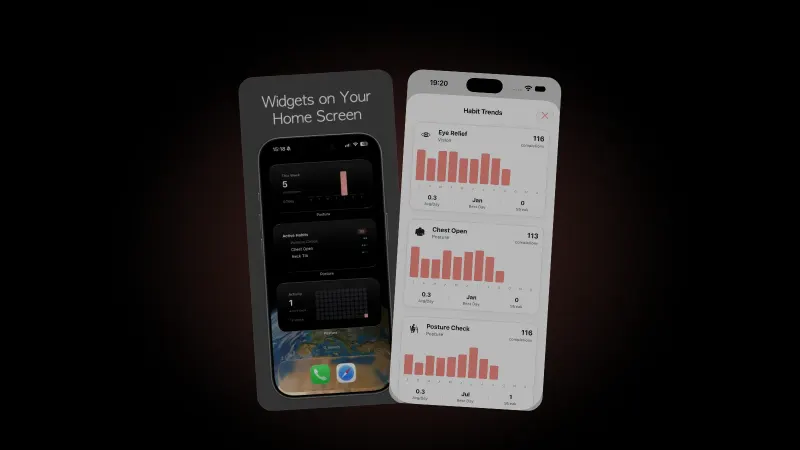
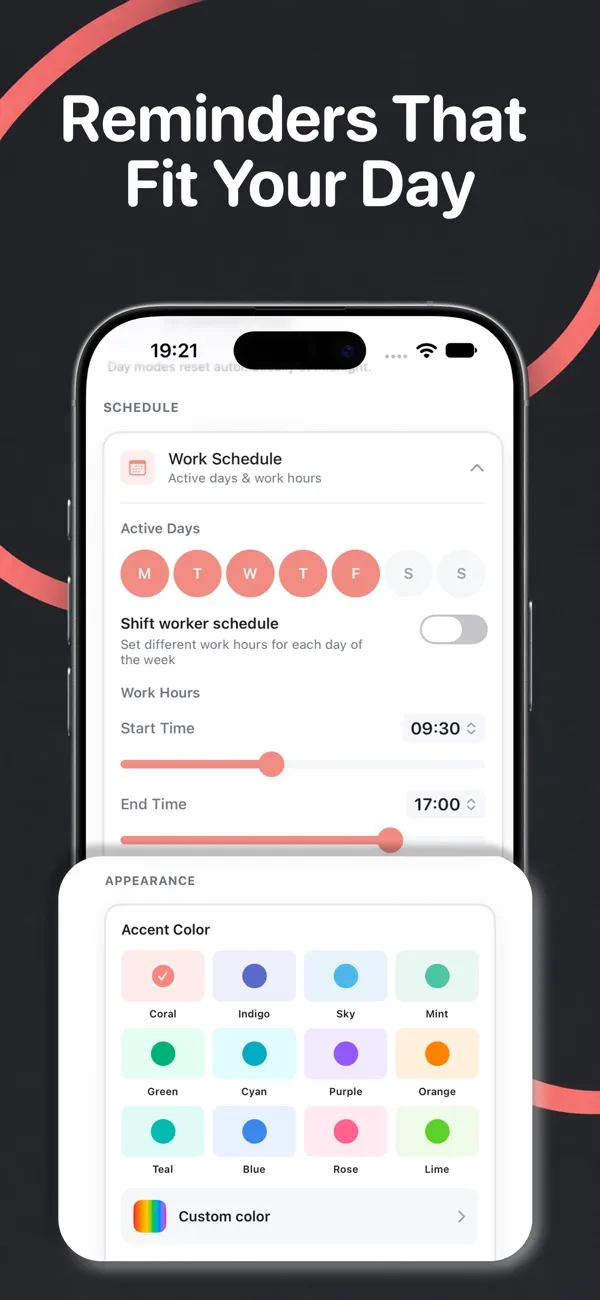
Postura can be that prompt. Its Stand Up habit says "Stand up and stretch your legs for 30 seconds," and Short Walk, a 60-second habit, says "Take a quick walk around your space." Reminders arrive only inside your work hours and active days. On iPhone, setup picks a reminder intensity from your screen hours: Gentle sends up to 4 reminders a day, Balanced up to 6 and Active up to 9. With "Pause when completed" on, a habit stops reminding you once you meet its daily goal. Postura does not detect whether you are standing; you mark the habit done.
How do you set up a standing desk?
Set the height from your elbows. The UK Health and Safety Executive's guide to good posture with display screen equipment puts the keyboard just below elbow height and the top of the screen level with your eyes, about an arm's length away. HSE shows a seated desk, but the same points work standing, and CCOHS also uses elbow height as the guide for standing work.
- Desk height. Stand tall with relaxed shoulders and raise the desk until the keyboard sits just below elbow height. If you have to shrug to type, it is too high.
- Screen and mouse. Top of the screen level with your eyes, straight ahead, mouse in line with your elbow. On a laptop, HSE suggests a separate keyboard and mouse so the screen can go on a riser.
- Feet. CCOHS suggests a footrest to shift your weight from one leg to the other, and shoes with arch support.
- Floor. Cover hard floors with a mat, but not a thick foam-rubber one: CCOHS says too much cushioning can cause fatigue.
- Chair. Keep it within reach. CCOHS says even standing jobs should come with a seat.
When you lower the desk again, run the seated checks in how to sit at a desk properly.
How do you build up standing time as a beginner?
Start small and add time over weeks, as the 2015 statement frames its targets: first 2 hours, then 4. The steps below are our example for an 8-hour workday, not a plan tested in a study.
| Stage | Standing and light activity per day | One way to spread it |
|---|---|---|
| Getting started | About 1 hour | 15 minutes on your feet, 4 times across the day |
| First target | 2 hours | About 15 minutes in every working hour |
| Long-term target | 4 hours | About 30 minutes in every working hour, some of it walking |
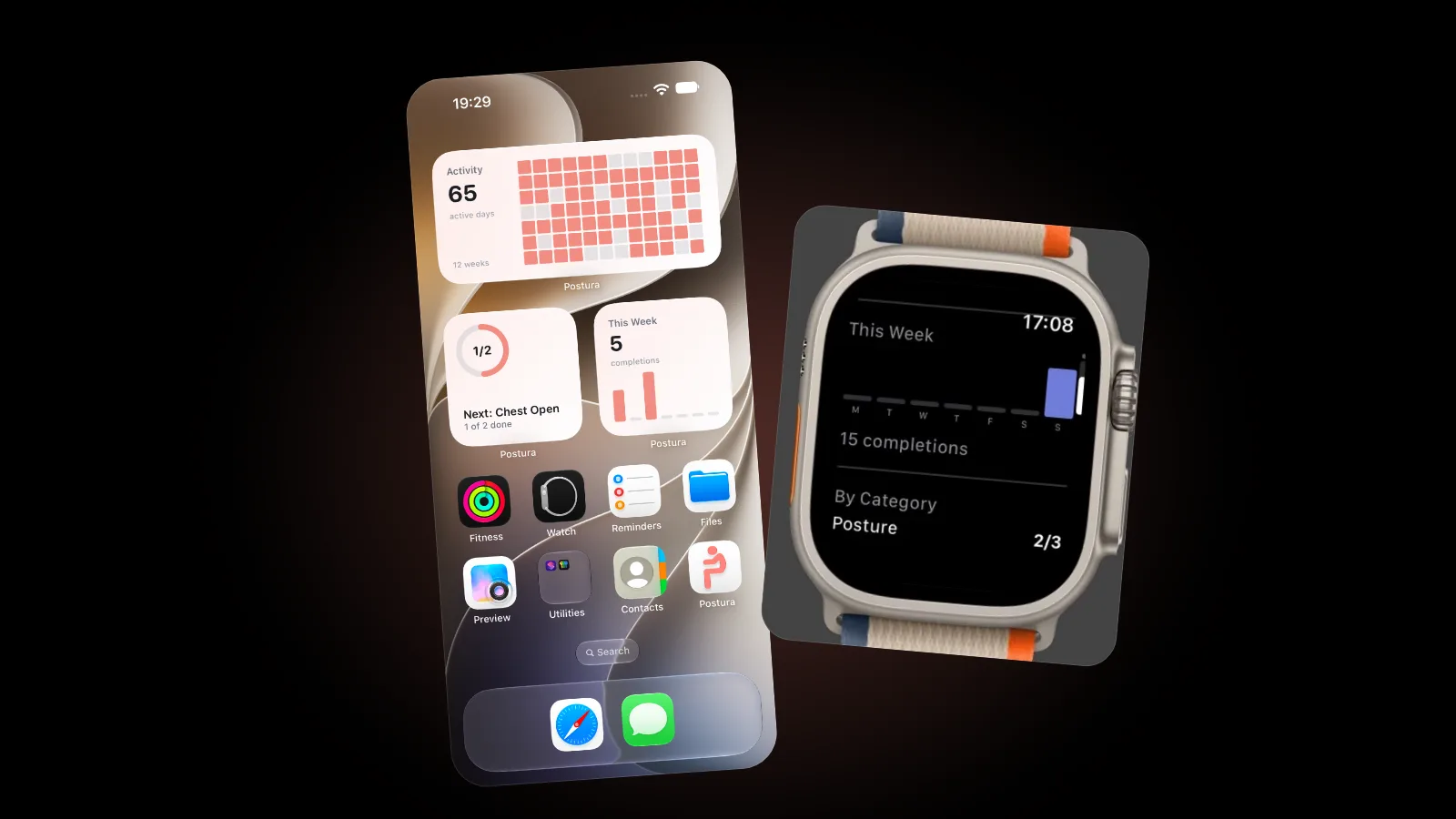
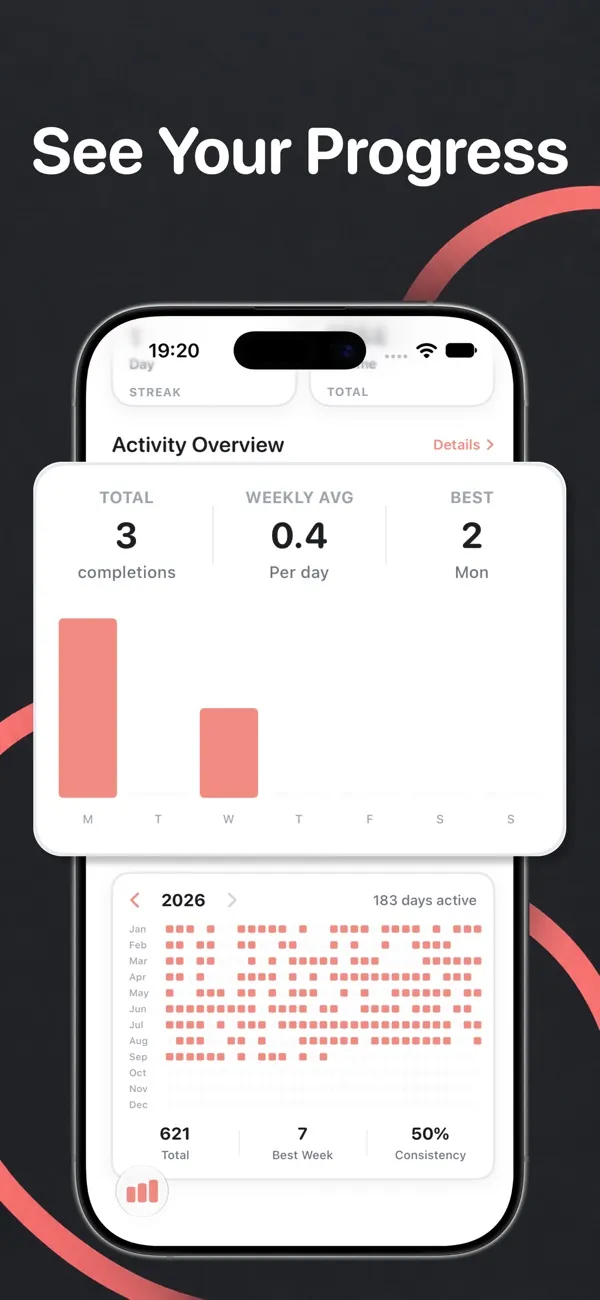
Move up a stage only when the current one feels easy on your feet and legs. Tie standing to things you already do, such as calls or reading, so it takes less willpower; see how long it takes to form a habit. Postura's progress views count completed habits by day, week and year, so you can see whether the breaks happen.
What if you do not have a standing desk?
You can still work toward the same targets. The 2015 statement lists short active standing breaks alongside sit-stand desks, and its 2-hour goal includes light walking.
- Stand up for phone and video calls.
- Read long documents on your feet.
- Use a printer or water point that is farther away.
- Take a short walk between meetings.
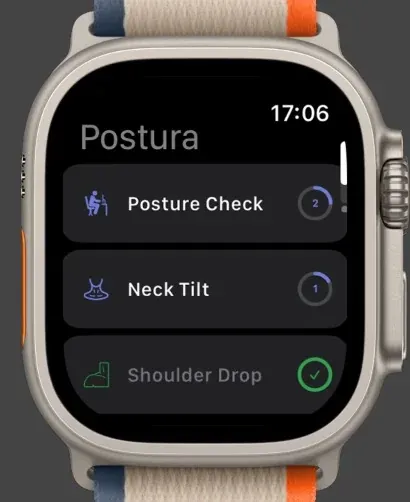
The Cochrane review found no studies testing standing or walking meetings, so treat them as worth a try, not a proven fix. Postura also has an Apple Watch app, which puts your habits on your wrist.
FAQ
What is a good sit-stand ratio?
No study has proven one best ratio. In an 8-hour day, the 2015 expert statement's first target of 2 hours works out to about 1 part standing and moving to 3 parts sitting, and its 4-hour target to about 1 to 1. Both include light walking.
Is it bad to stand at a standing desk all day?
Standing still all day trades one problem for another. CCOHS says regular standing work can cause sore feet, swollen legs, varicose veins, muscle fatigue and low back pain. Its advice is to change working positions frequently, so keep switching between sitting, standing and walking.
Do you need an anti-fatigue mat?
It helps on hard floors. CCOHS recommends covering concrete or metal floors with mats, with slanted edges to help prevent trips. It warns against thick foam-rubber mats, because too much cushioning can cause fatigue and raise the risk of tripping.
Can Postura tell when I am standing?
No. Postura does not detect whether you are sitting or standing. It sends reminders for habits such as Stand Up and Short Walk inside your work hours, up to 9 a day across all habits on Active intensity, and you mark each one done.
Get started
Postura is free to download on the App Store for iPhone and Apple Watch, and on Google Play for Android, with an optional Pro subscription. Turn on Stand Up and Short Walk in the Habits tab, set your work hours and let the reminders do the remembering. Postura is not a medical app; it is a gentle way to build better desk habits. See everything it does on the Postura page or read more Postura articles.